
Swimwear
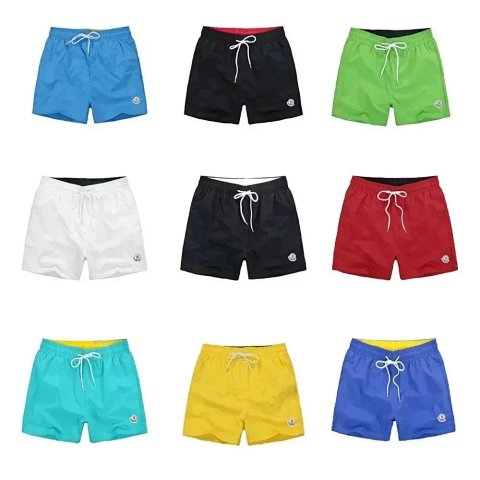
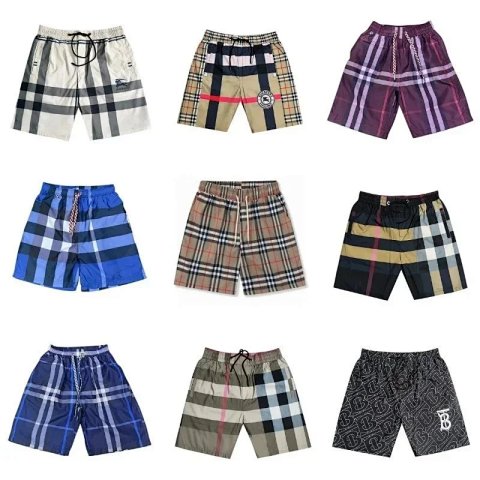
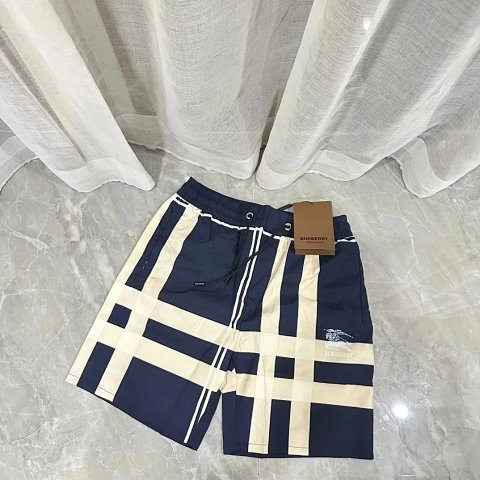
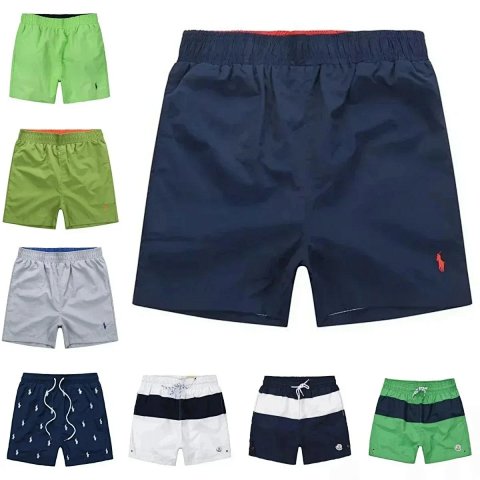
Swimwear references can vary in cut, coverage, straps and the number of included pieces. Start by checking what the selected source option describes, then read the chart and any explicit adjustment details. Open the product page to match the chosen colour or pattern with its image and reference ID. A styled photo does not establish fit, lining or how a fabric behaves when wet. If two pieces are shown, confirm whether sizes are selected together or separately. Keep unresolved sizing and construction questions in your notes rather than using a similar-looking product's details to fill gaps in the record.
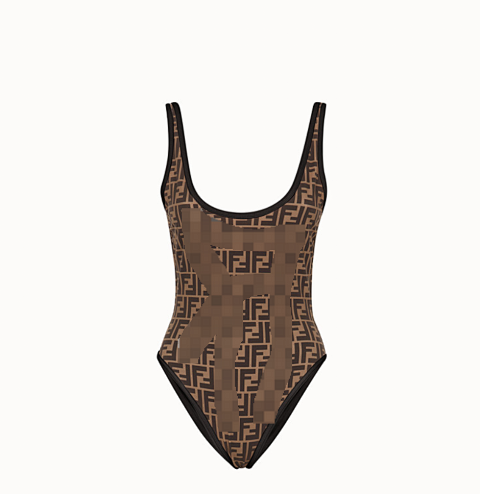
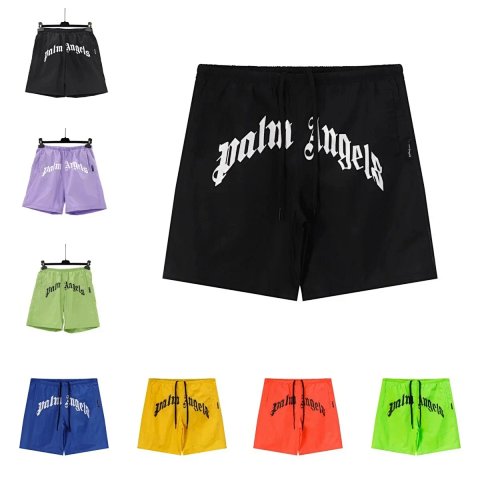
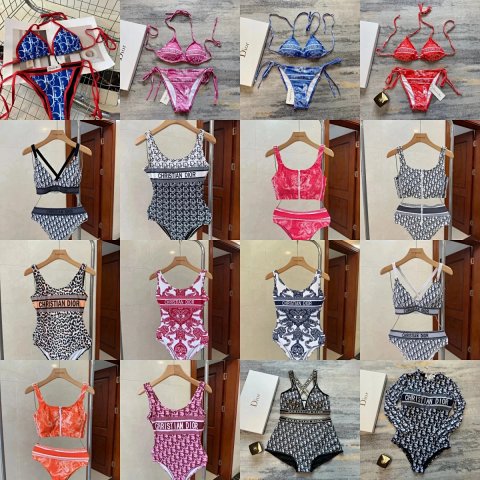
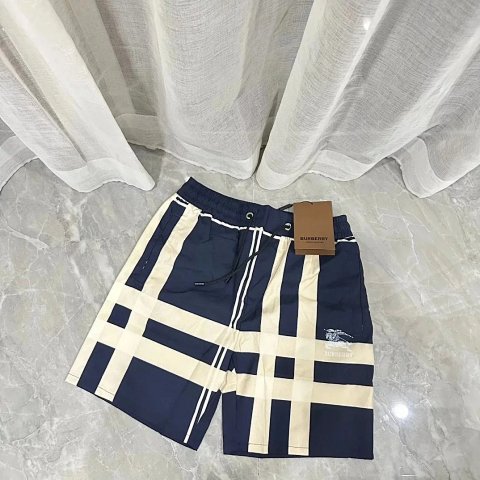
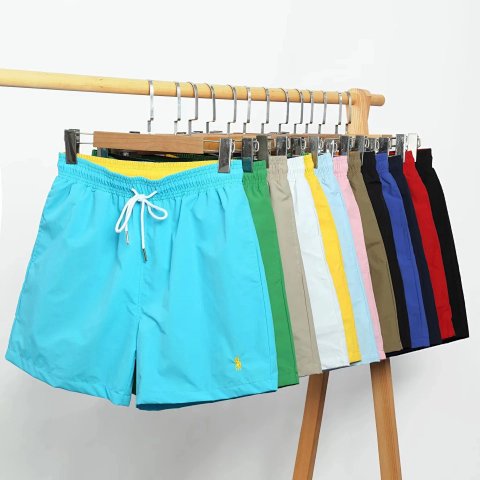

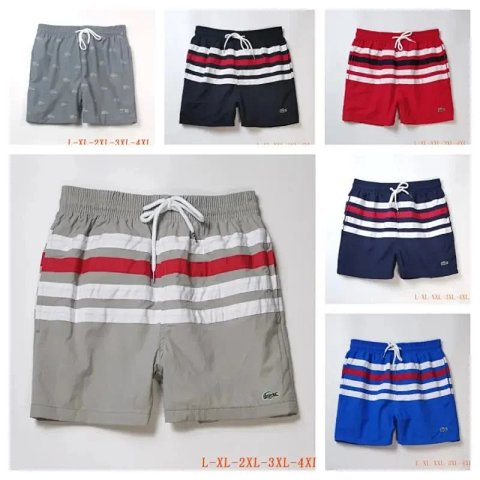
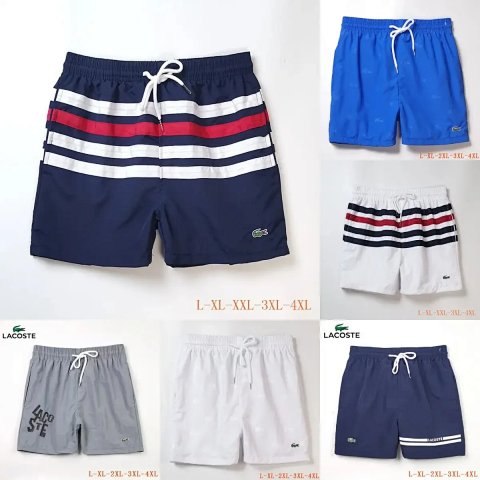
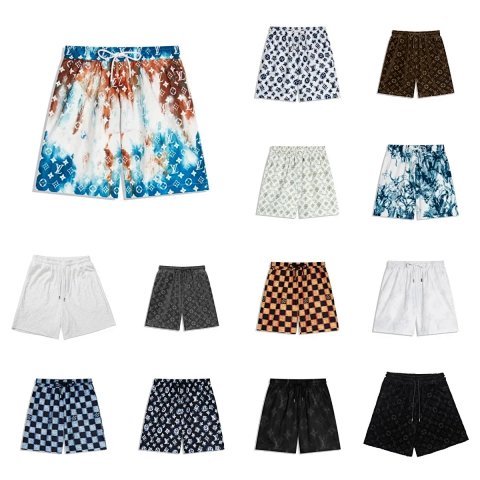
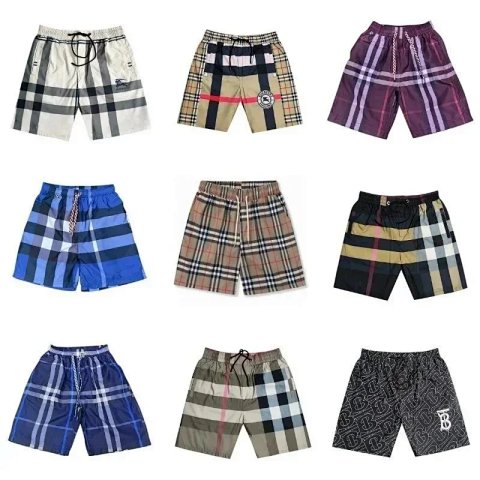
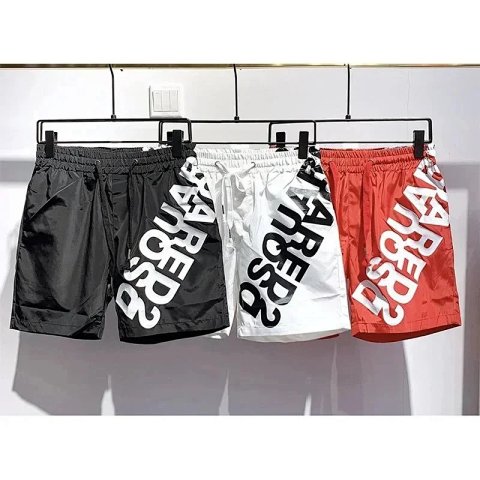

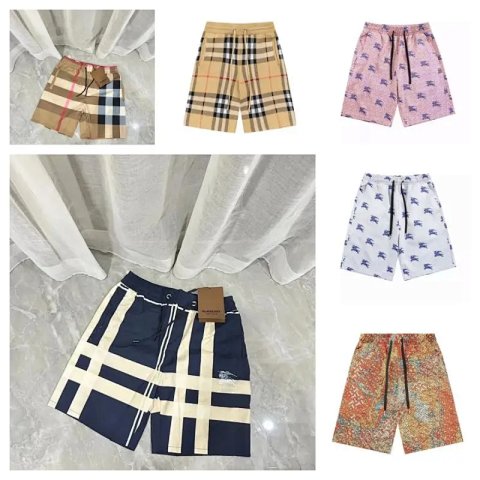
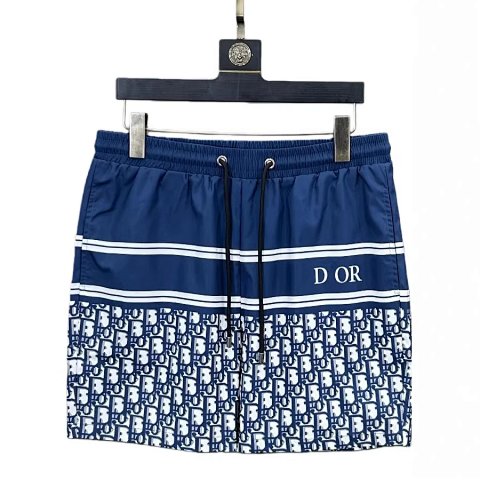
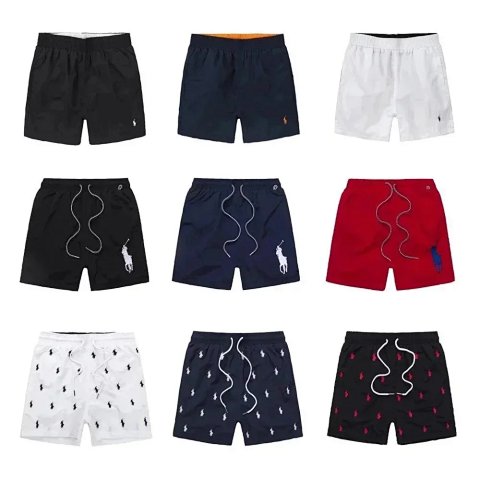
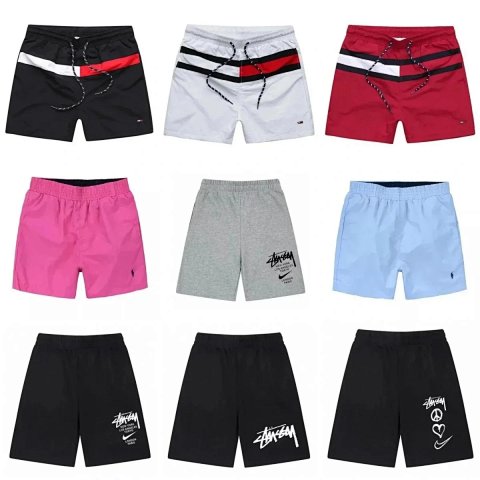
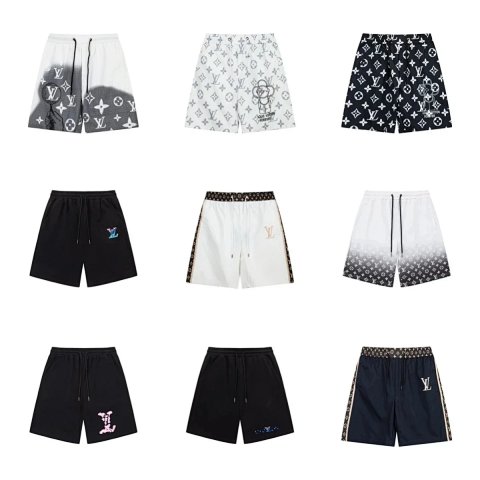
Louis Vuitton Monogram & Graffiti Print Swim Shorts
View Product →$27.64USD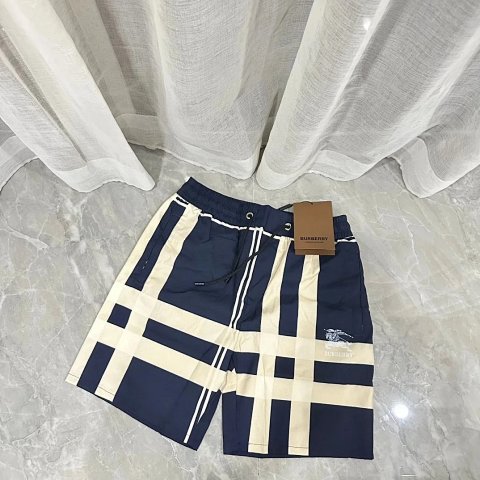
Researching Swimwear
Check the exact configuration
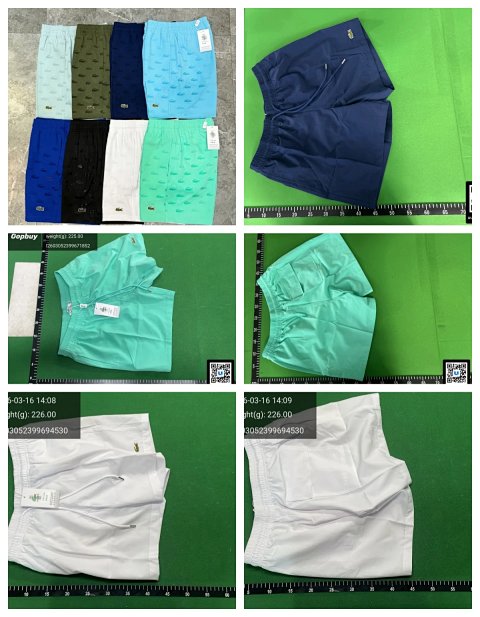
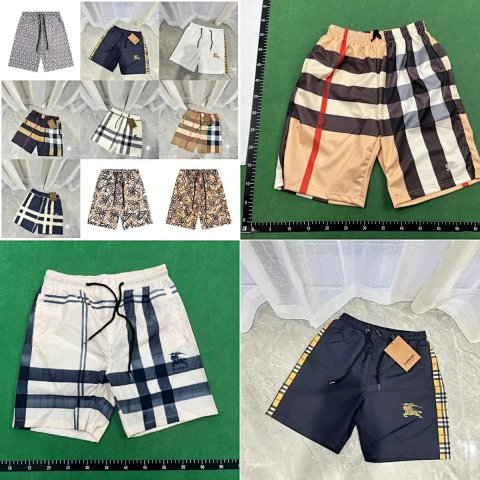
QC images should show the requested pieces and visible closures. Ask for lining or reverse views when necessary, and compare pattern placement to the selected variant instead of the whole collage.
Use this category in the Spreadsheet finder →
Related subcategories
Related guides
How to Compare Spreadsheet Listings
Compare two or three product references using the same options, price context, measurements and source details before choosing your next step.
Read guide →Catalog Photos vs QC Photos
Tell catalog, warehouse QC and user photos apart so you use each image for the decision it can actually support.
Read guide →Related categories
Research notes updated