
Catalog Photos vs QC Photos
Tell catalog, warehouse QC and user photos apart so you use each image for the decision it can actually support.
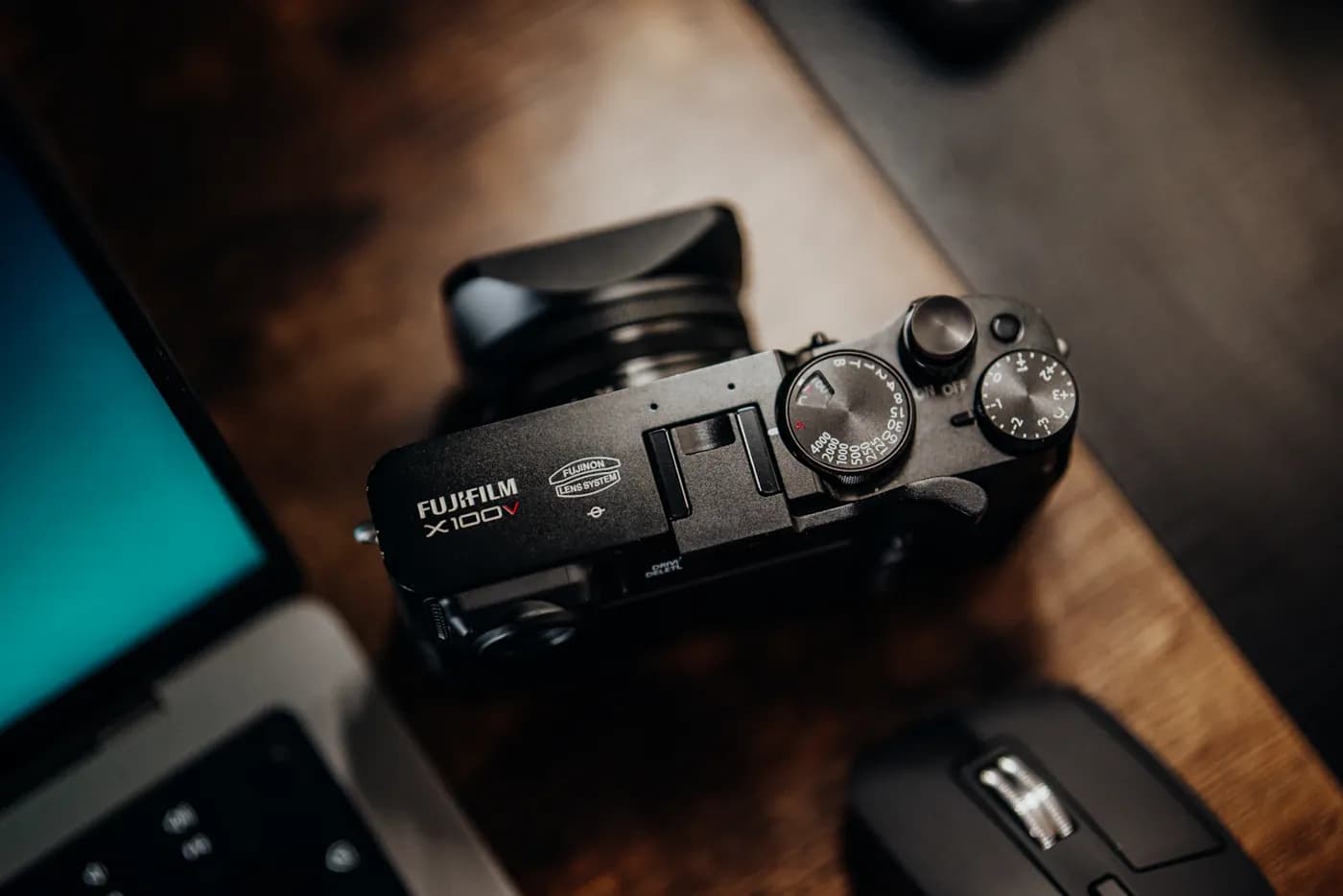
Before comparing a photo, ask what item and record it belongs to. A seller's catalog image, a warehouse photo of a received order and a buyer's own picture can look similar while answering different questions.
Three photo types
| Photo type | Useful for | Check its connection to |
|---|---|---|
| Catalog or album | Finding a design, visible option or product clue | The source entry and gallery context |
| Warehouse QC | Reviewing visible details of a received item | Your actual order and selected options |
| User photo | Understanding the experience that person documented | Their original post, item context and date |
A familiar background, filename or copied image does not establish the order relationship.
Read a catalog gallery before ordering
The reference 23004 product page is a directory example. Its stored image shows a catalog reference, not a pair inspected for your order.
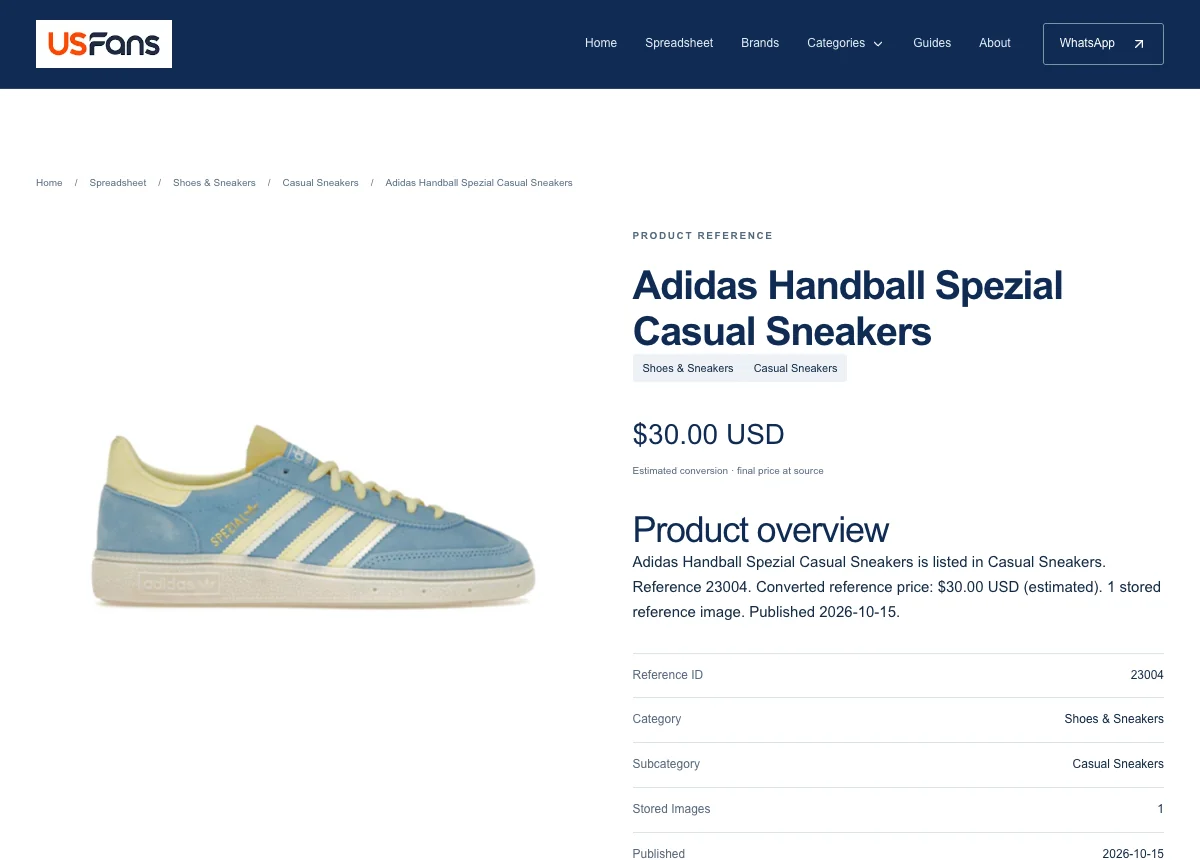 Live directory reference 23004, captured 17 October 2026. Catalog image and estimated USD amount; confirm the selected option and current source price.
Use that image to decide what to investigate: shape, visible wording, colour or a particular option. Then compare the actual source and selected variation.
If several styles appear in one gallery, identify which photograph belongs to your option. A picture of every offered colour is not a picture of what you selected.
Read QC after the received item is identified
Match the warehouse record to the order first. Then use overview images, labels, close-ups and requested measurements to inspect the visible unit.
For a hypothetical hoodie order, a seller's size chart describes offered dimensions. A warehouse image with a readable tape can show the received garment's measurement under that method. A user's fit photo describes a different person's experience.
The QC checklist turns these distinctions into specific clothing and footwear checks.
Keep user photos with their attribution
Save the original discussion or review URL and read the context. A user may describe their size, order date or parcel experience; those details help explain their image.
Treat their opinion as their opinion. Do not turn it into your own purchase story or assume that another source will supply the same version. Permission to view a photo does not automatically give permission to republish it.
Pick the next action from the photo context
- Catalog image: identify the option and compare sources.
- Order-specific QC: inspect the received unit and record a decision.
- User image: read the original context and extract a question worth checking.
- Unknown origin: record “photo context unknown” until you can establish the relationship.
Photos have limits even when correctly attributed. They cannot prove hidden construction, long-term comfort or authenticity. For damage discovered after delivery, use the aftercare checklist and keep images of the received parcel with its actual shipment record.
Sources & review notes
- CSSBuy Buy For Me: workflow example ↗official-help
A documented example from CSSBuy, not a USFans service commitment or universal agent policy.
- USFansYupoo current directory and product navigation site-workflow
Current site controls and source navigation reviewed on 17 October 2026. USD amounts are reference conversions.
These references support the stated context. They do not certify a seller, product or future order.
Prepared by USFansYupoo editorial desk. Reviewed by USFansYupoo editorial desk. USFansYupoo is an independent research resource, not the official USFans or Yupoo website and not affiliated with Reddit. SheetsIndex is the owner's separate product-source website. We do not take payment or place orders here.
About this resource