
Dresses
Dress references need several dimensions considered together: bust, waist, hip and length may all affect a comparison. Start with the neckline, sleeve and skirt shape in the photos, then read the actual source chart. Check whether it describes a body measurement or a garment laid flat. Open the product page to match the selected colour or pattern to its image and retain the source ID. A styled photo may include a belt or layer that is not part of the item. Ask about lining, closures and included pieces when the record is unclear instead of inferring them from how the outfit is photographed.
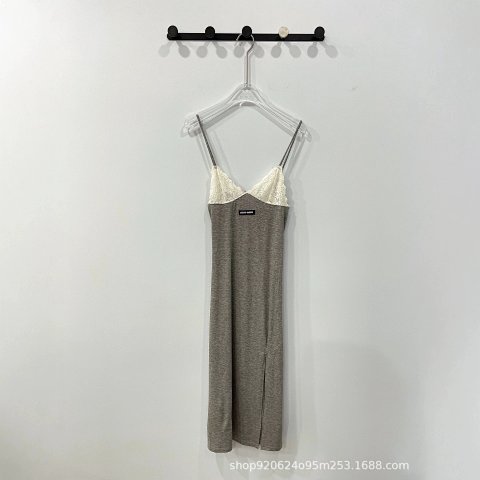
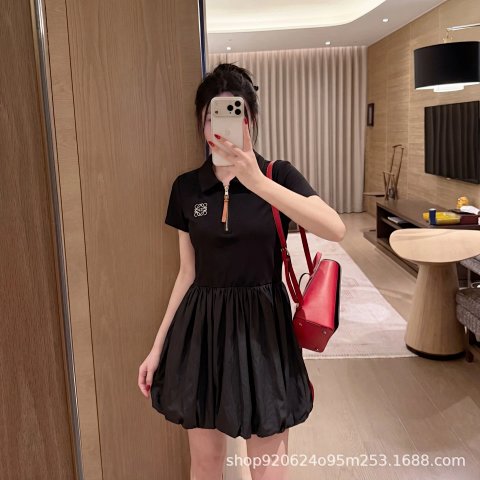
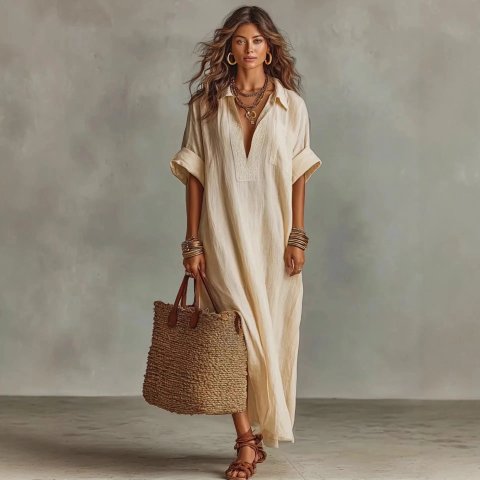
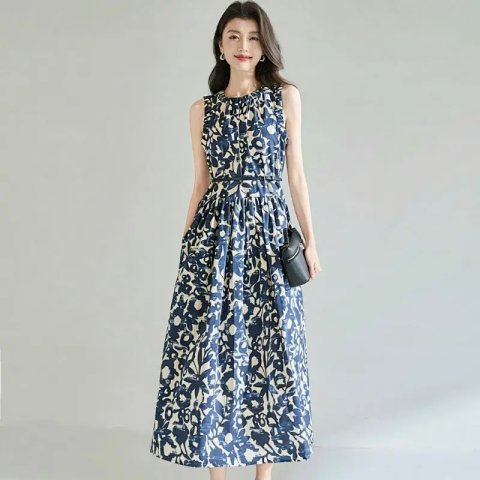
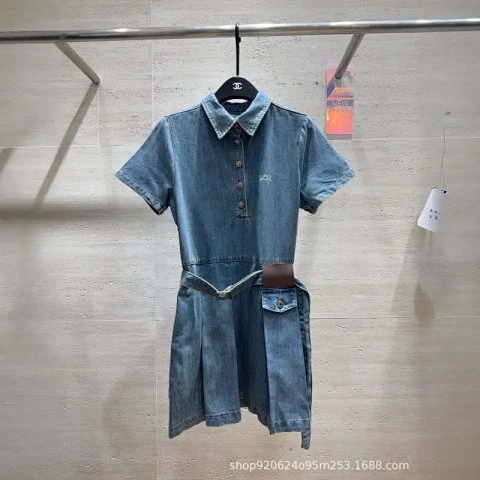
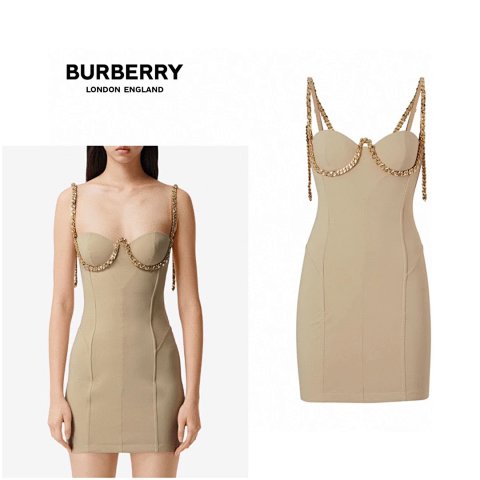
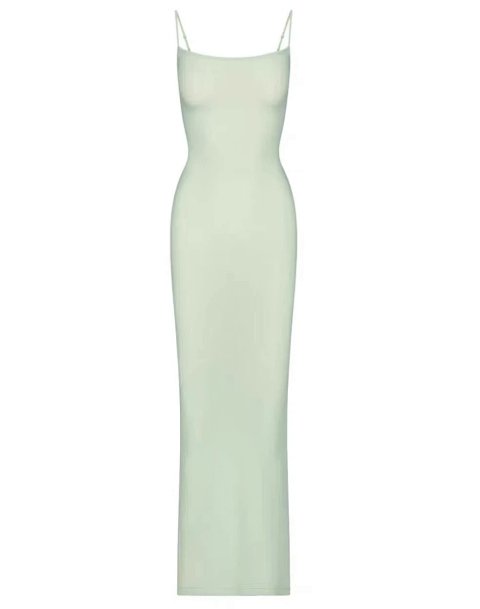
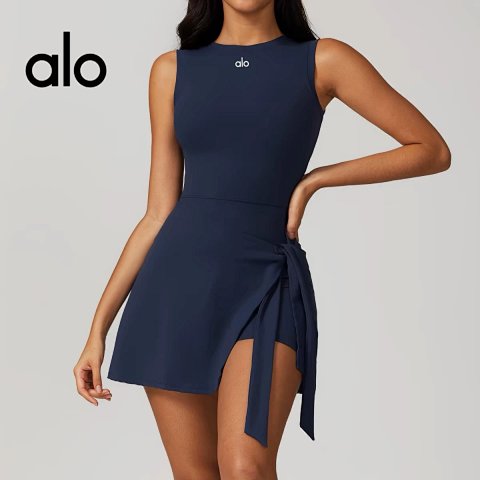
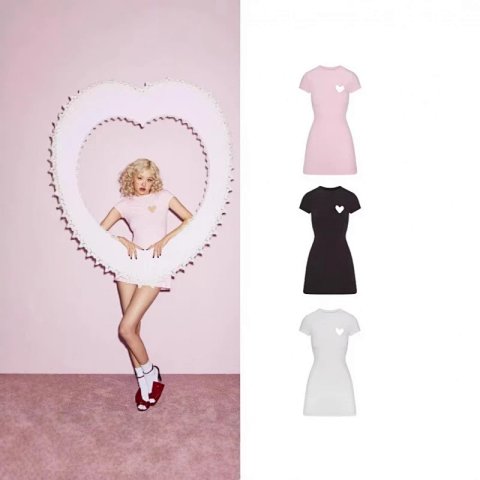
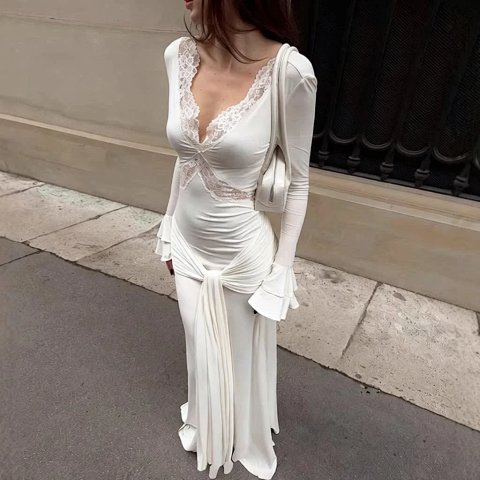
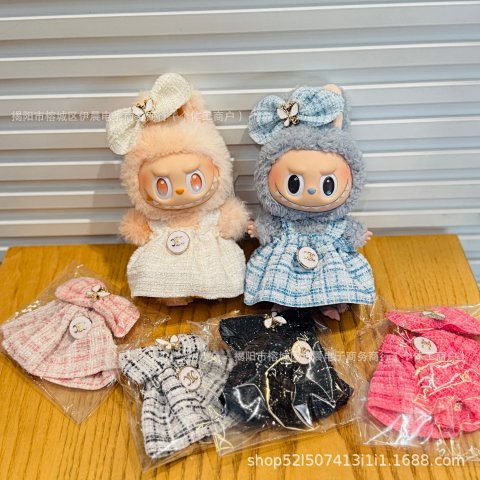
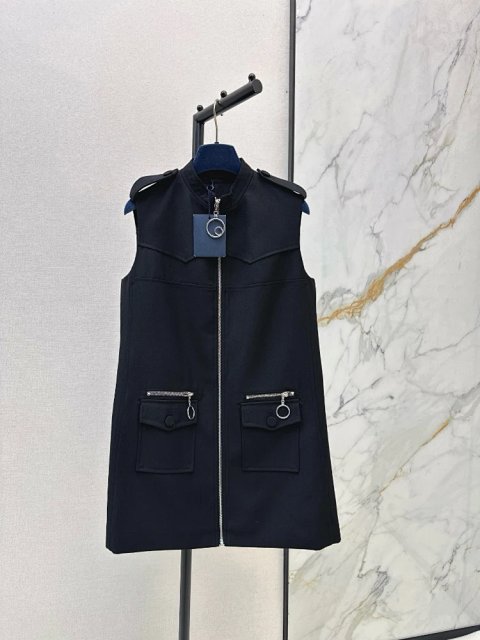
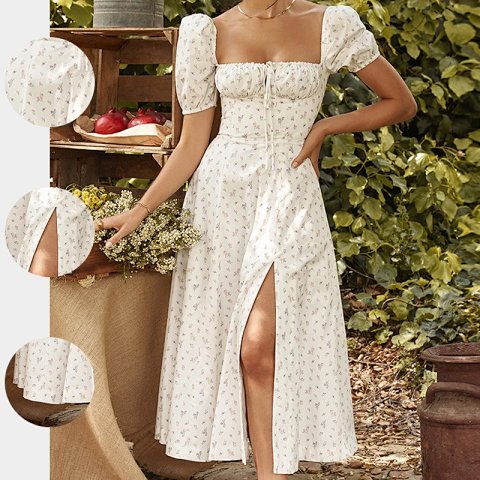
Square Neck Puff Sleeve Ditsy Floral Split Midi Dress
View Product →$17.64USD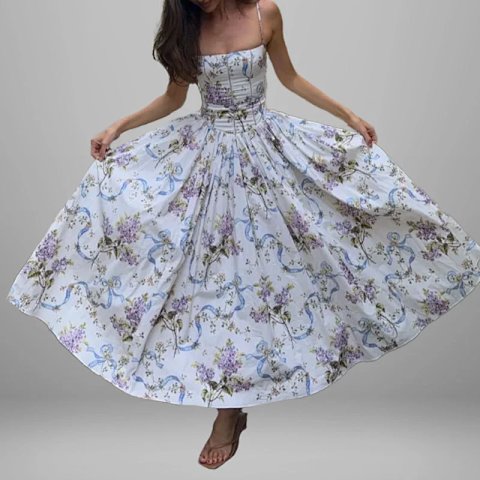
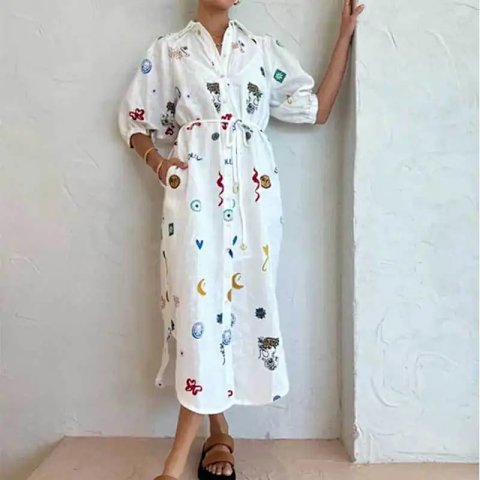
Abstract Print Puff Sleeve Drawstring Waist Shirt Midi Dress
View Product →$24.31USD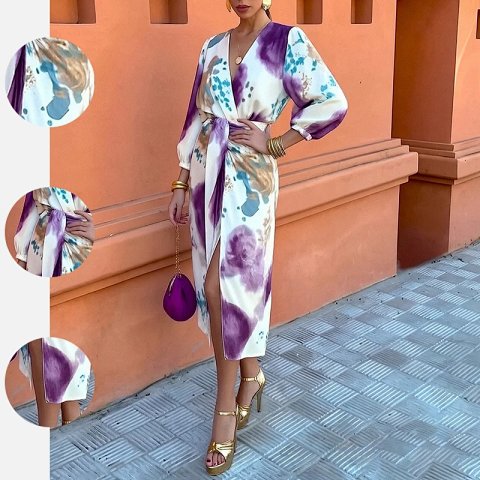
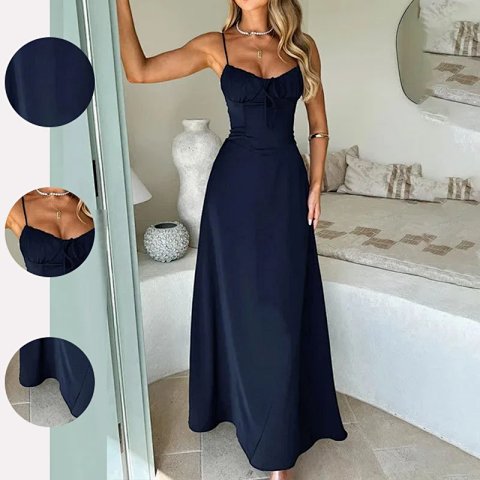
Spaghetti Strap Bow Front Ruched Waist Midi Slip Dress
View Product →$17.57USD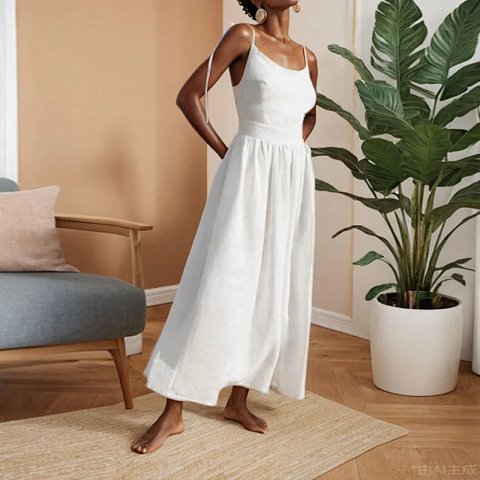
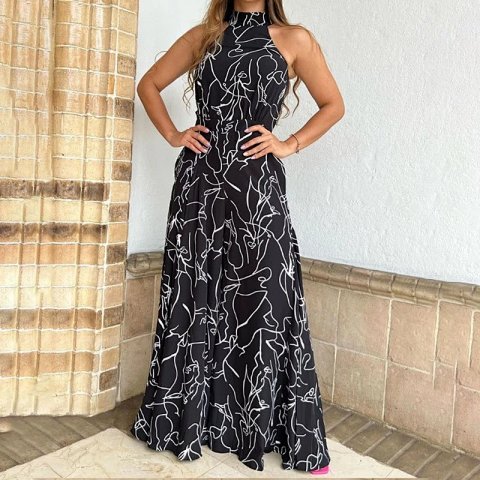
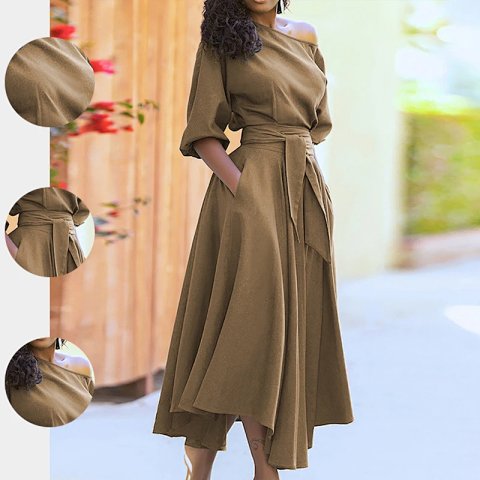
One Shoulder Puff Sleeve Tie Waist Irregular Midi Dress With Pockets
View Product →$25.00USD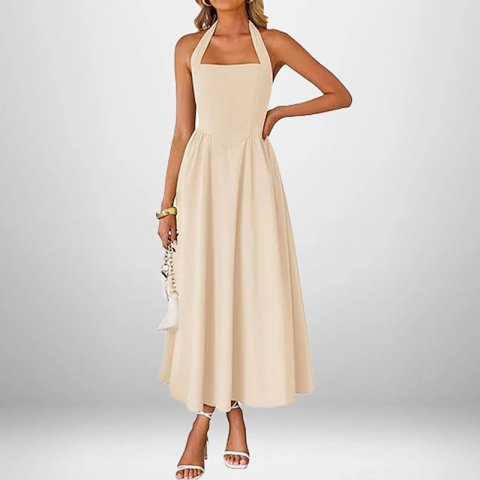
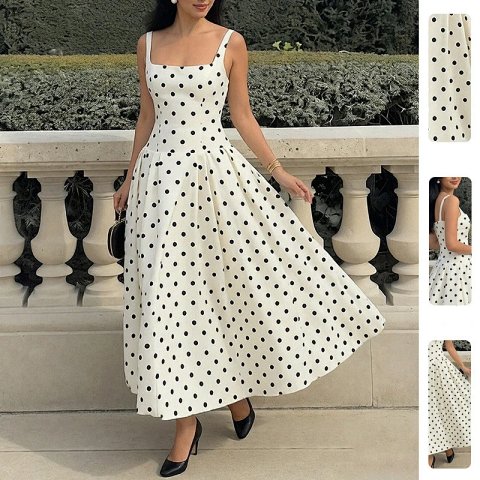
Square Neck Spaghetti Strap Polka Dot Midi Swing Dress
View Product →$26.39USDResearching Dresses
Request the reverse
A back view can reveal a closure, tie or seam absent from the front. Photos cannot settle opacity in every setting, so keep that question separate from visible construction.
Use this category in the Spreadsheet finder →
Related subcategories
Related guides
How to Compare Spreadsheet Listings
Compare two or three product references using the same options, price context, measurements and source details before choosing your next step.
Read guide →Catalog Photos vs QC Photos
Tell catalog, warehouse QC and user photos apart so you use each image for the decision it can actually support.
Read guide →Related categories
Research notes updated