
Lingerie
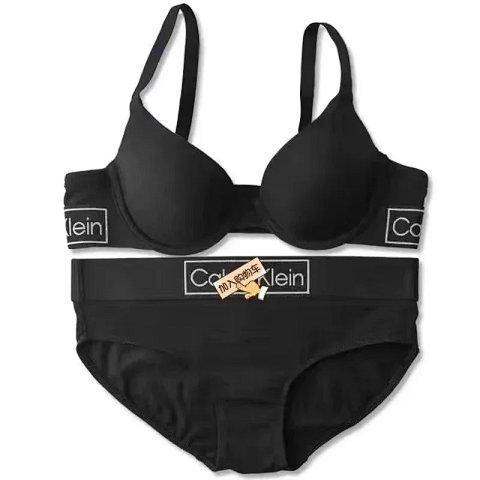
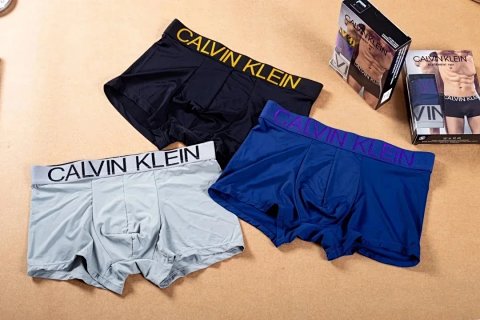
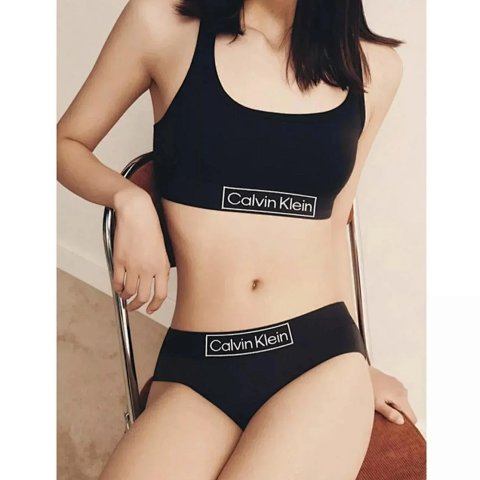
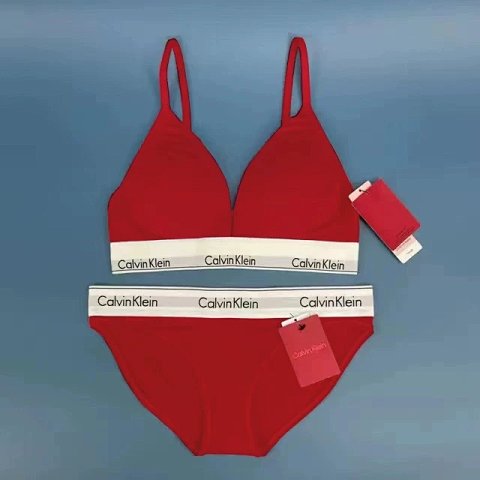
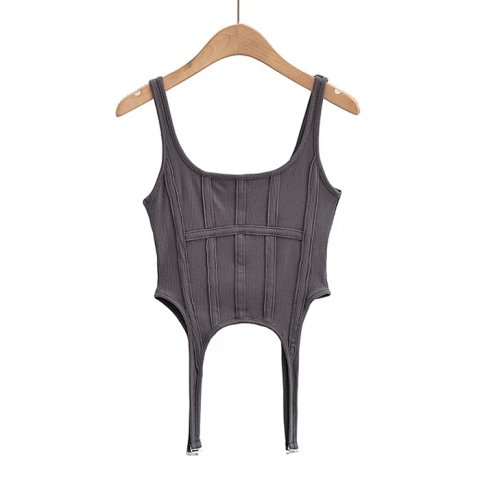
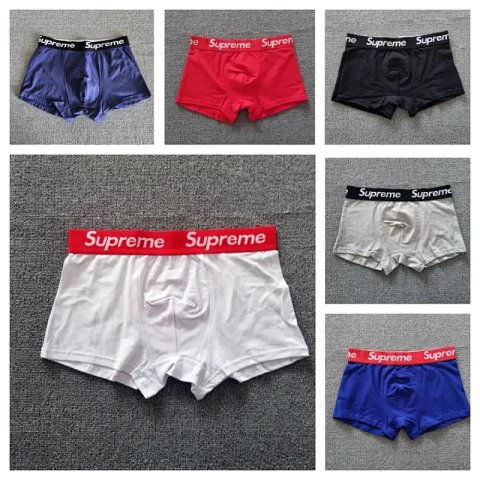
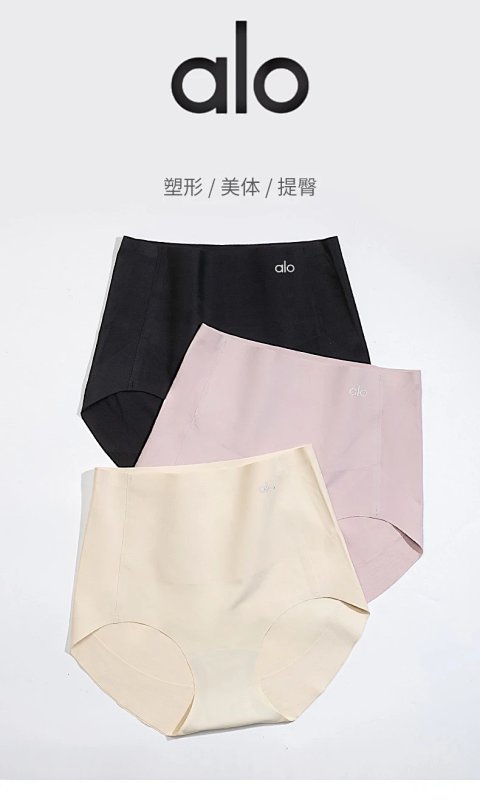
Lingerie references can use sizing systems that do not translate directly into a general clothing letter. Check the source chart, the units and which body or garment measurements it describes. Open the product record to confirm the chosen colour, closure and included pieces, then save the exact reference ID. A coordinated photograph may show more than the selected option contains. Ask about any unclear size combination or adjustable component before making a comparison. Images can show visible seams and construction, but they cannot establish support, comfort or fit. Treat a missing specification as a question for the source rather than an assumption.
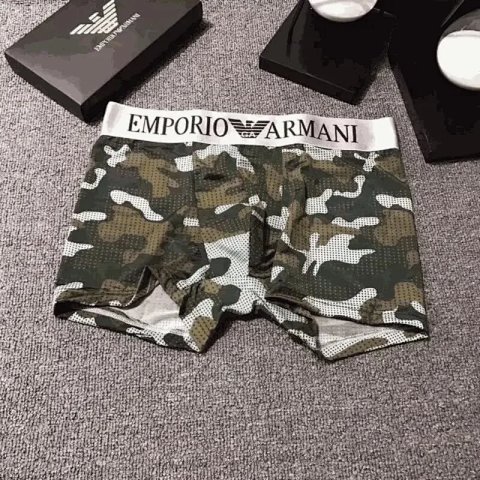
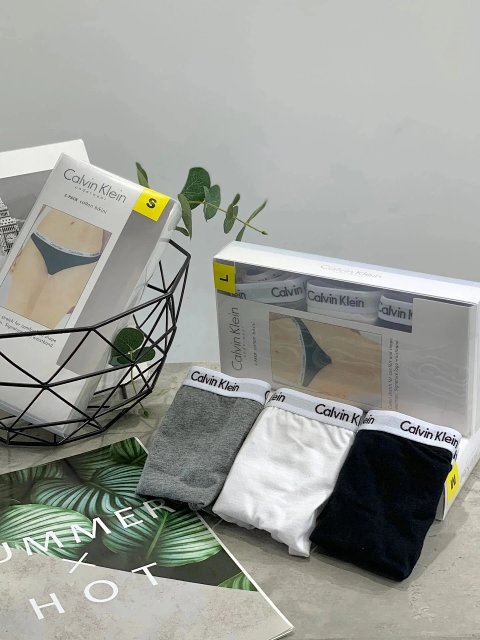
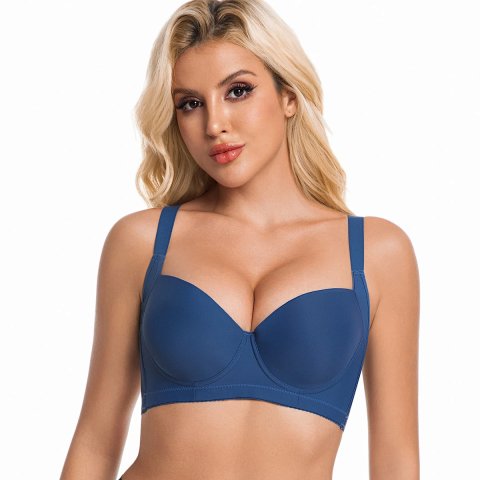
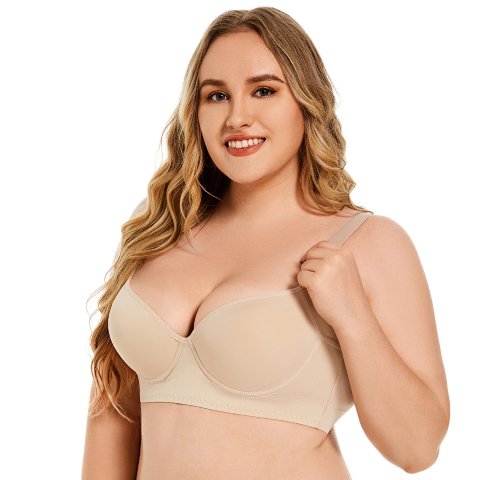
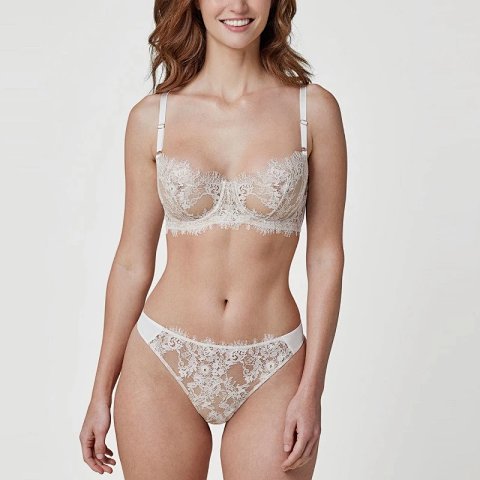
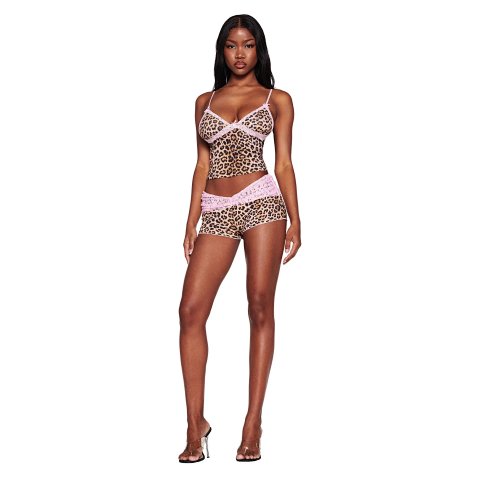
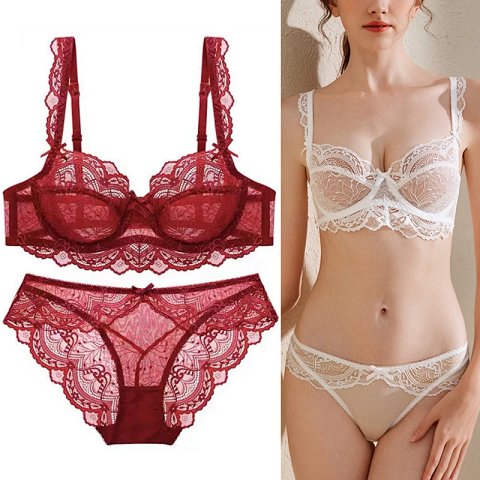
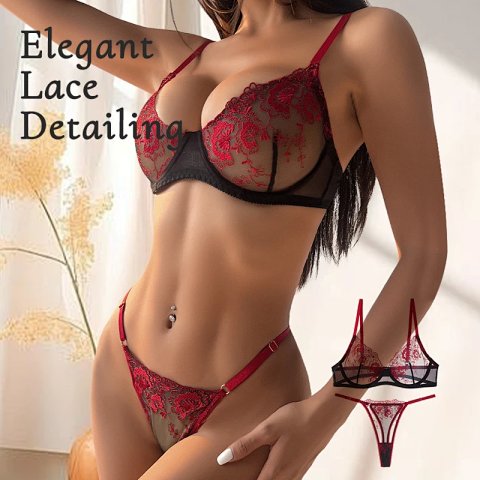
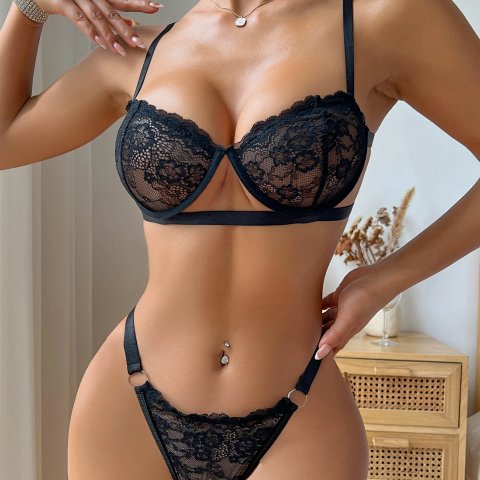
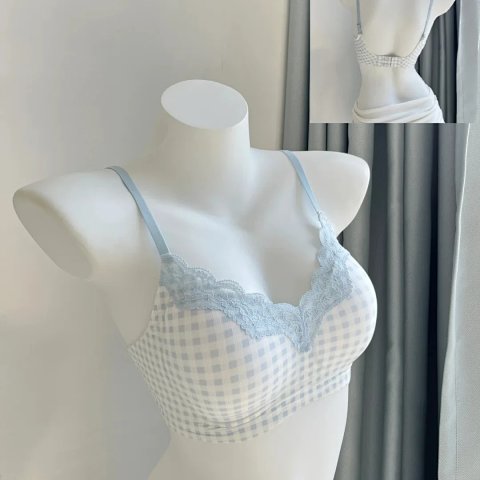
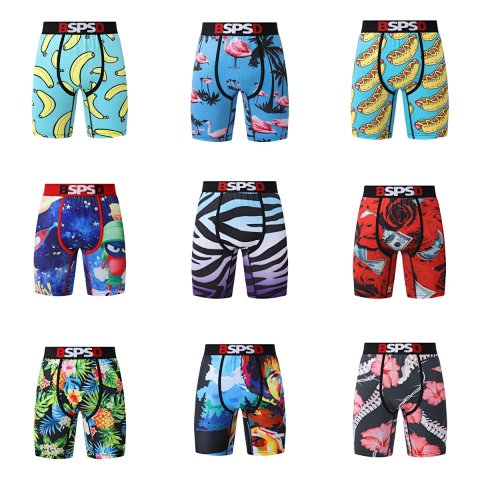
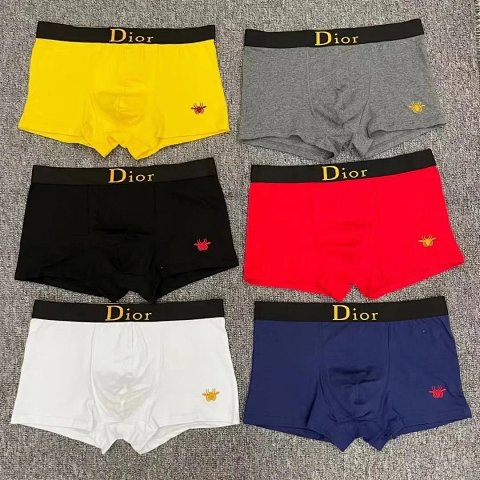
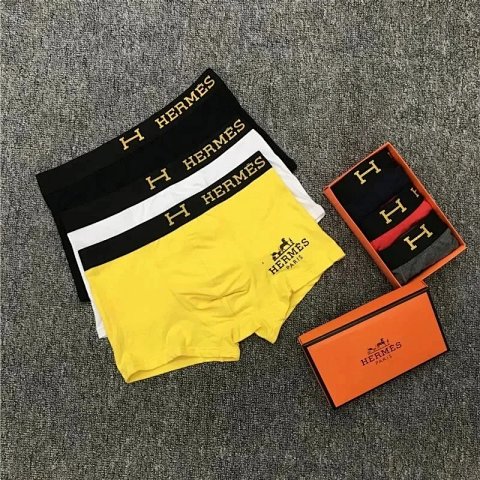
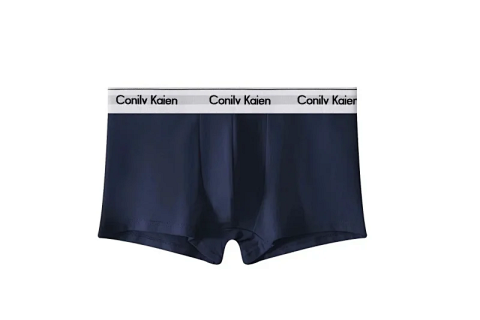
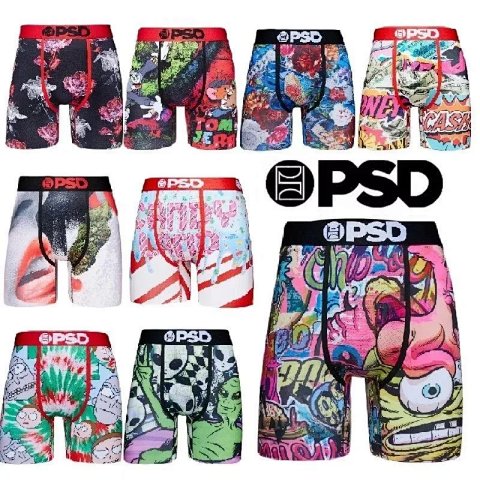
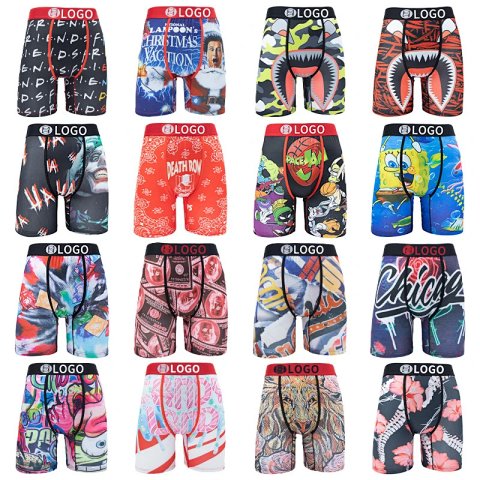
Researching Lingerie
Keep the option unambiguous
Record the complete source size string and a matching image. QC views should identify the requested pieces and closure without substituting a different colour or size combination.
Use this category in the Spreadsheet finder →
Related subcategories
Related guides
How to Compare Spreadsheet Listings
Compare two or three product references using the same options, price context, measurements and source details before choosing your next step.
Read guide →Catalog Photos vs QC Photos
Tell catalog, warehouse QC and user photos apart so you use each image for the decision it can actually support.
Read guide →Related categories
Research notes updated