
Women's Shoes
Women's Shoes spans several footwear shapes in the central catalog. Establish the toe, heel, opening and fastening of the individual reference before comparing it with another shoe. Open the product page to connect the chosen colour to its option image and source ID. Read the complete size label and any foot-length guidance; a familiar regional number is not a substitute for the actual source chart. If heel height or opening dimensions matter, request a stated measurement rather than estimating from perspective. A collage may mix shapes as well as colours, so confirm that the selected option corresponds to the pair you saved.
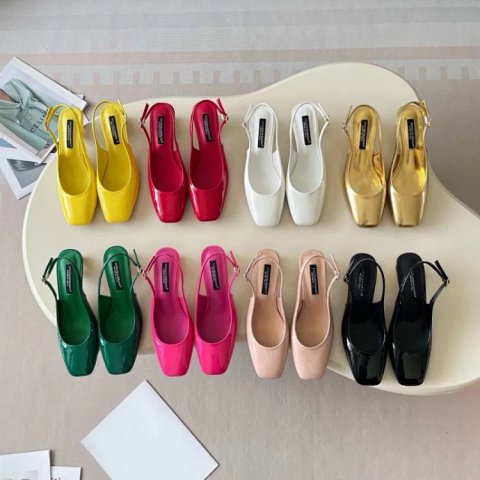
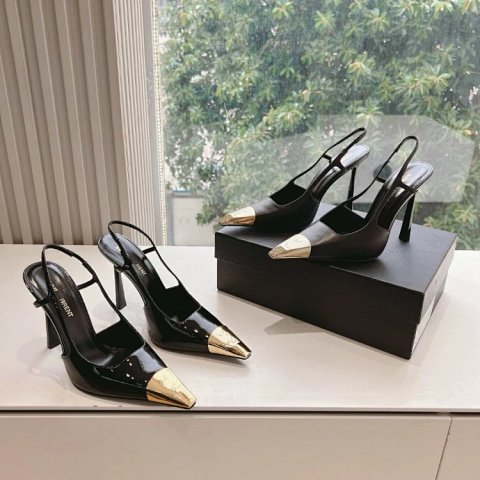
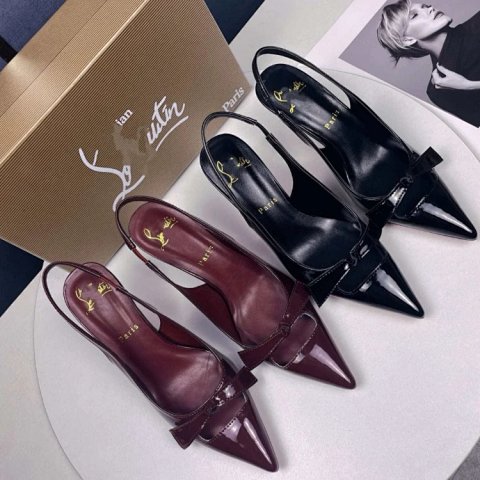
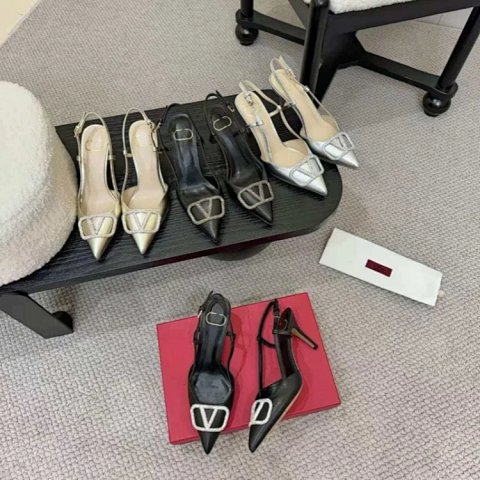
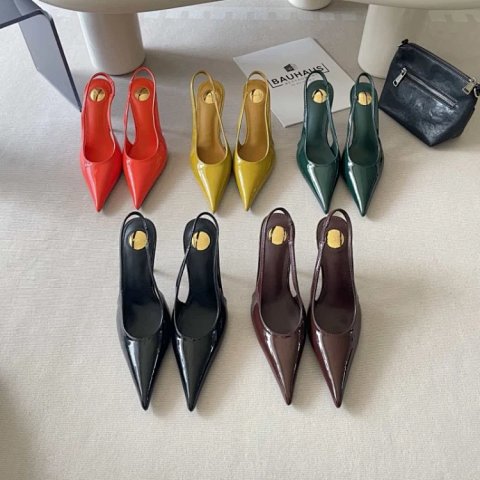
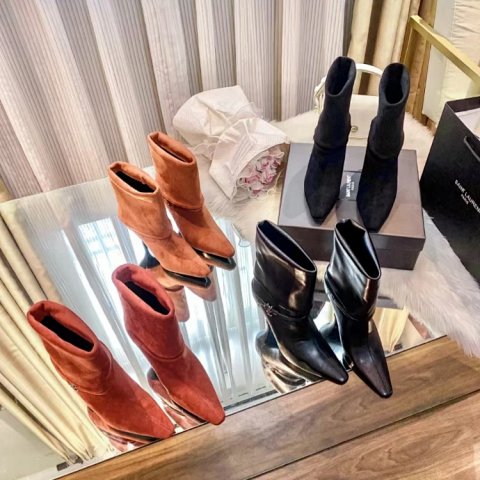
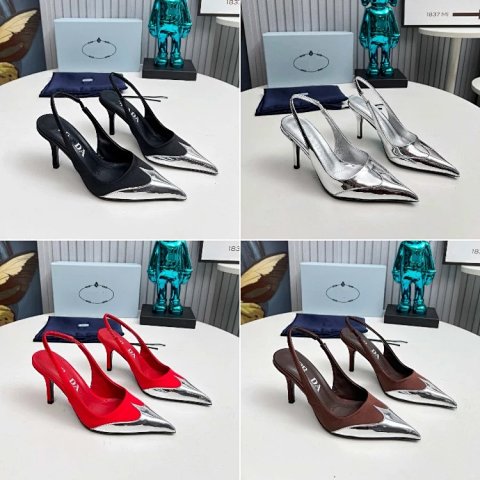
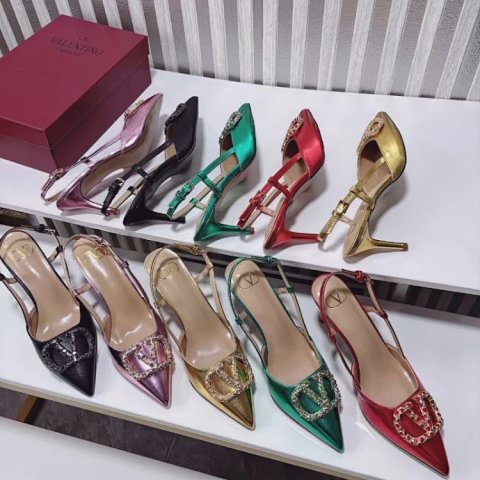
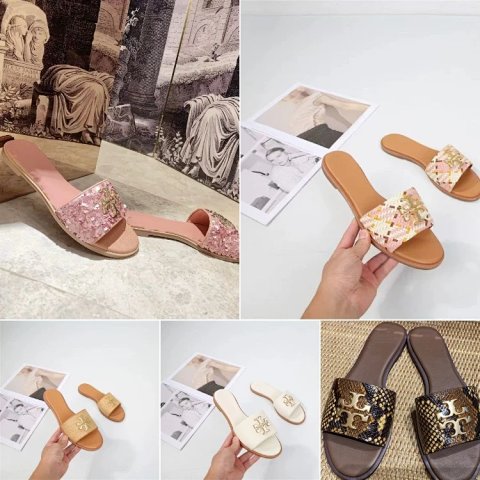
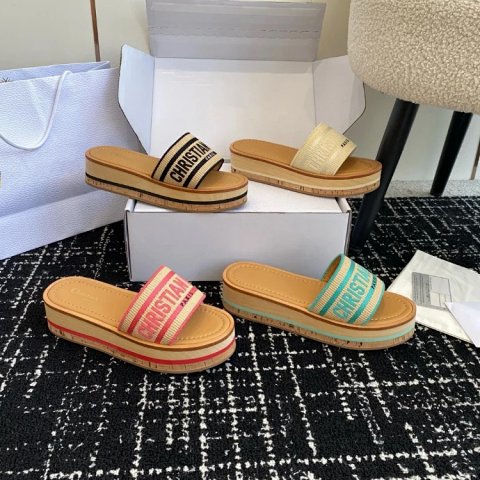
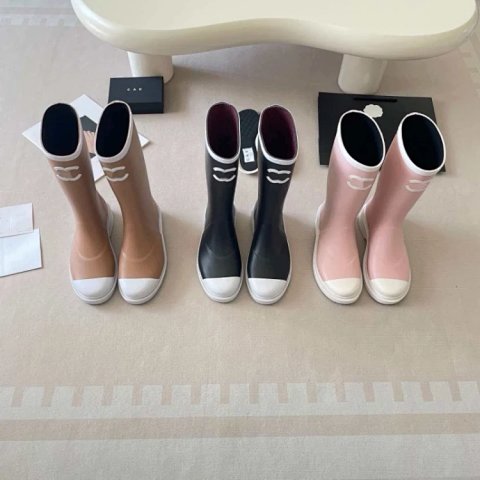
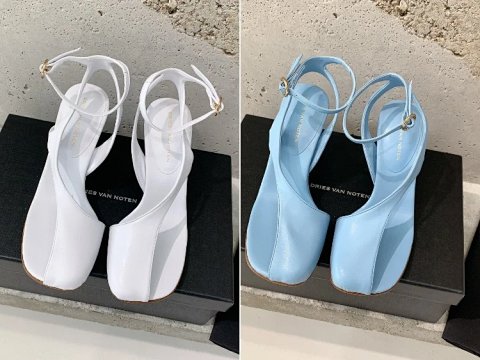
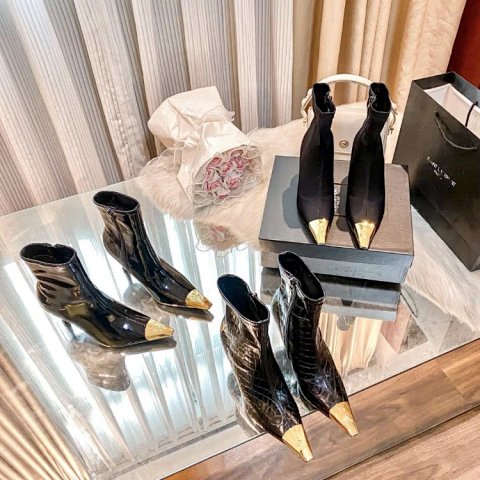
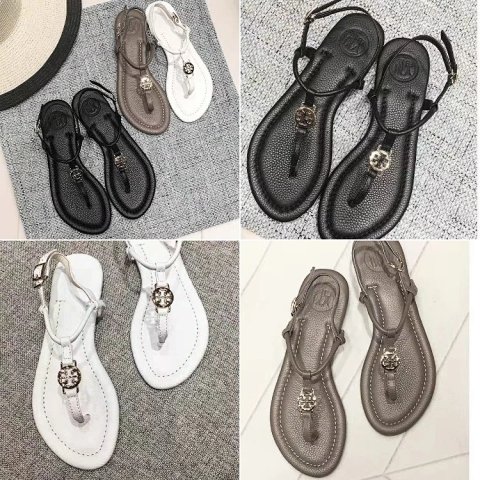
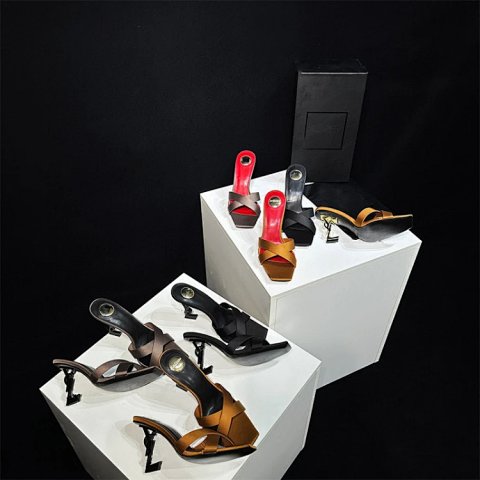
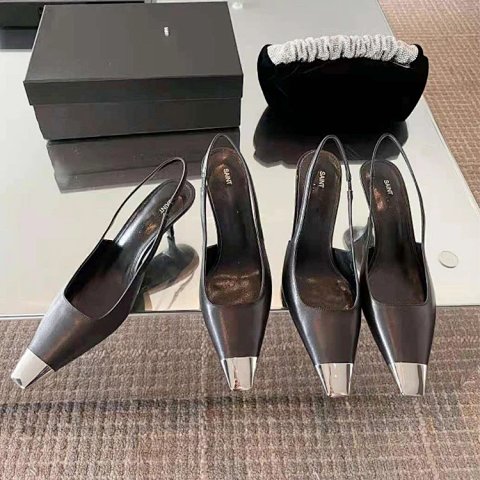
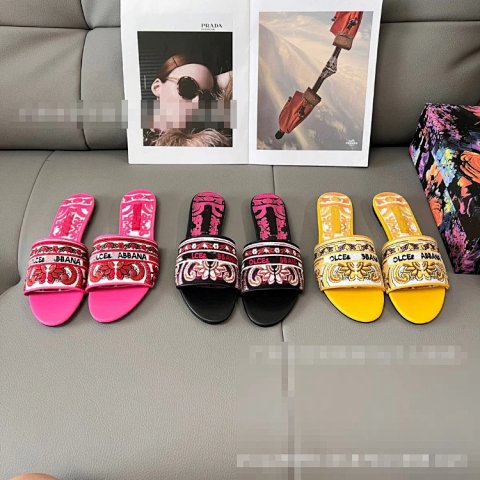
Researching Women's Shoes
Inspect a complete pair
Ask for side, rear, sole and size-label views as needed. Photos can help identify a visible mismatch, but they do not establish how a shoe will feel or fit.
Use this category in the Spreadsheet finder →
Related subcategories
Related guides
How to Compare Spreadsheet Listings
Compare two or three product references using the same options, price context, measurements and source details before choosing your next step.
Read guide →Catalog Photos vs QC Photos
Tell catalog, warehouse QC and user photos apart so you use each image for the decision it can actually support.
Read guide →Related categories
Research notes updated