
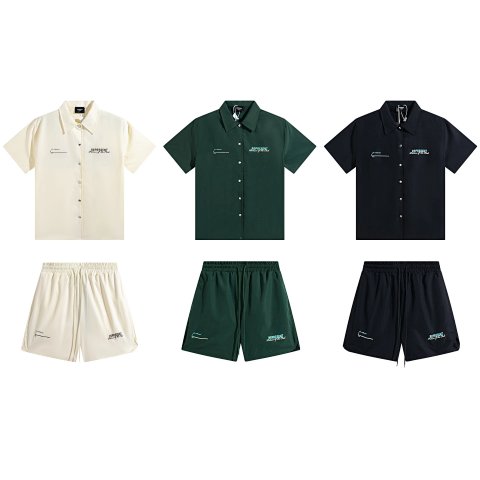
Women's Fashion · Sets
Women's Sets
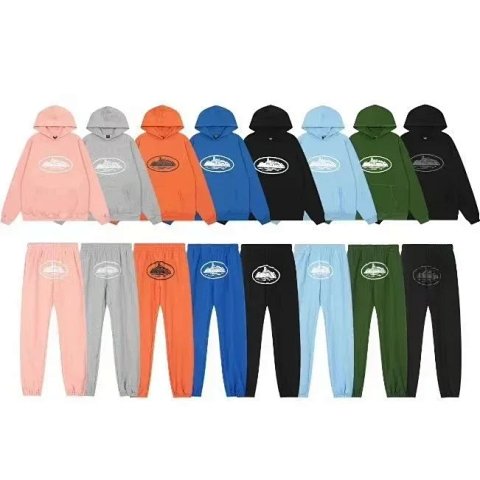
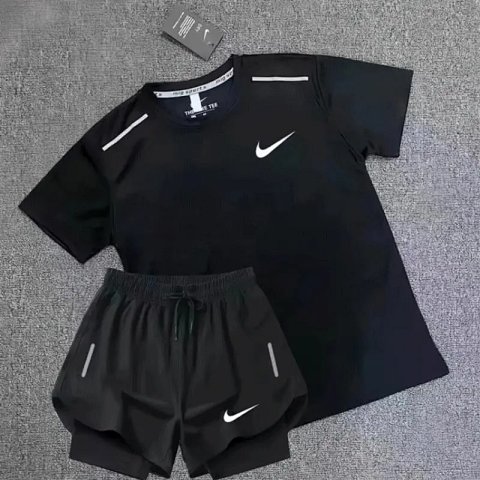
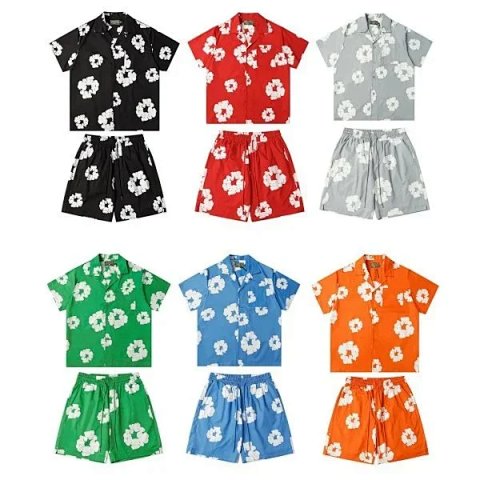
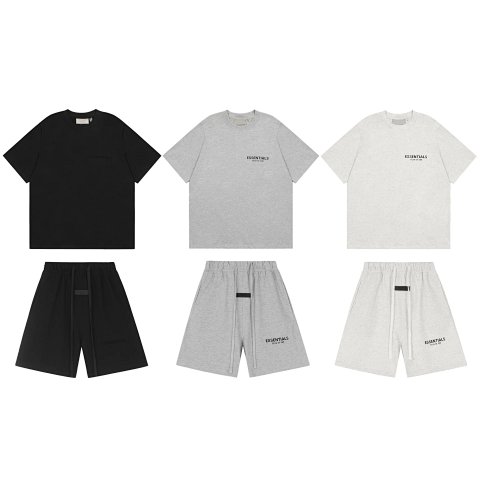
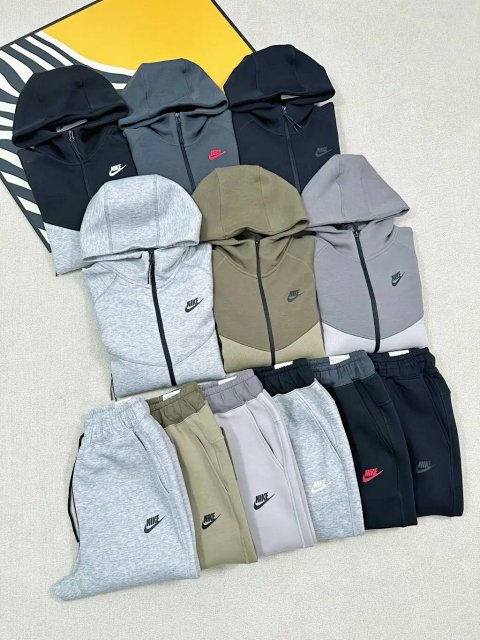
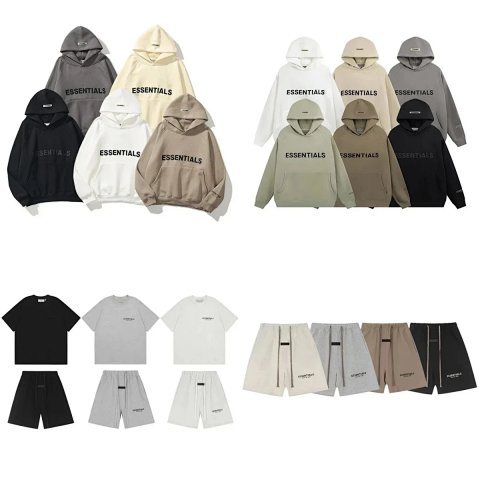
A coordinated set photograph can show several pieces without confirming that every item is included. Open the source record to establish what the selected option actually contains and whether its sizes are combined or chosen separately. Compare the dimensions of each garment rather than relying on one letter for the whole outfit. Keep the source reference and matching option images together, especially when colours or piece combinations vary. Accessories used for styling may be separate. If the listing does not explain a combination, ask a question that names both pieces and the option label before carrying the reference into an order note.
261 matching product referencesPage 4 · 24 on this page
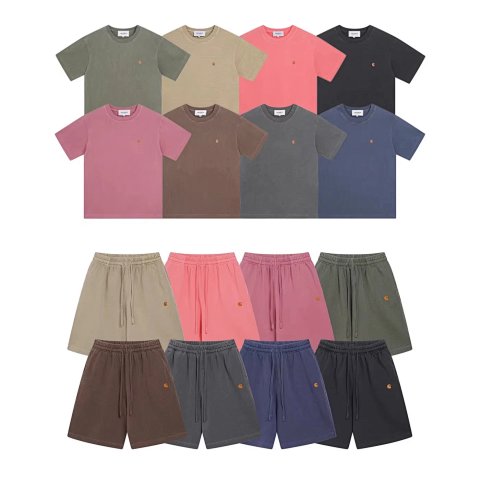
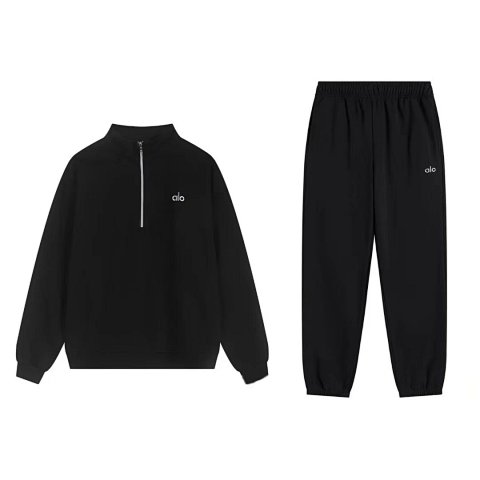
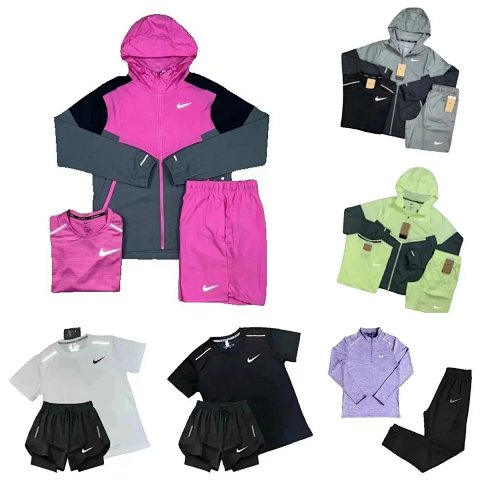
Women's Fashion · Sets
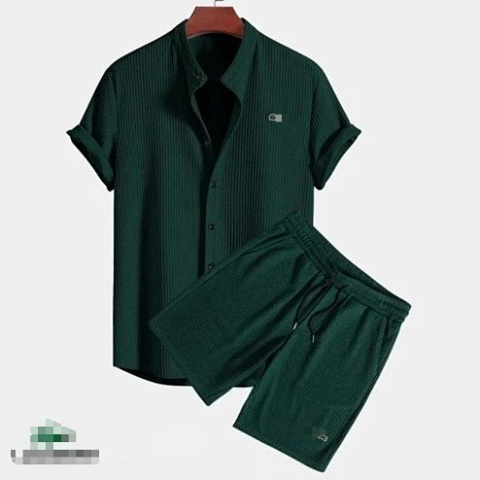
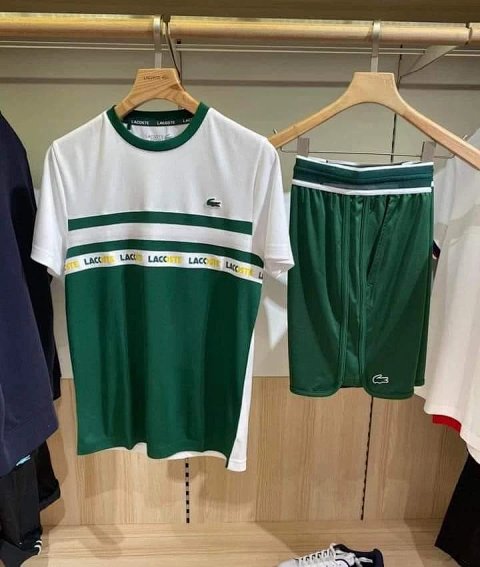
Lacoste Waffle Texture Short Sleeve Shirt And Drawstring Shorts Set Men Summer Casual 2 Piece Outfit
View Product →$35.00USD
Women's Fashion · Sets
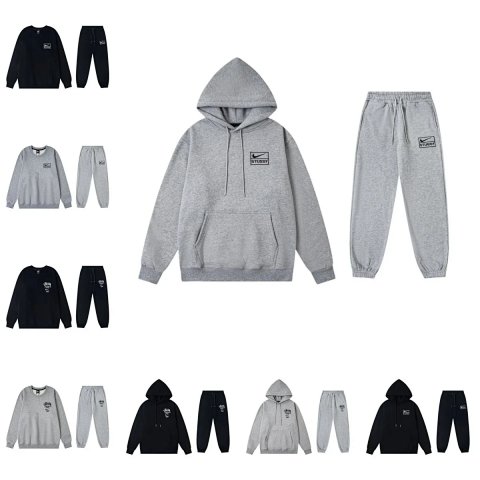
Stussy Nike x Stussy Collaboration Hoodie and Jogger Set
View Product →$24.17USD
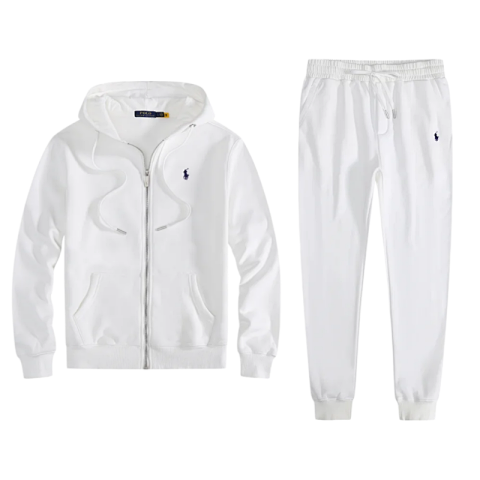
Women's Fashion · Sets
Polo Ralph Lauren Classic Fit Zip-Up Hoodie and Jogger Set
View Product →$44.44USD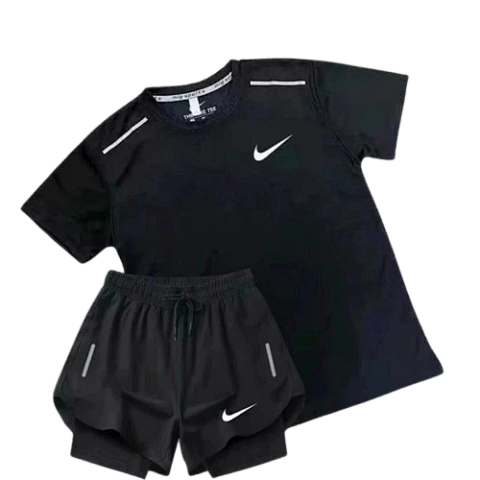
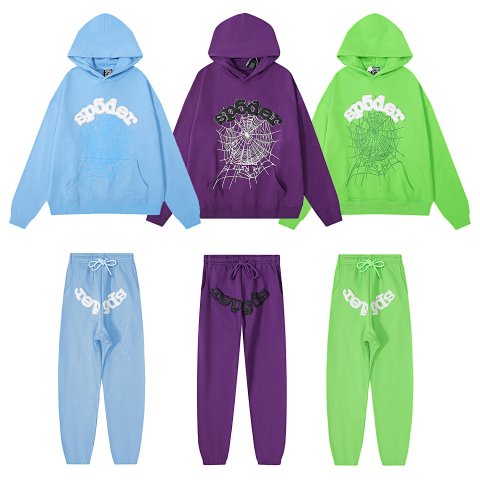

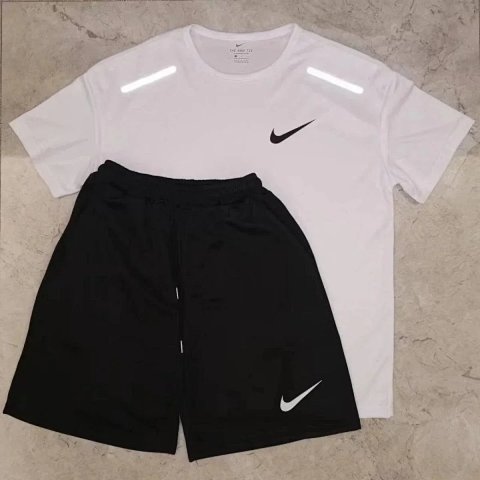

Researching Women's Sets
Count and identify the pieces
QC photos should show each included item clearly. Compare colours, pattern placement and sizes per piece, and request a missing back view instead of judging the set from a folded bundle.
Use this category in the Spreadsheet finder →
Related subcategories
Related guides
How to Compare Spreadsheet Listings
Compare two or three product references using the same options, price context, measurements and source details before choosing your next step.
Read guide →Catalog Photos vs QC Photos
Tell catalog, warehouse QC and user photos apart so you use each image for the decision it can actually support.
Read guide →Related categories
Research notes updated