
Women's Activewear
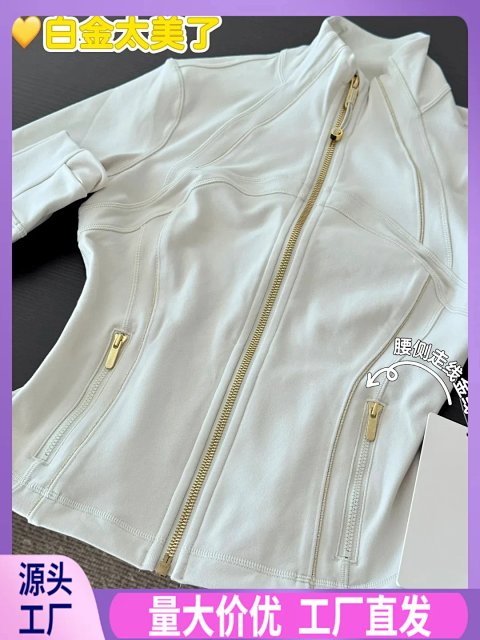
Activewear is a source category rather than a demonstrated performance standard. Begin with the individual garment's shape, seams, waistband or straps, then check which pieces the selected option includes. Read the source chart and distinguish relaxed garment measurements from body guidance. Open the record to identify its colour image and reference ID, keeping those beside any specification you need clarified. A photograph cannot establish compression, moisture handling, opacity or support during movement. If the overview shows a coordinated top and bottoms, do not assume both are included. Ask for the exact option composition and dimensions before comparing the record with another set.
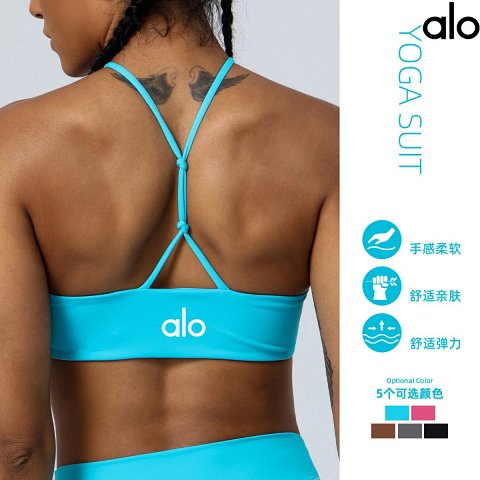
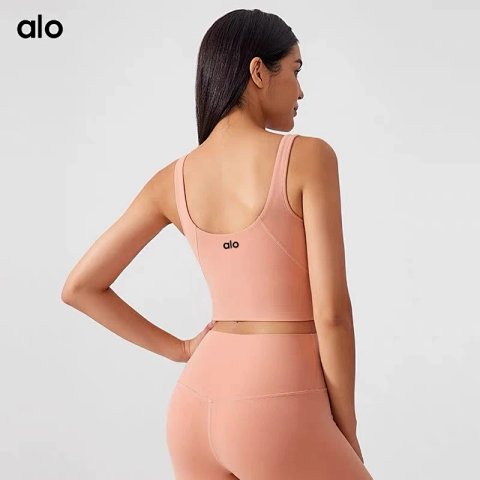
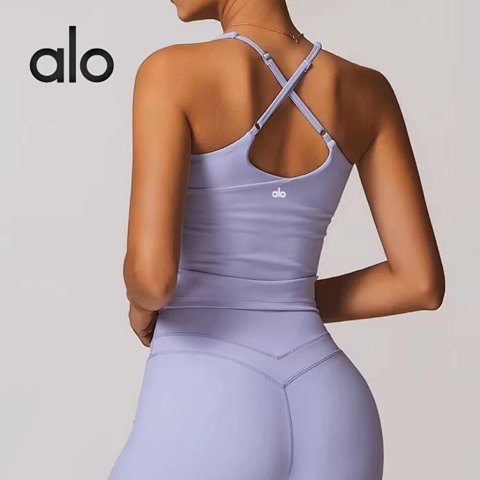
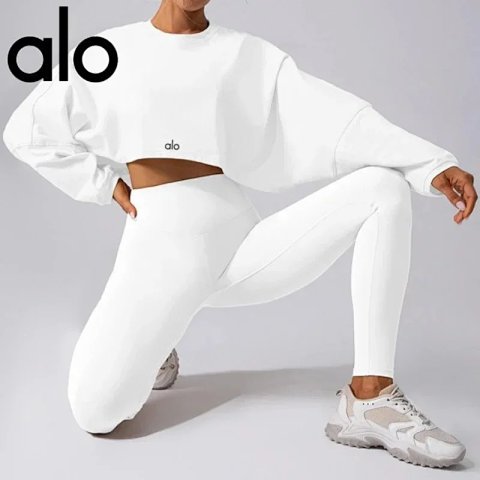
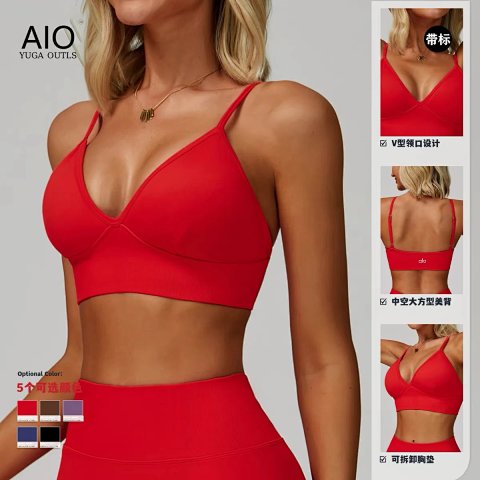
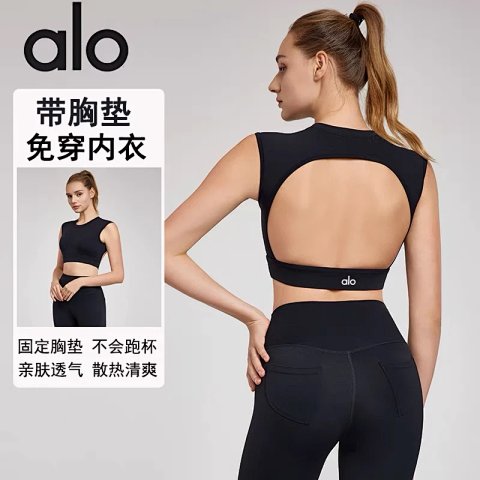
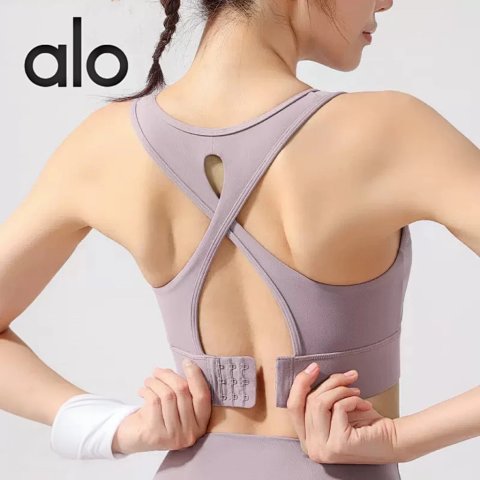
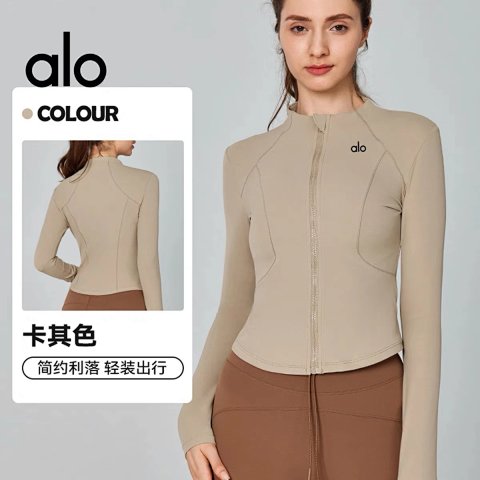
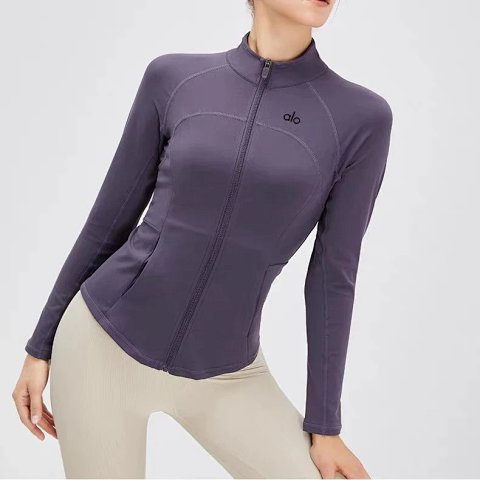
Alo High-Waisted Zip-Up Long Sleeve Performance Top
View Product →$24.17USD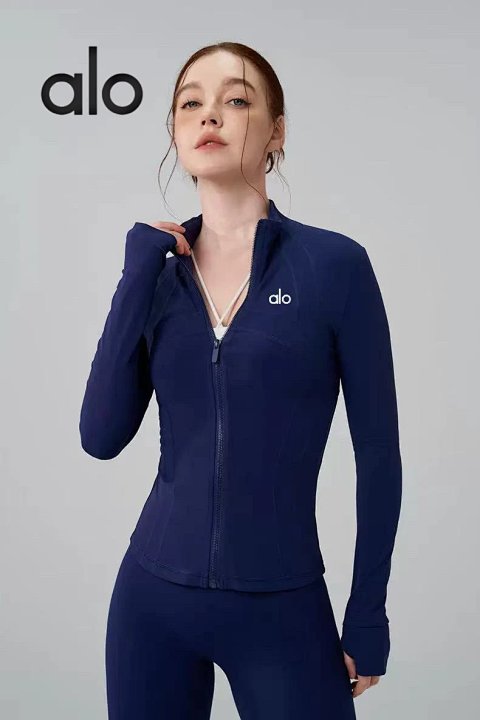
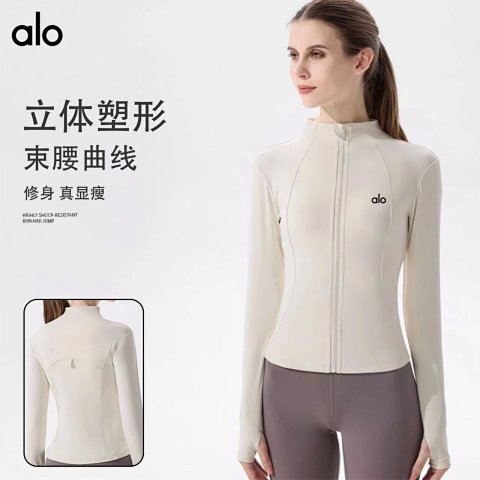
alo Highly Shock-Resistant Long Sleeve Zip-Up Activewear Top
View Product →$25.65USD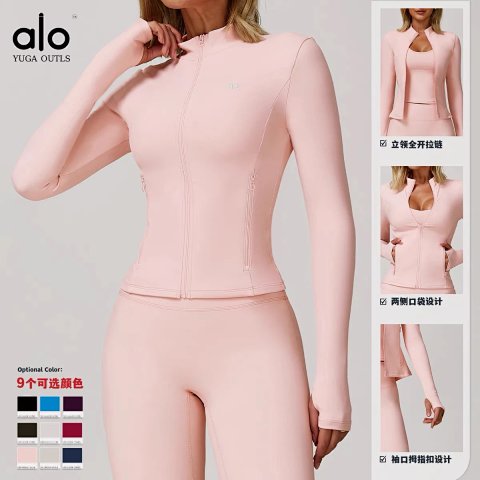
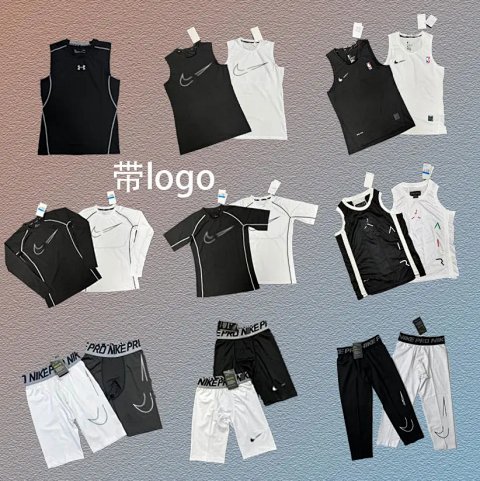
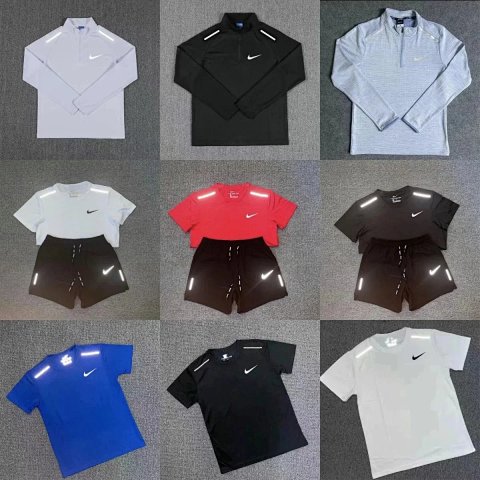
Nike Pro Compression Sleeveless Tops and Shorts Set
View Product →$18.00USD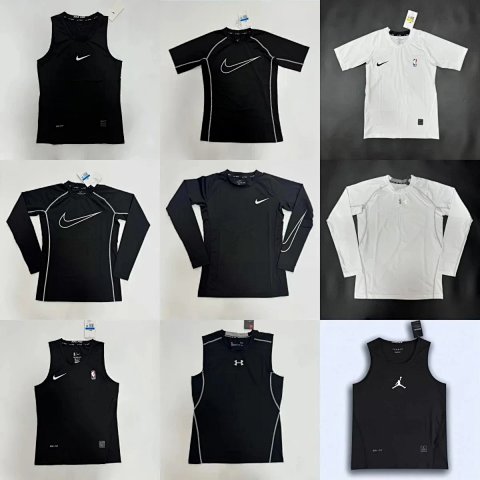
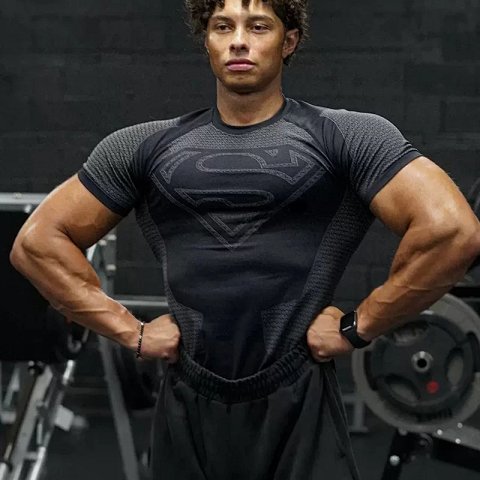
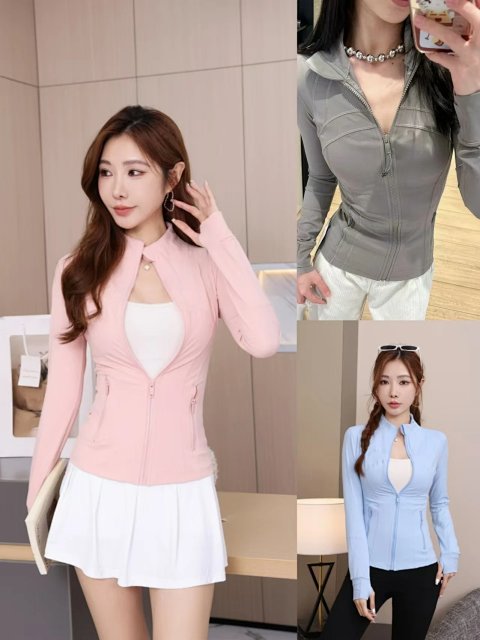
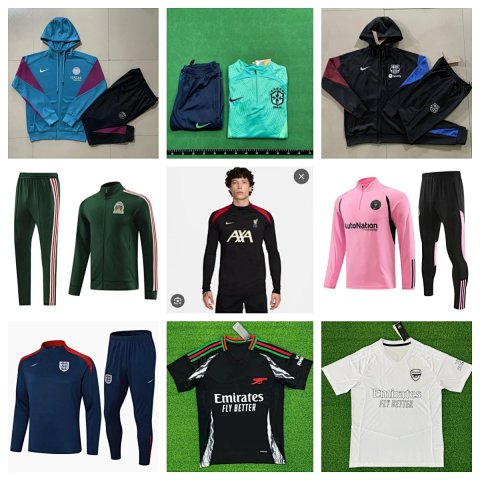
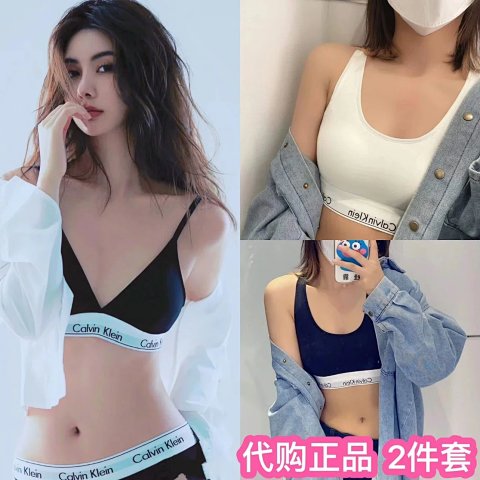
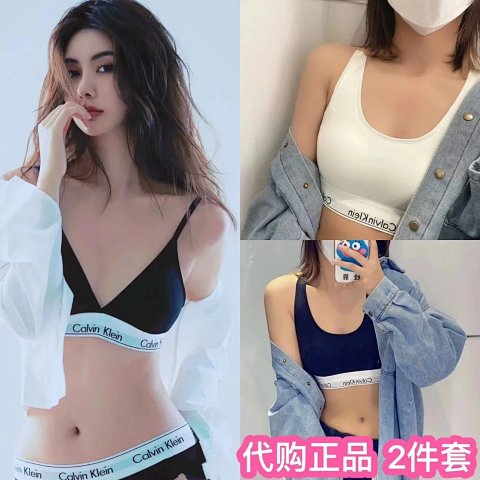
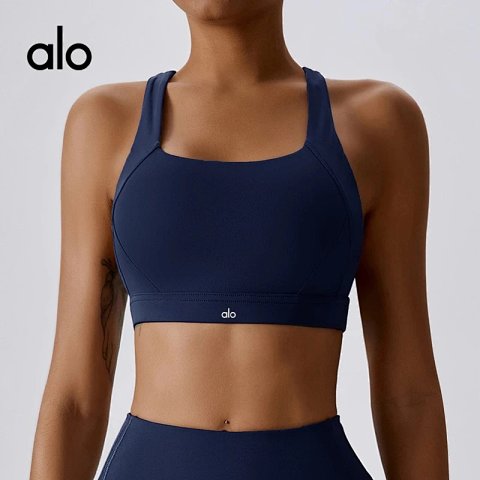
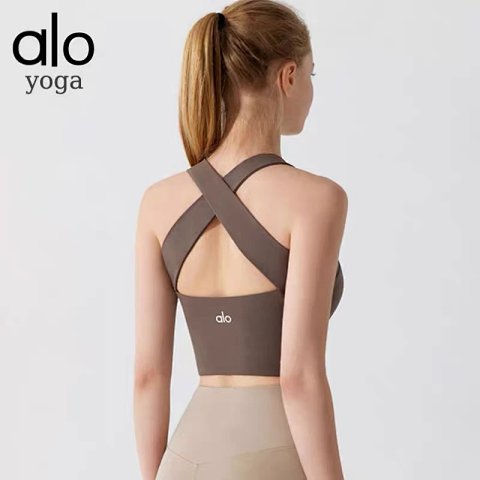
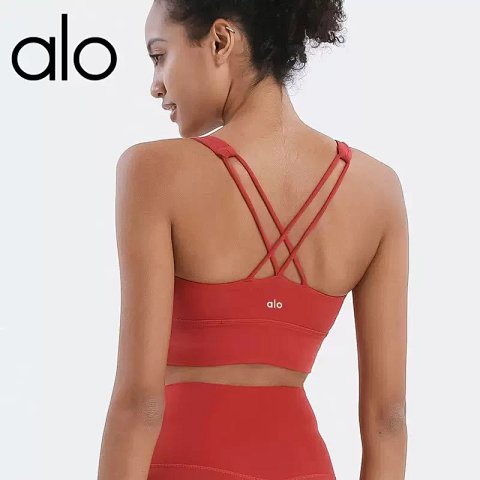
Researching Women's Activewear
Request useful construction views
Clear front, back and interior views can show visible joins and layers. Record unanswered functional questions separately; a static QC photo does not demonstrate how a garment behaves during exercise.
Use this category in the Spreadsheet finder →
Related subcategories
Related guides
How to Compare Spreadsheet Listings
Compare two or three product references using the same options, price context, measurements and source details before choosing your next step.
Read guide →Catalog Photos vs QC Photos
Tell catalog, warehouse QC and user photos apart so you use each image for the decision it can actually support.
Read guide →Related categories
Research notes updated