
Backpacks
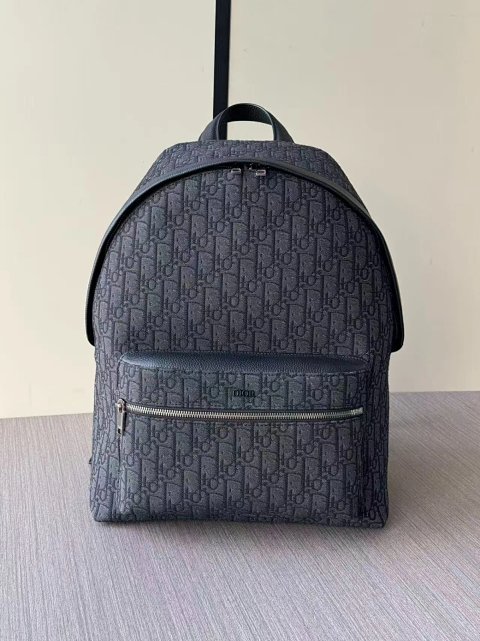
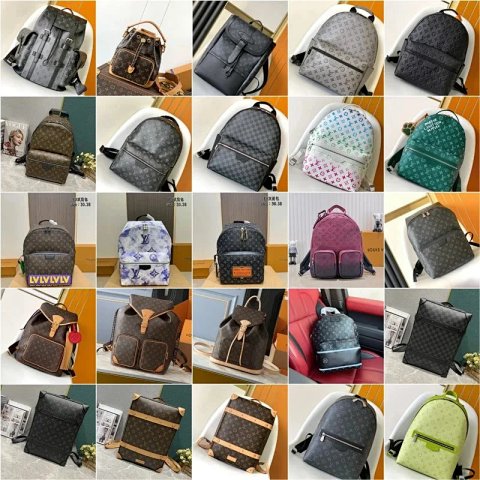
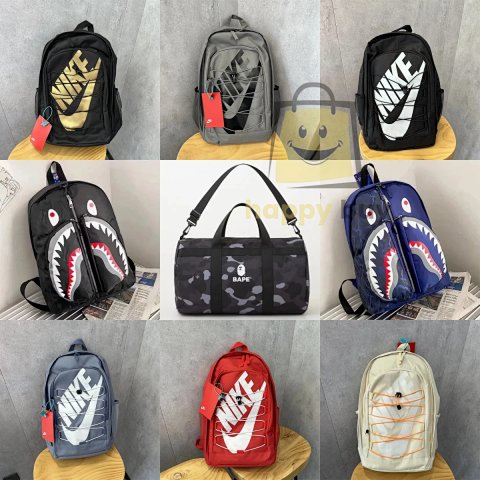
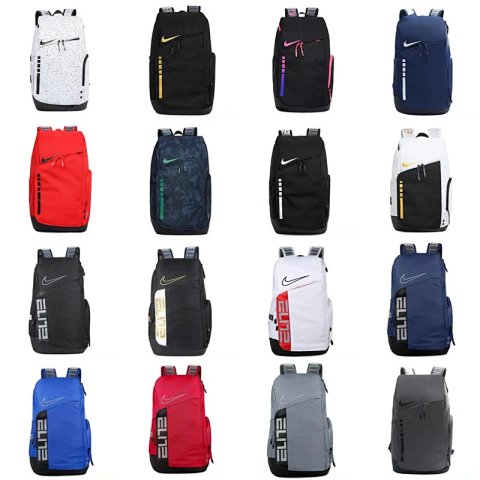
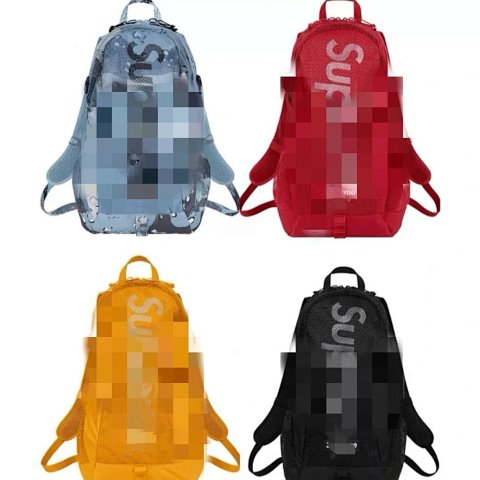
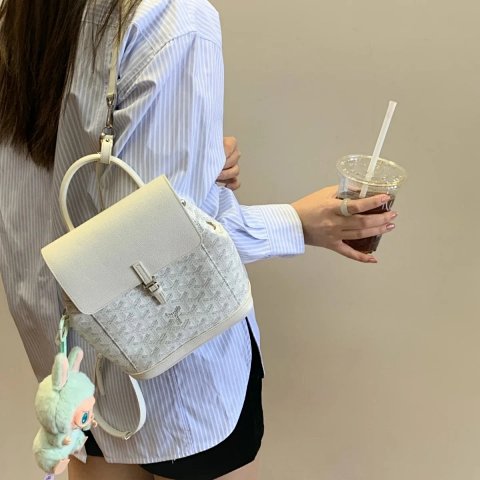
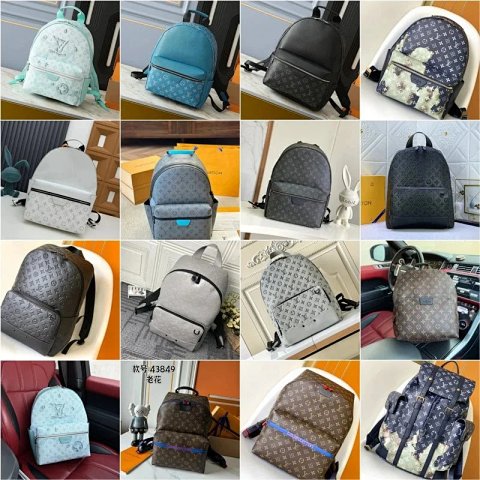
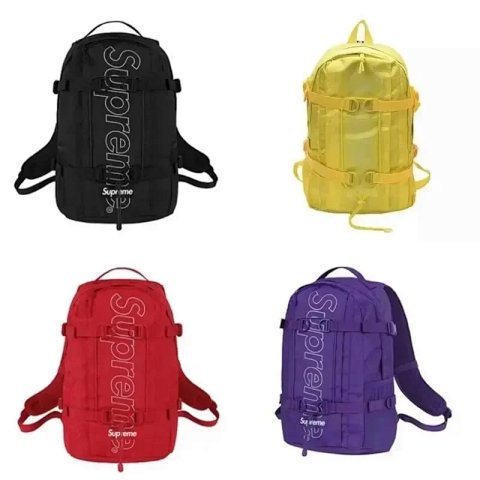
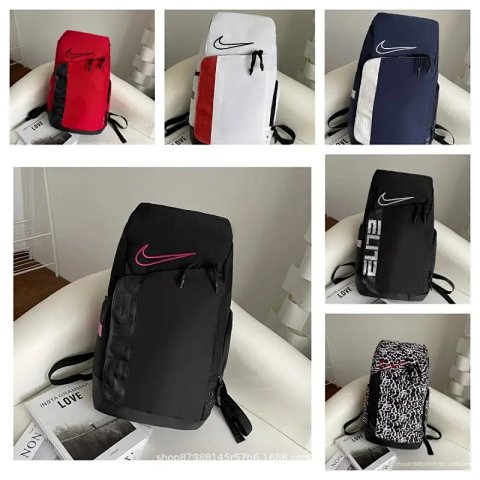
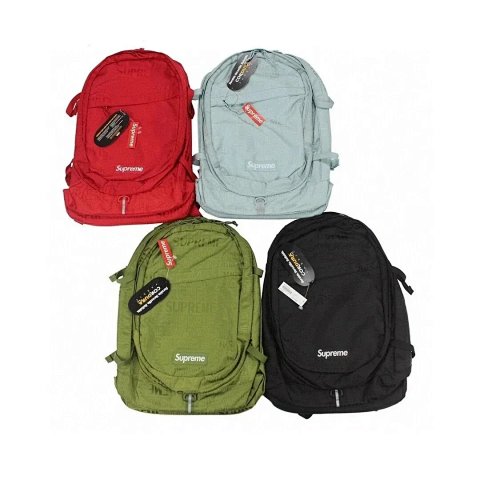
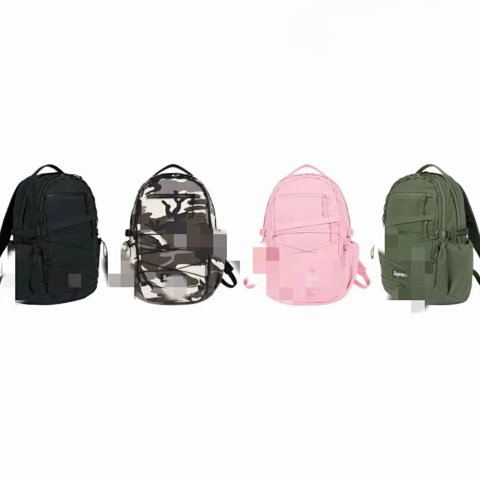
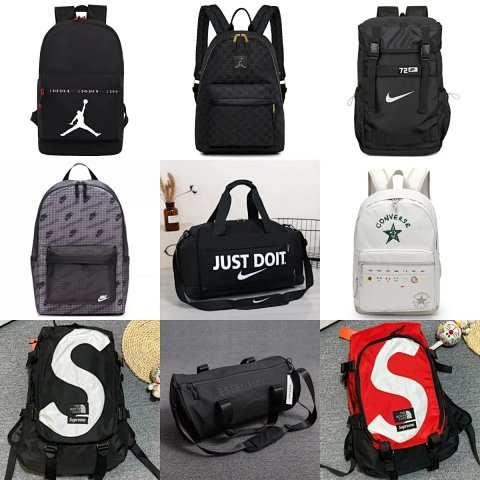
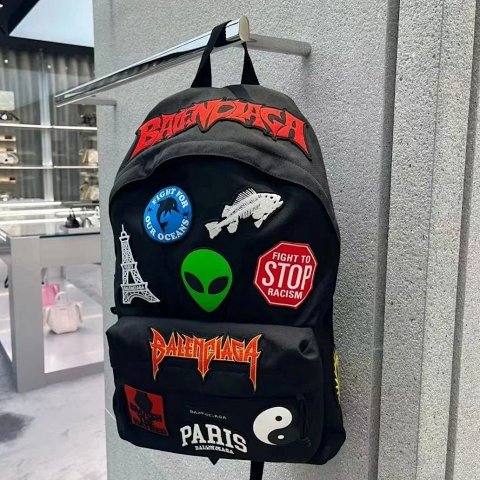
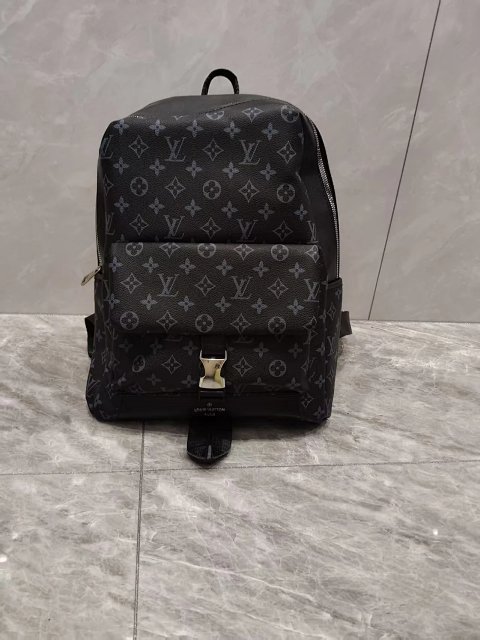
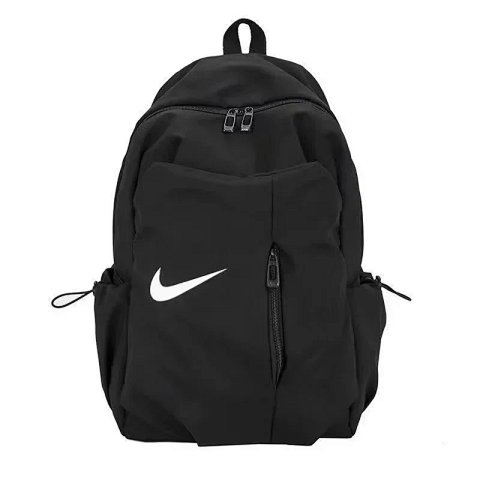
Backpack references can look similar from the front while differing in depth, opening and internal layout. Begin with the stated dimensions and look for side, rear and open-bag photos. Open the product page to match the chosen size or colour with its reference ID. If the source names a compartment, ask for its usable measurements when they matter to your comparison. A large-looking bag in a styled image does not establish capacity, and padded-looking straps do not prove carrying comfort. Confirm which accessories are included in the selected option, especially when the overview shows attached pouches or separate small bags.
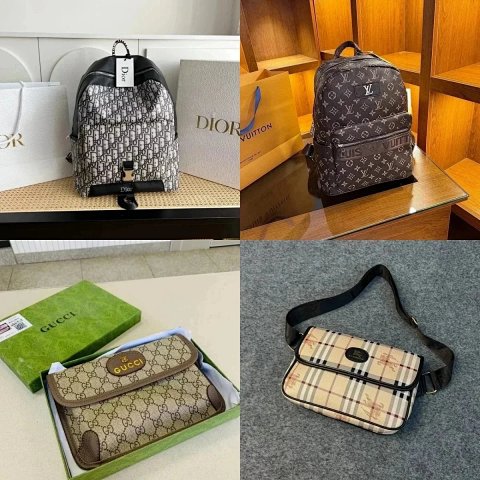
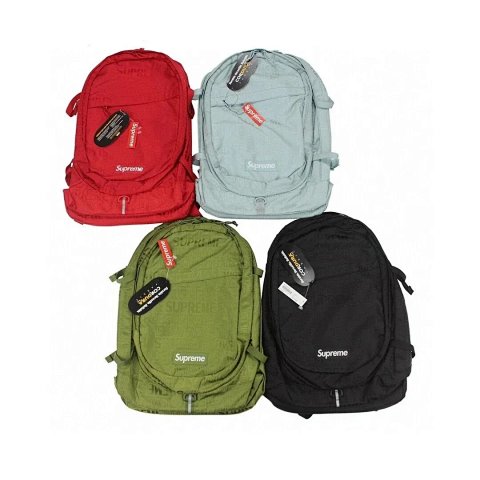
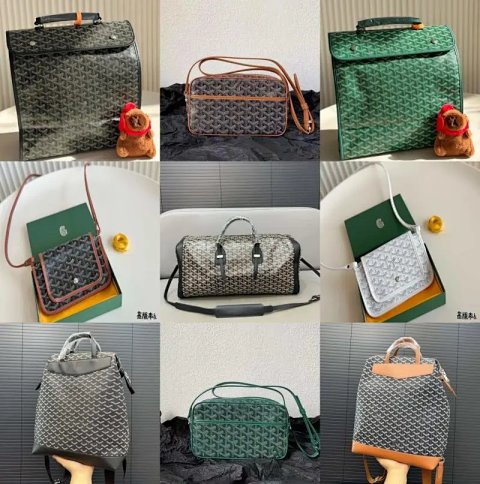
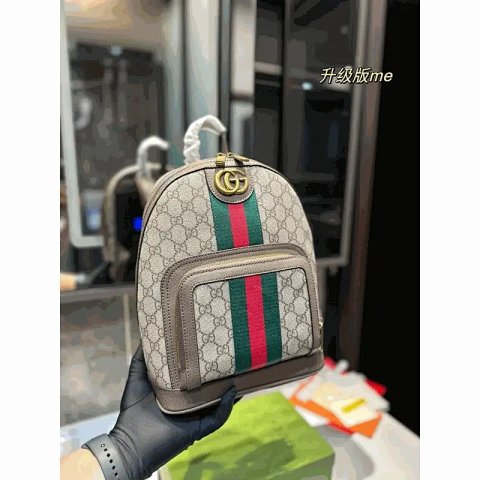
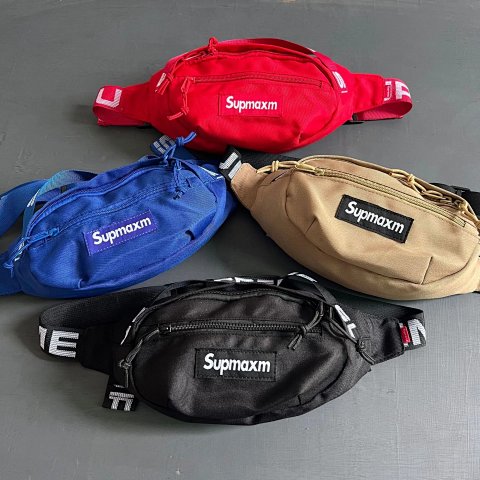
Supmaxm Street Style Waist Bag Crossbody Fanny Pack 4‑Color Set
View Product →$21.33USD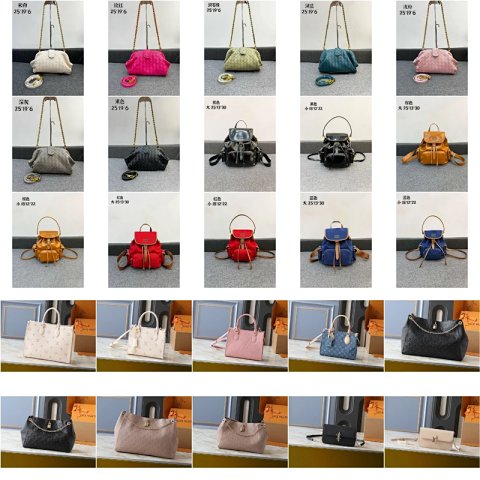
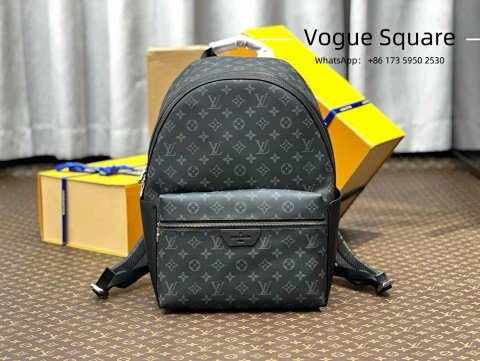
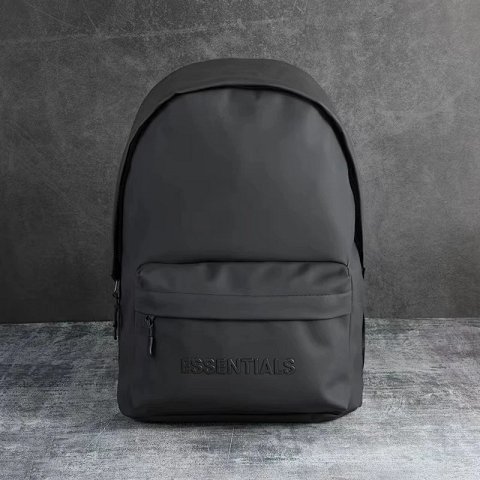
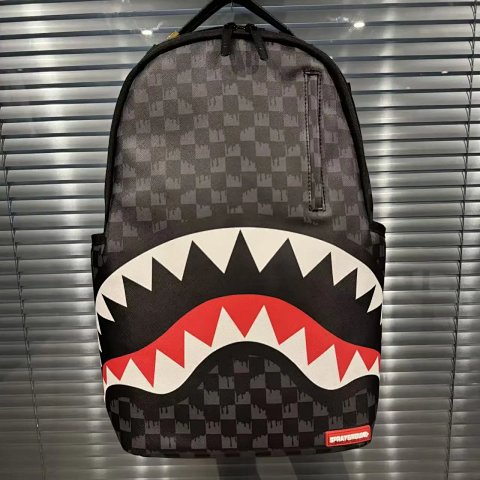
Researching Backpacks
Inspect the reverse
QC views should show shoulder-strap joins, the rear panel and the main opening. A clear interior photo can answer layout questions that another front-facing overview leaves unresolved.
Use this category in the Spreadsheet finder →
Related subcategories
Related guides
How to Compare Spreadsheet Listings
Compare two or three product references using the same options, price context, measurements and source details before choosing your next step.
Read guide →Catalog Photos vs QC Photos
Tell catalog, warehouse QC and user photos apart so you use each image for the decision it can actually support.
Read guide →Related categories
Research notes updated