
Smart Watches
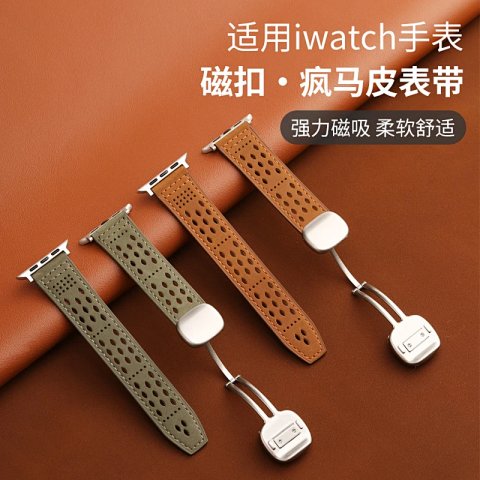
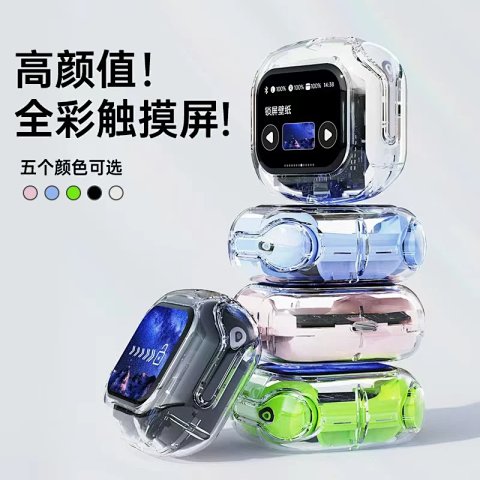
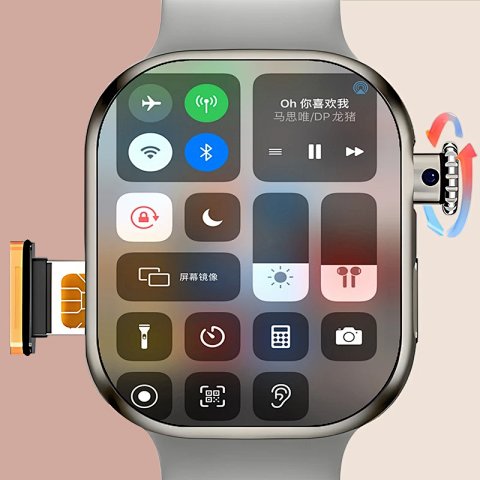
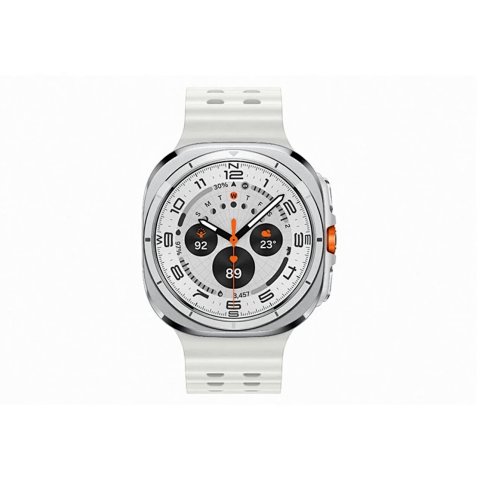
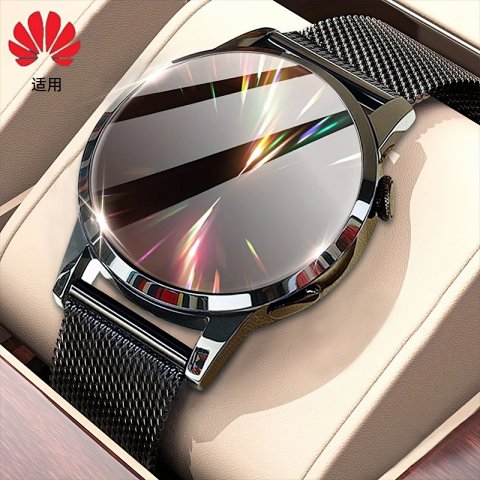
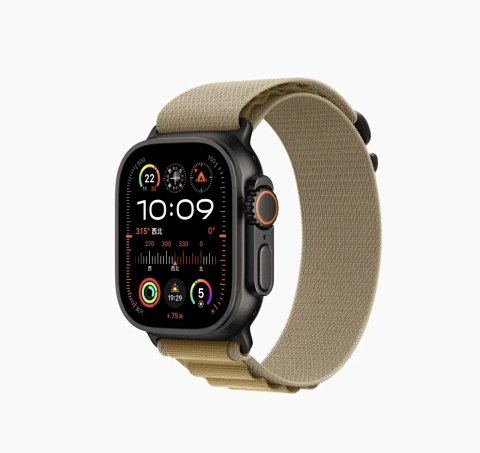
Smart watch research depends on the exact model and version. Open the source record to identify the selected case, strap and any stated compatibility, then save the reference ID with its option image. Look for explicit information about the supported device or application where relevant. A familiar-looking screen or case does not establish an operating system, sensor feature or battery specification. Check case dimensions and confirm what charging components are included. If the overview combines several models, ask which one the option describes. Functional requirements need source specifications or testing; a photograph of a powered display cannot settle them on its own.
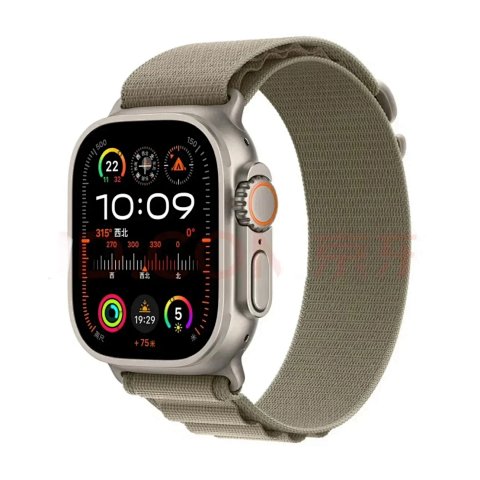
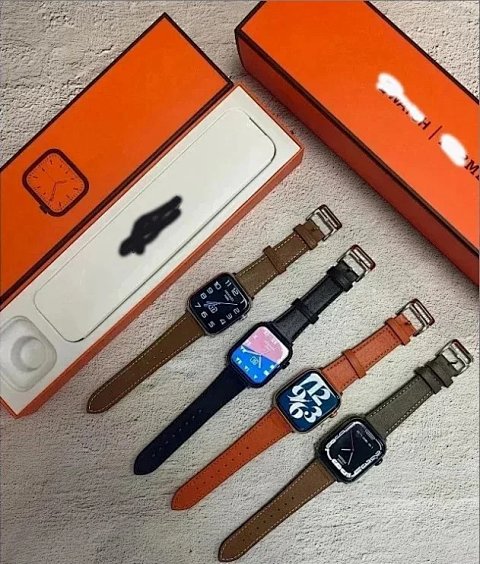
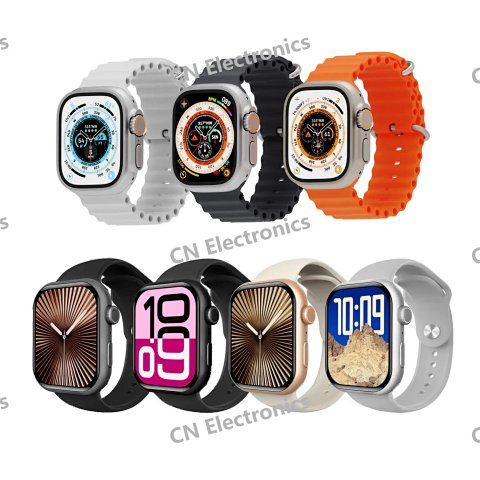
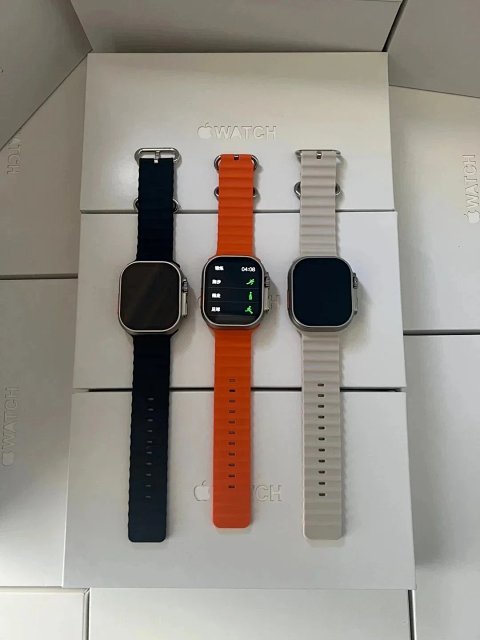
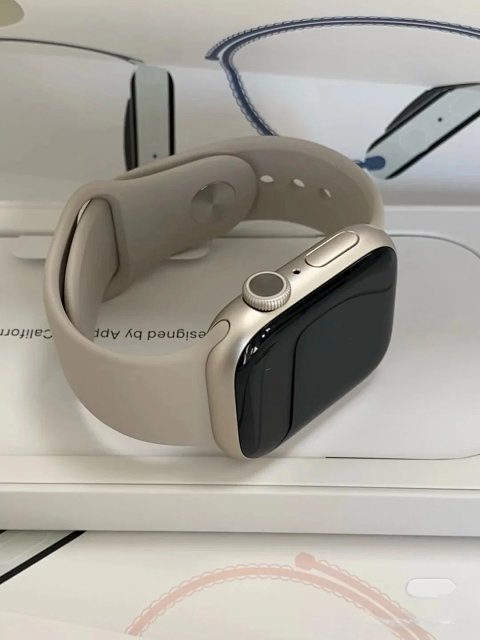
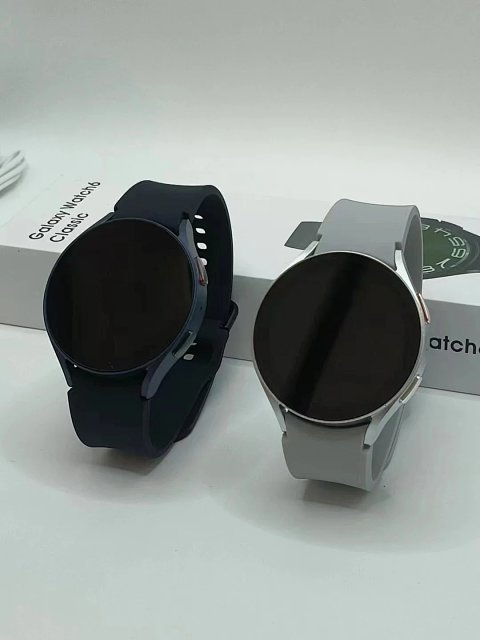
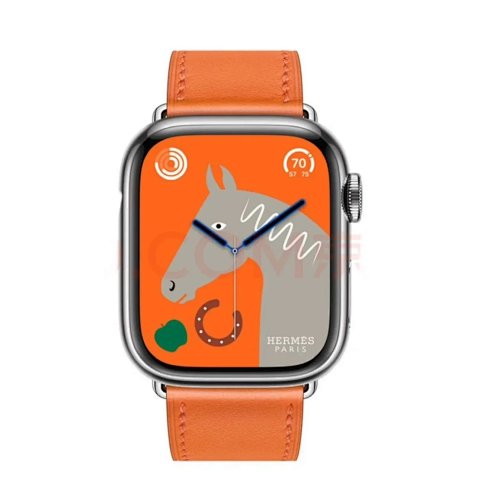
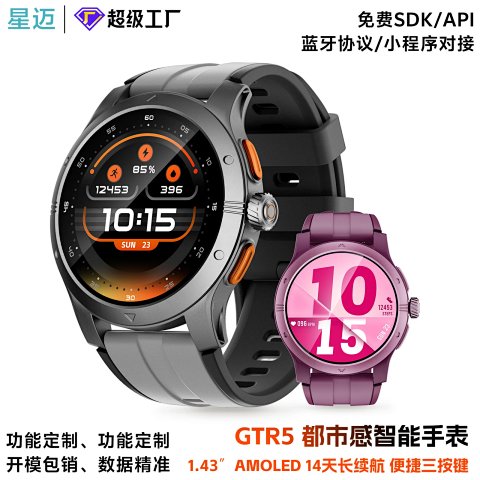
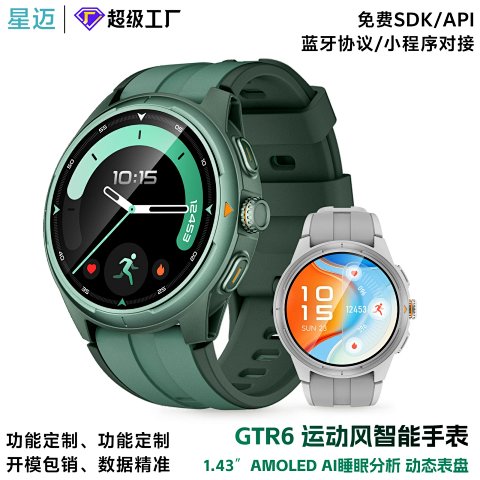
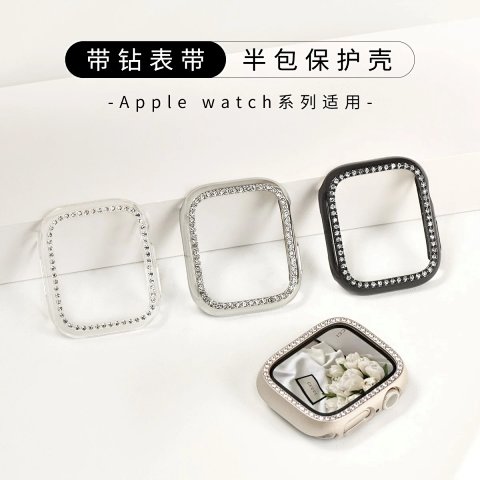
Unbranded Crystal-Trimmed Half-Case Smart Watch Case
View Product →$0.69USD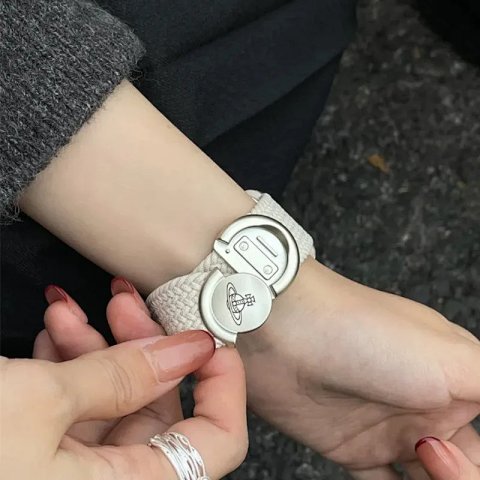
Vivienne Westwood Orb Logo Magnetic Strap Watch Strap
View Product →$3.30USD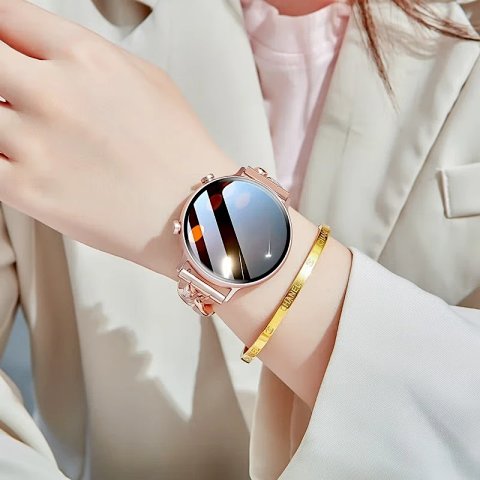
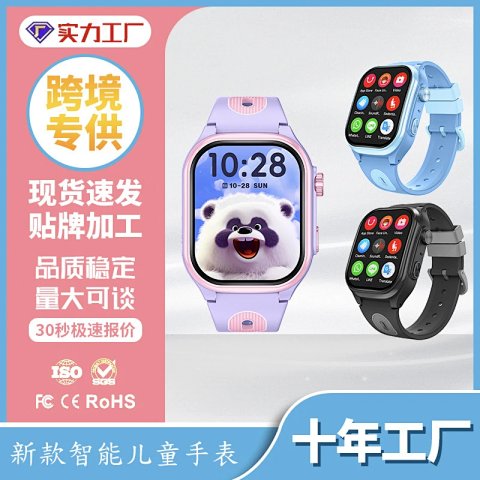
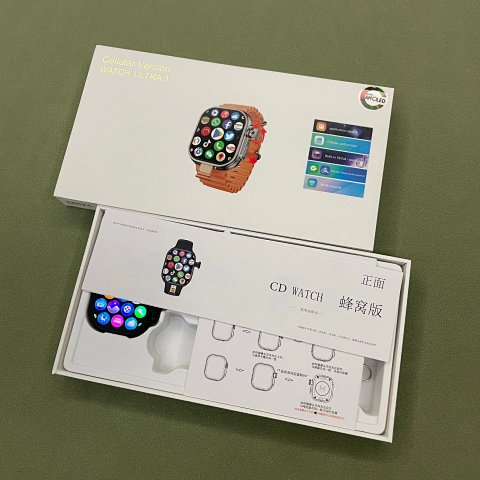
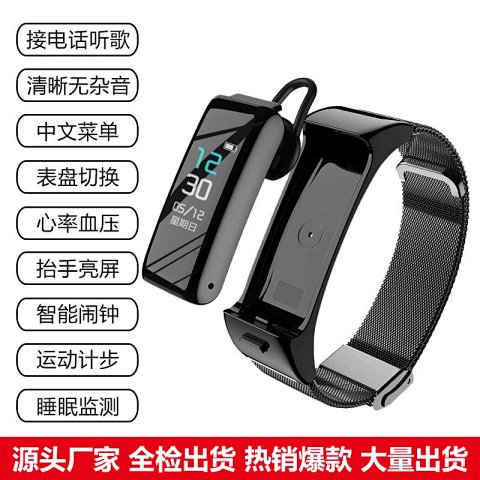
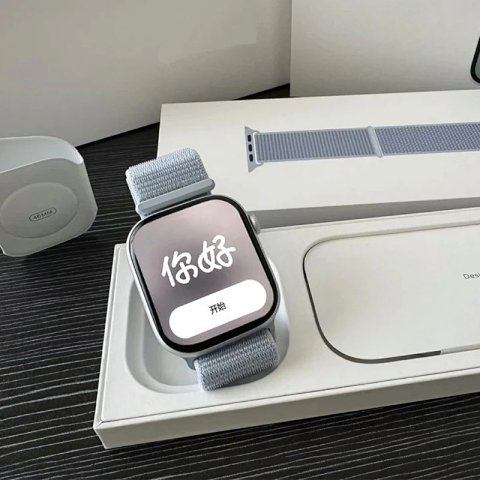
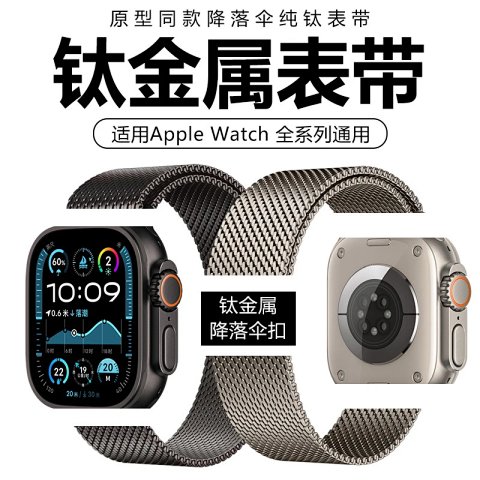
Apple Milanese Loop with Parachute Clasp Watch Band
View Product →$36.11USD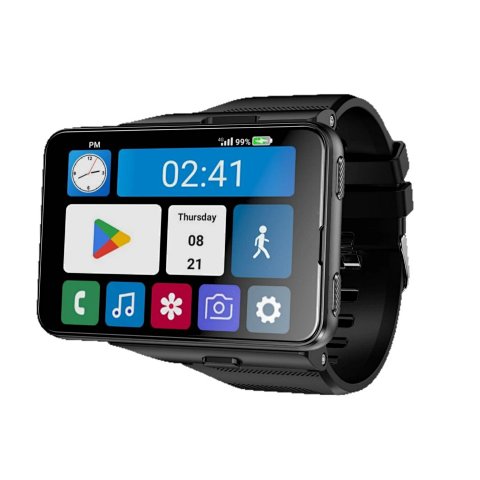
Researching Smart Watches
Identify the complete package
Compare readable model labels and count visible components in QC. Ask about connectors and compatibility using the selected reference rather than relying on the appearance of a similar watch.
Use this category in the Spreadsheet finder →
Related subcategories
Related guides
How to Compare Spreadsheet Listings
Compare two or three product references using the same options, price context, measurements and source details before choosing your next step.
Read guide →Catalog Photos vs QC Photos
Tell catalog, warehouse QC and user photos apart so you use each image for the decision it can actually support.
Read guide →Related categories
Research notes updated