
Vests
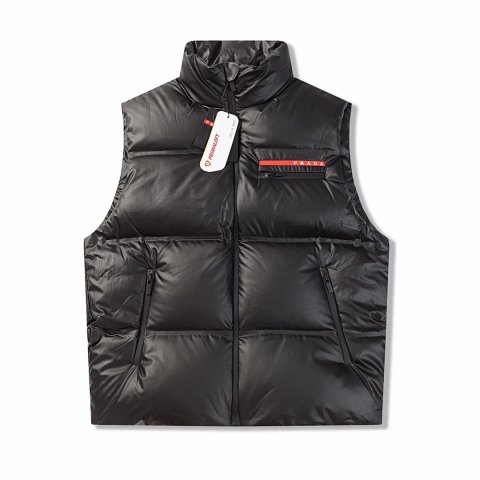
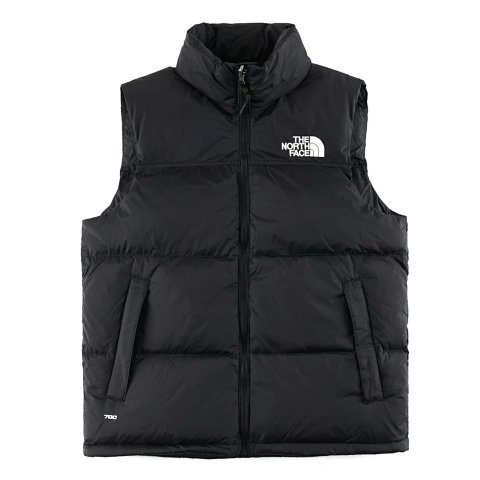
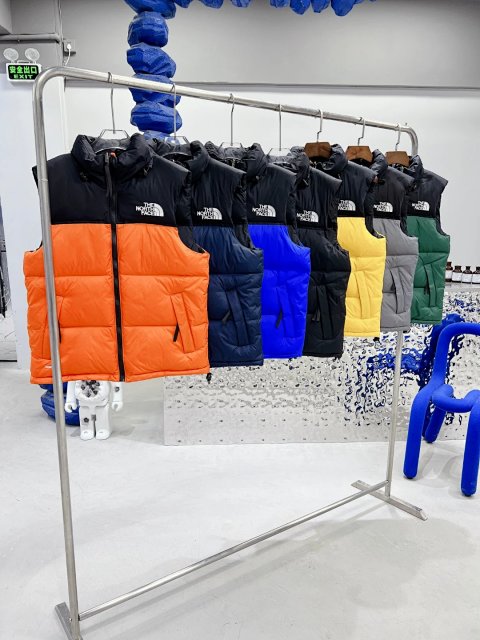
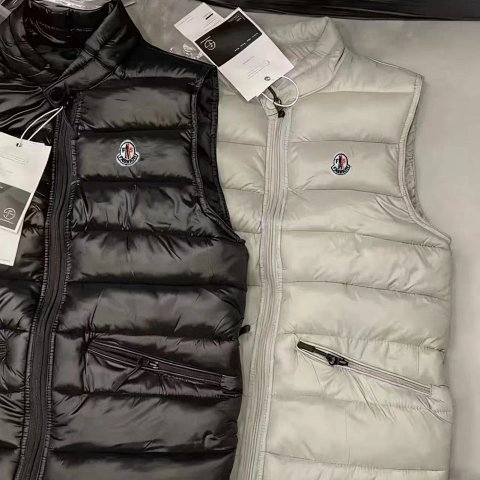
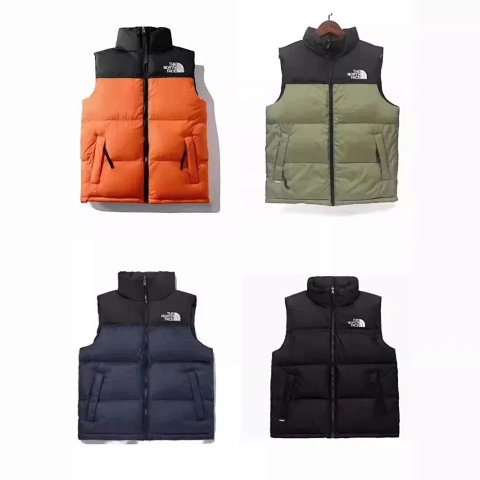
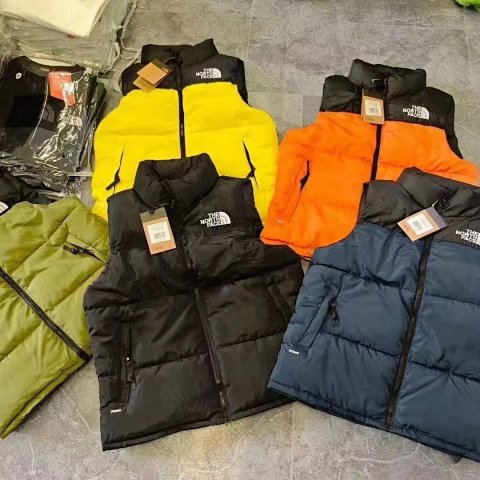
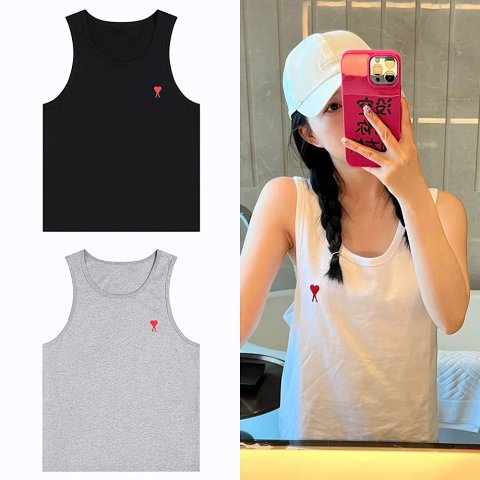
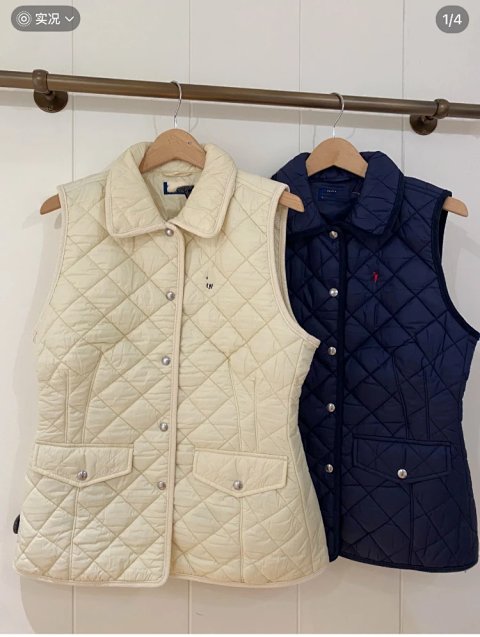
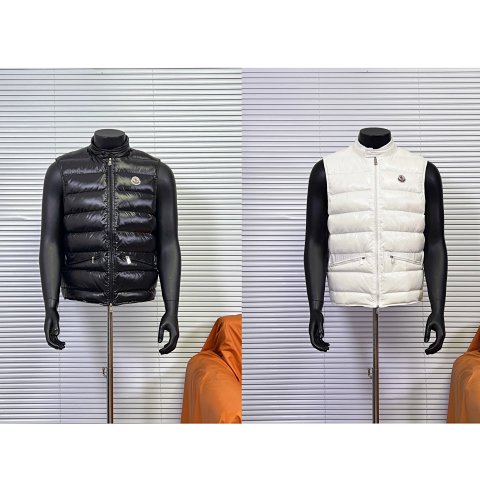
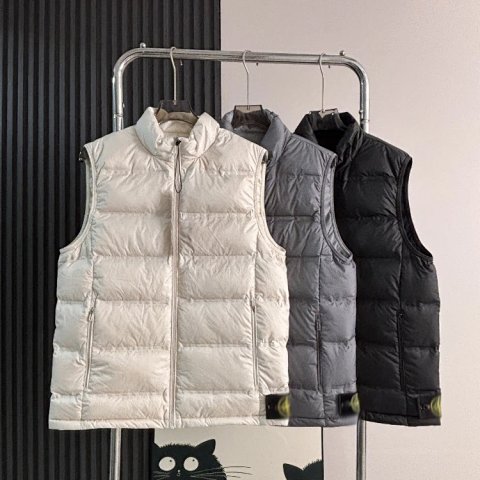
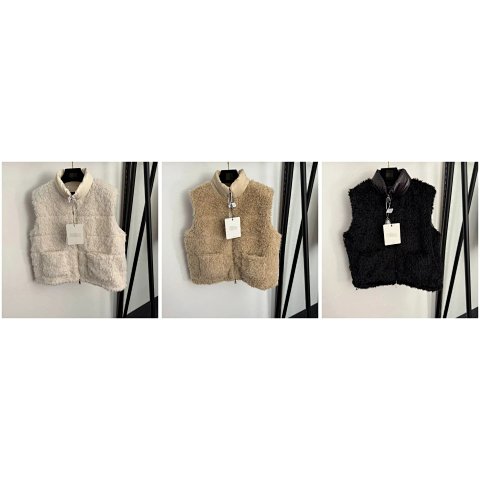
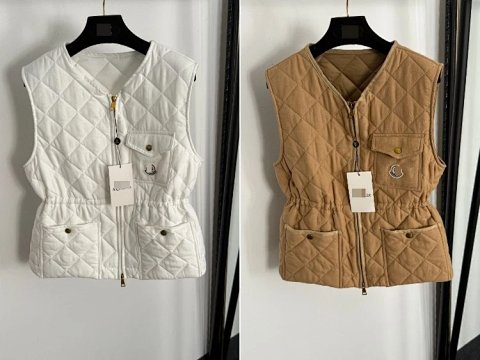
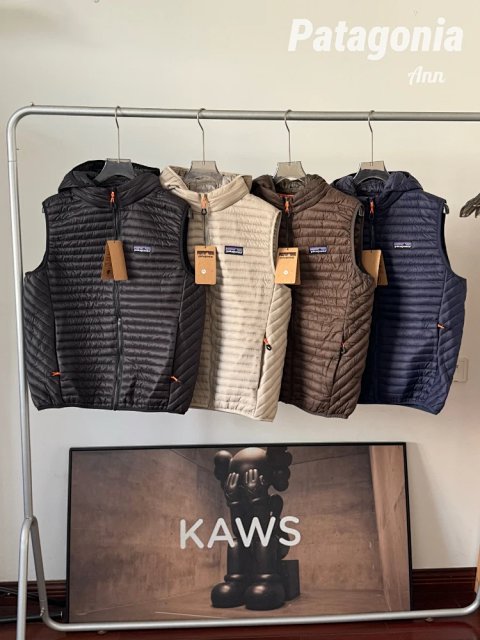
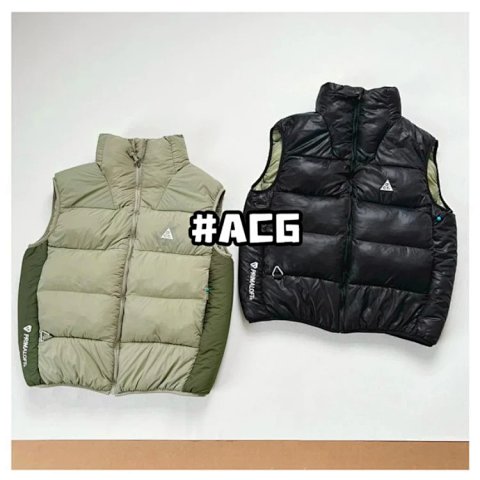
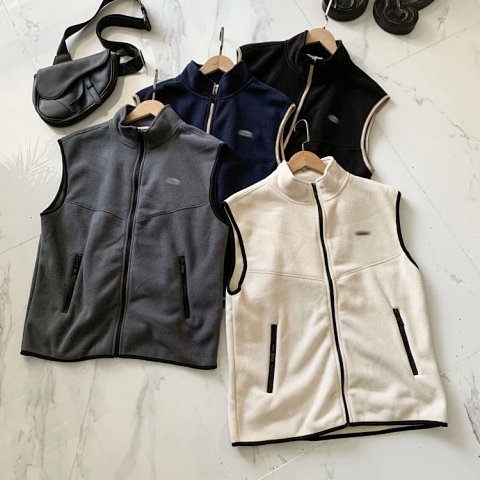
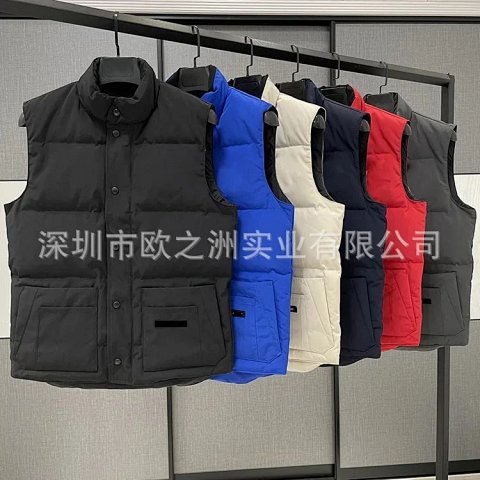
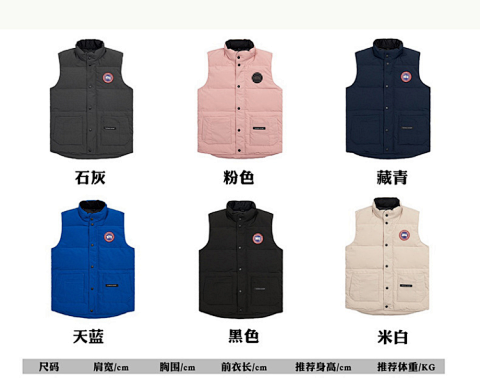
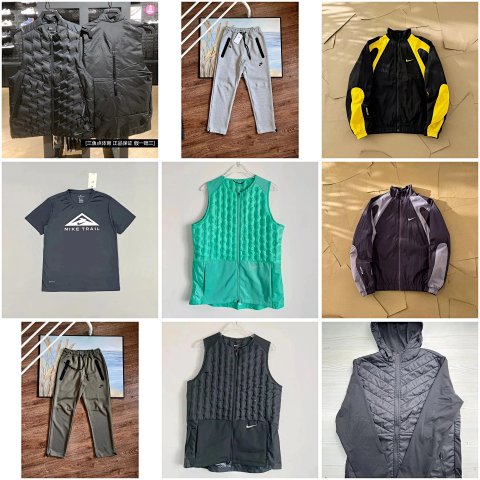
Vests collects sleeveless outer-layer references, including shapes that may differ substantially in length and construction. Compare the armhole, collar, front opening and pocket layout before choosing a version. Check chest width and body length on the source chart, accounting for the garment you intend to wear underneath. Open the product record to connect the selected colour and option image with its source ID. A padded-looking vest does not establish the filling, and a utility appearance does not confirm a pocket's capacity. If the back or inside is missing, ask for those views rather than assuming it matches the front construction.


Researching Vests
Look at the armhole
QC photos should show both sides of the opening and the shoulder joins. Use the source dimensions for fit questions; an armhole's apparent size changes with the photography angle.
Use this category in the Spreadsheet finder →
Related subcategories
Related guides
How to Compare Spreadsheet Listings
Compare two or three product references using the same options, price context, measurements and source details before choosing your next step.
Read guide →Catalog Photos vs QC Photos
Tell catalog, warehouse QC and user photos apart so you use each image for the decision it can actually support.
Read guide →Related categories
Research notes updated