
Bomber & Varsity
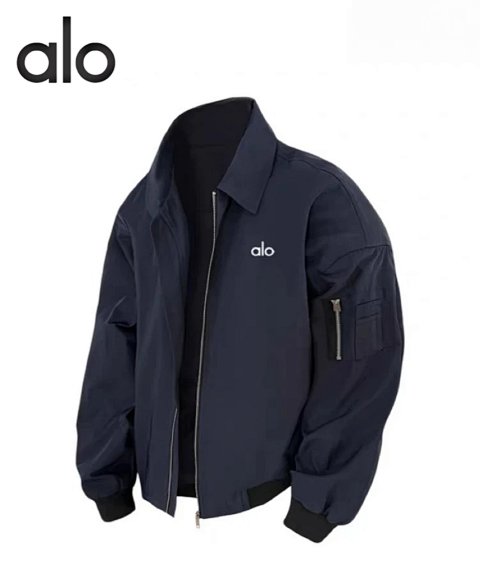
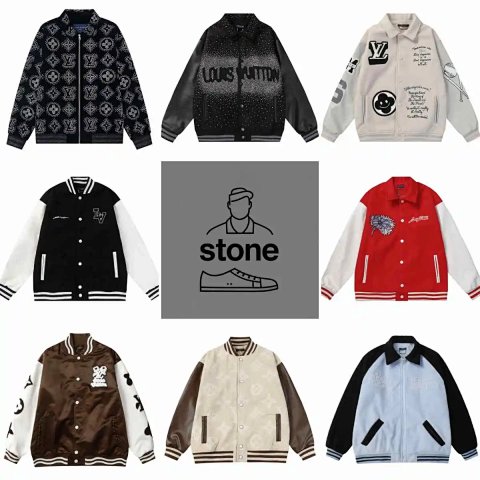
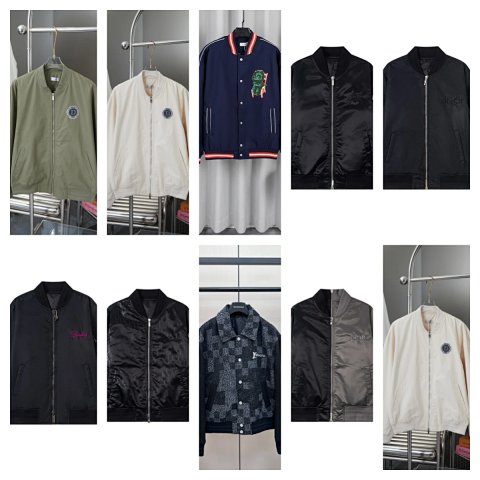
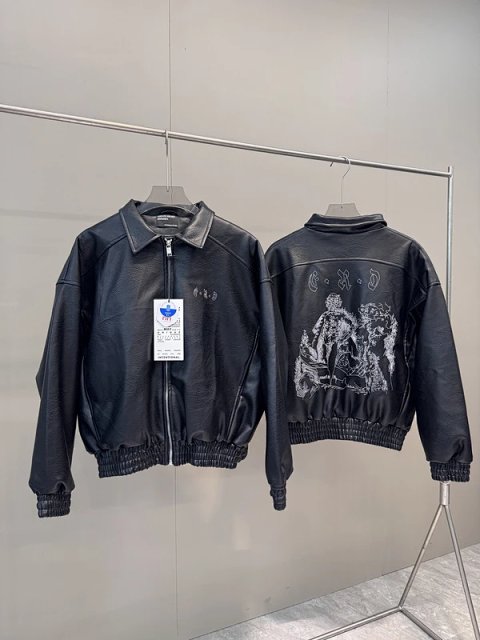
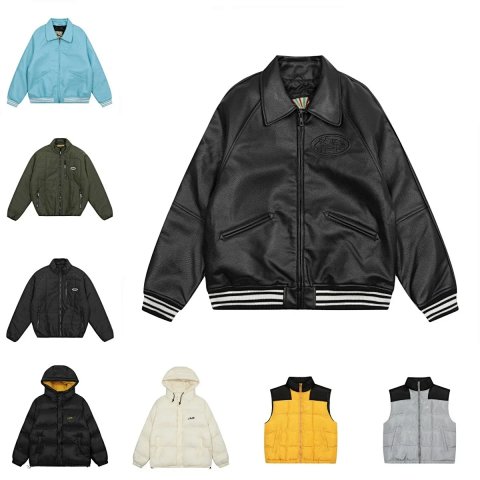
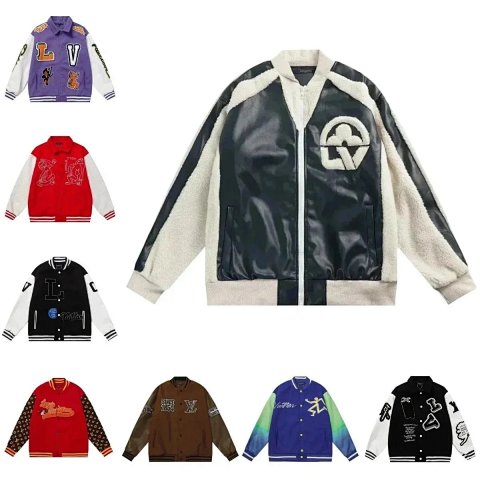
Bomber & Varsity combines jacket references whose visible collar, ribbed edges and panel arrangements can be useful starting points. Compare the opening, sleeves, pockets and decoration to identify the exact design. Then check garment dimensions instead of assuming a uniform fit across the group. Open each record to match its colour combination with an option image and save the source ID. Contrast sleeves or a textured-looking panel do not establish the underlying material. If the overview includes different patches or lettering, confirm the selected version. A styled photograph can hide the lower hem or reverse, so request those views where the design continues around the jacket.
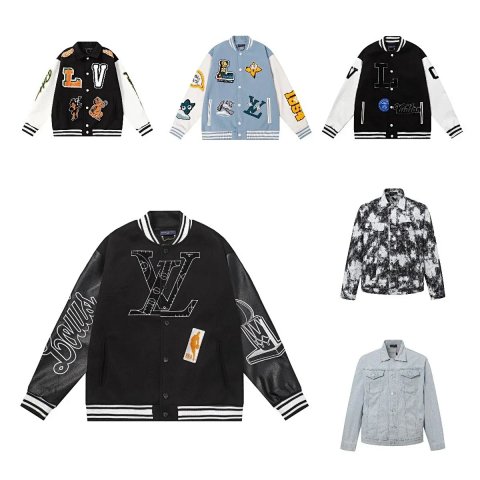
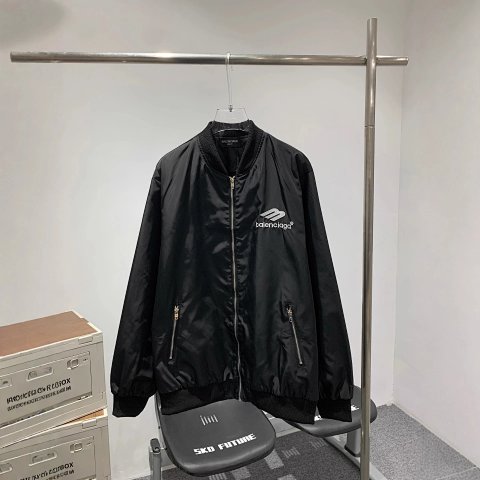
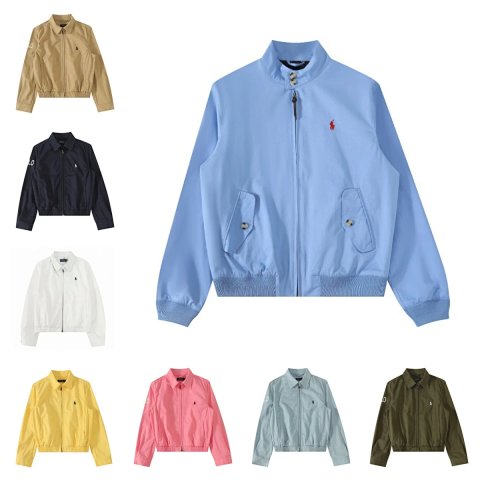
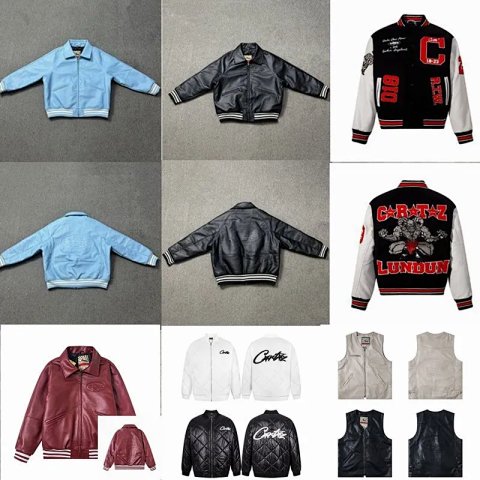
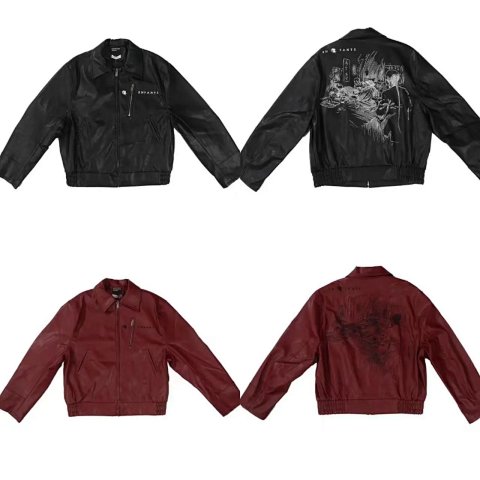
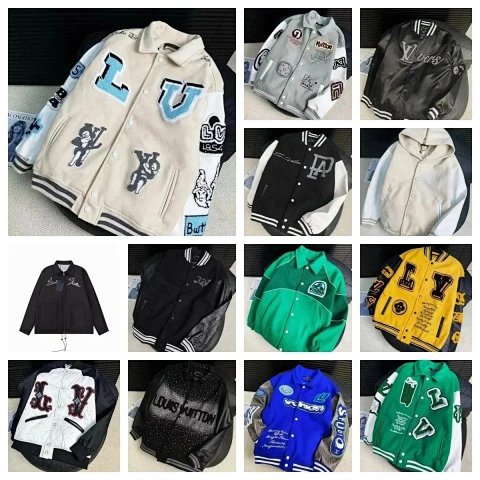
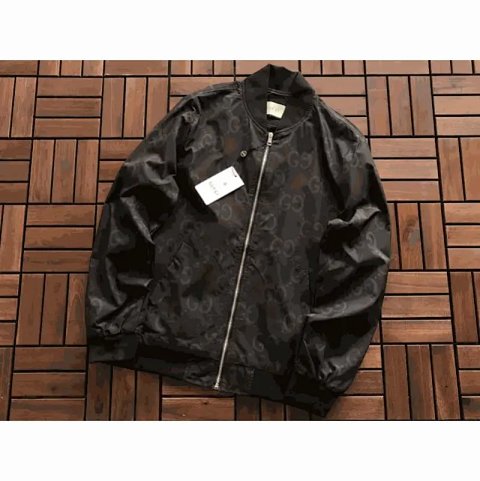
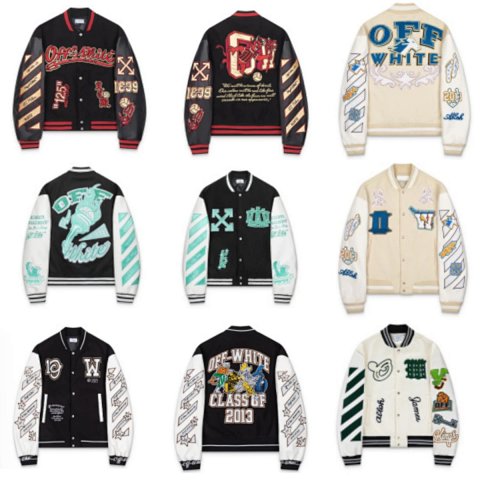
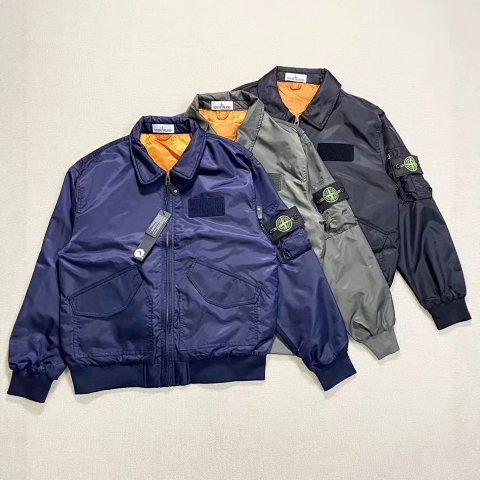
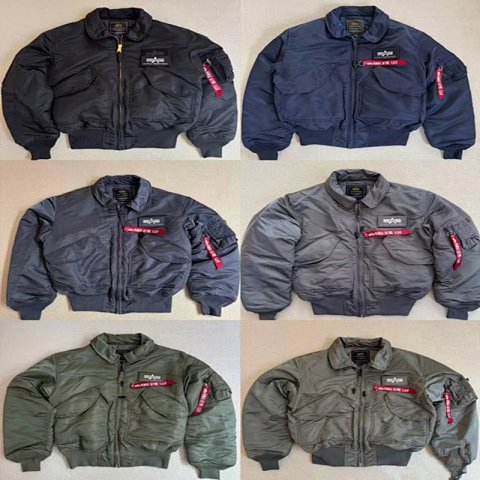
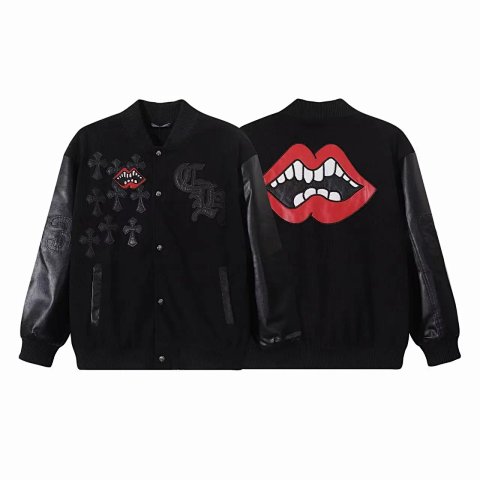
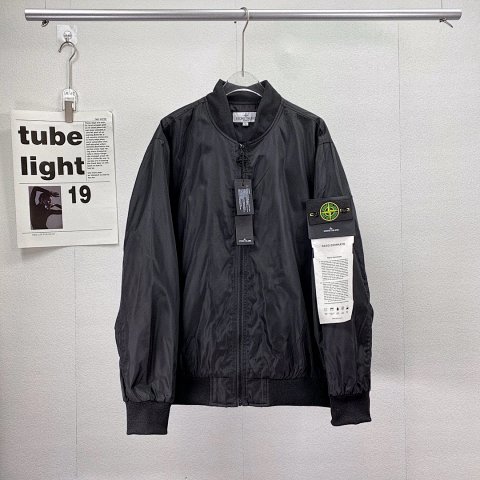
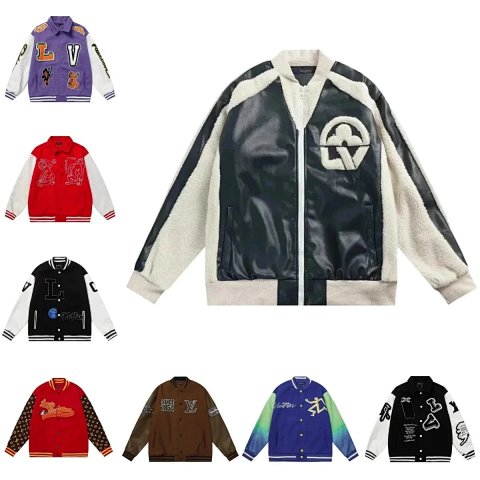
Louis Vuitton LV Monogram Varsity Jacket Bomber Jacket
View Product →$64.67USD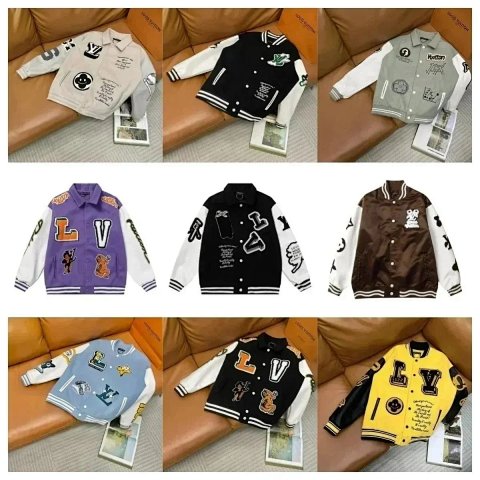

Researching Bomber & Varsity
Follow the trim
Compare the collar, cuffs and hem colours with the reference. Ask for readable patch or letter details and check that front and back images belong to the same option.
Use this category in the Spreadsheet finder →
Related subcategories
Related guides
How to Compare Spreadsheet Listings
Compare two or three product references using the same options, price context, measurements and source details before choosing your next step.
Read guide →Catalog Photos vs QC Photos
Tell catalog, warehouse QC and user photos apart so you use each image for the decision it can actually support.
Read guide →Related categories
Research notes updated