
Puffer & Down
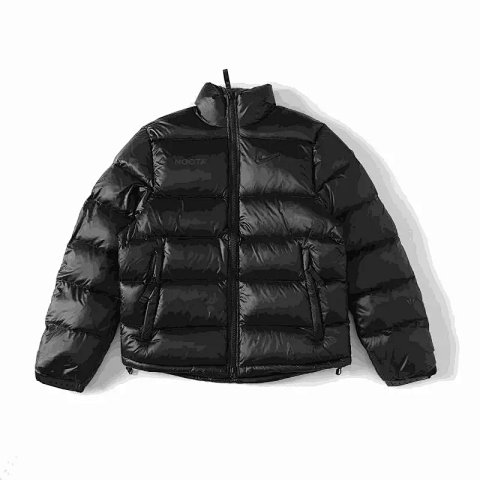
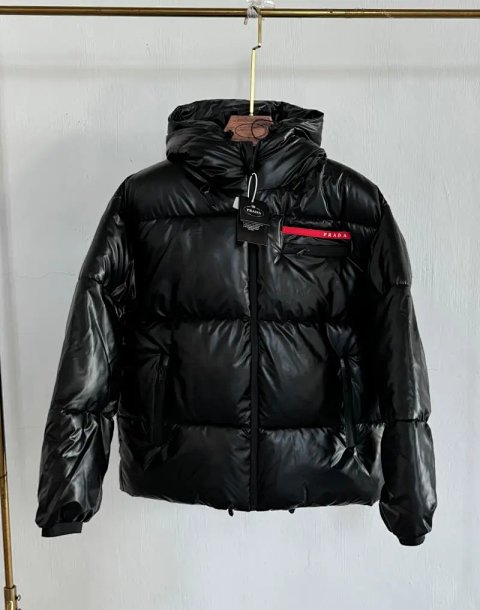
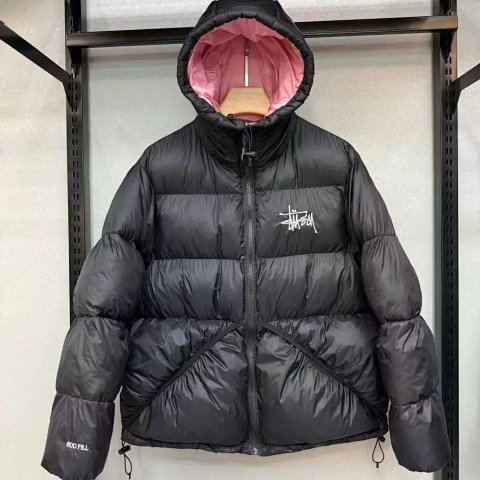
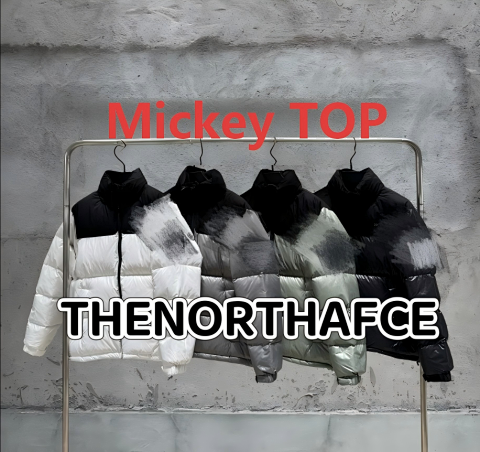
Puffer & Down groups padded outerwear references under the central catalog's label. Look at the panel layout, collar, hood and overall length before comparing the chosen version with another jacket. A lofted appearance does not identify the filling or establish warmth. Open the source record for explicit composition details where available, then match the selected colour to its option photo. Save the reference ID and source measurements together. Ask how chest width is measured if the jacket is thick or shown compressed. For QC, compare the panel arrangement and closures with the same version rather than a different colour in the collage.
Researching Puffer & Down
Inspect concealed parts
Request lining, cuff and fastening views when they are hidden. Confirm whether a hood or other detachable part belongs to the selected option rather than assuming it is included.
Use this category in the Spreadsheet finder →
Related subcategories
Related guides
How to Compare Spreadsheet Listings
Compare two or three product references using the same options, price context, measurements and source details before choosing your next step.
Read guide →Catalog Photos vs QC Photos
Tell catalog, warehouse QC and user photos apart so you use each image for the decision it can actually support.
Read guide →Related categories
Research notes updated