
Trucker Caps
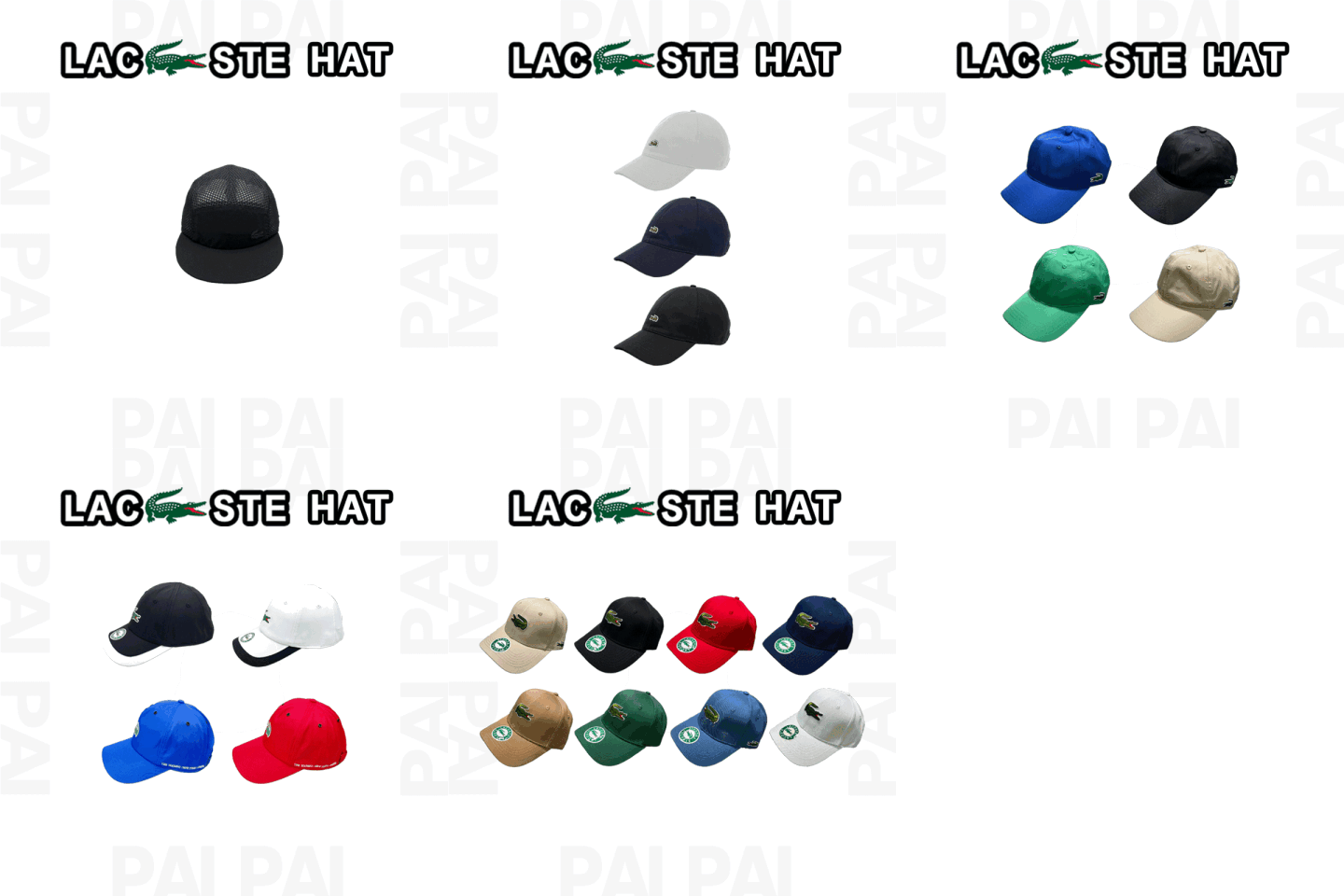
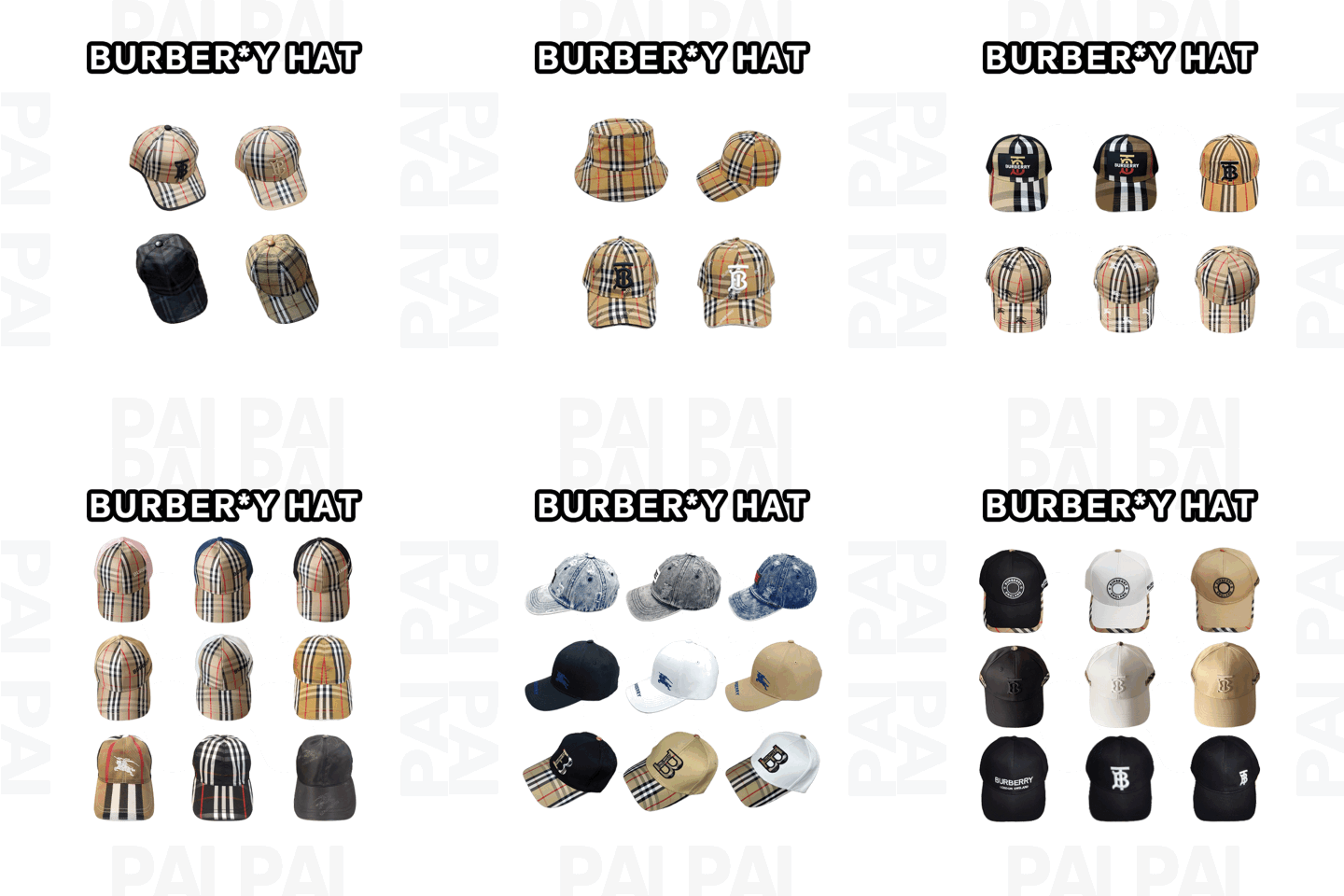
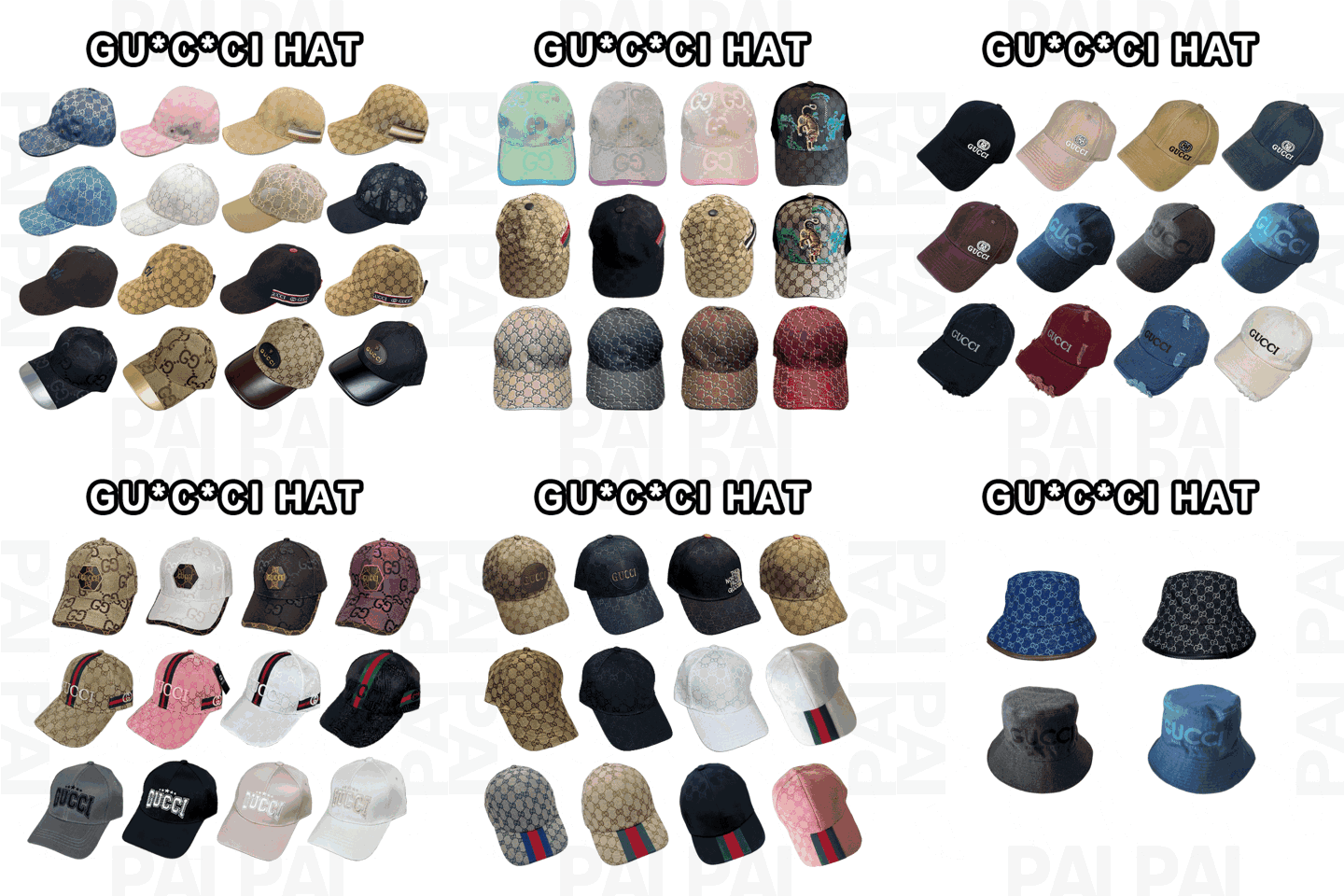
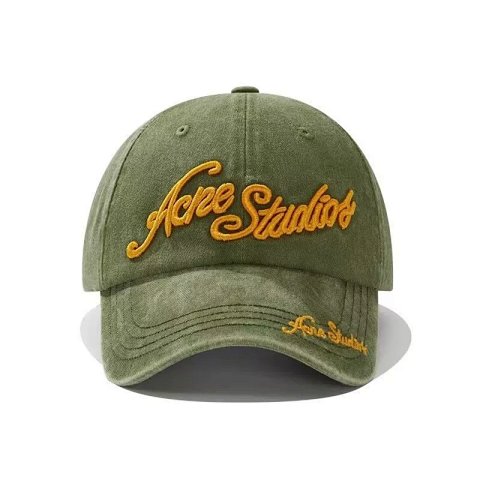
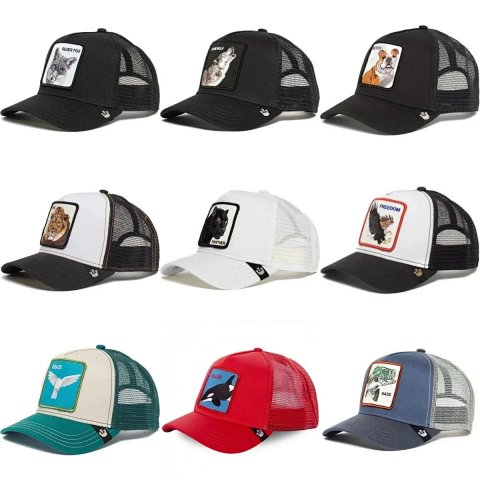
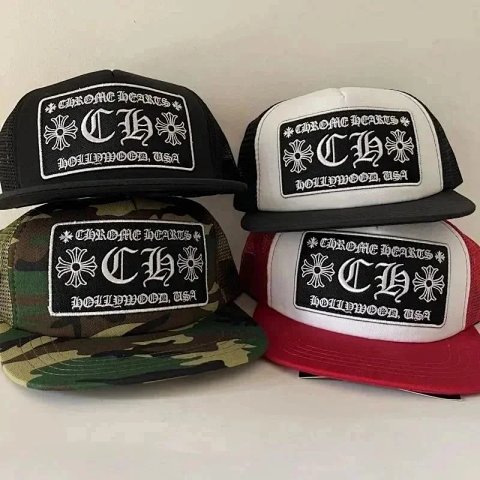
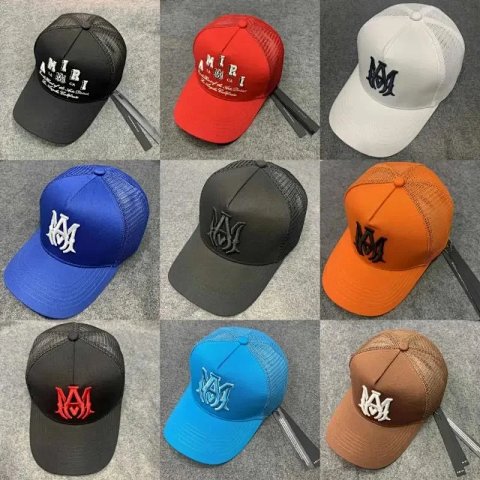
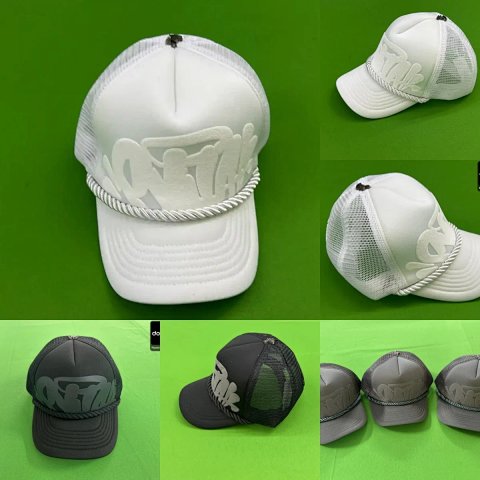
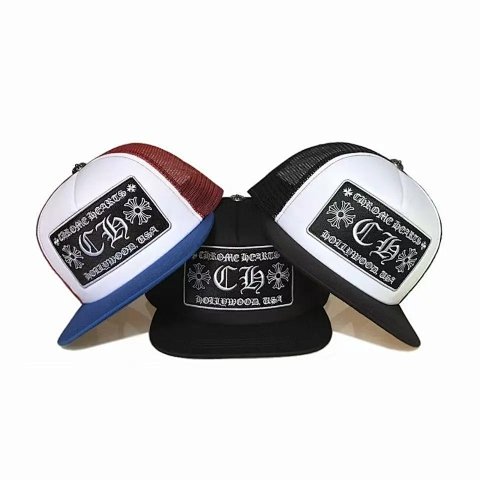
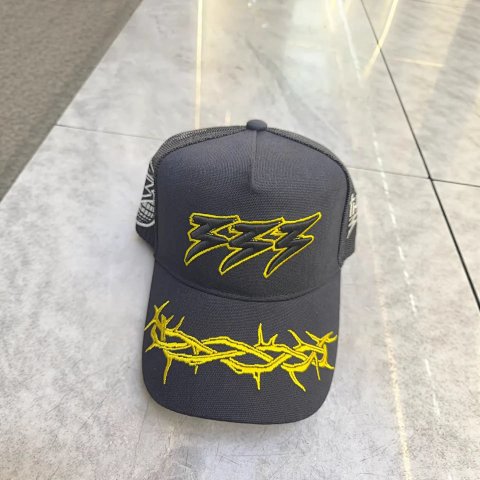
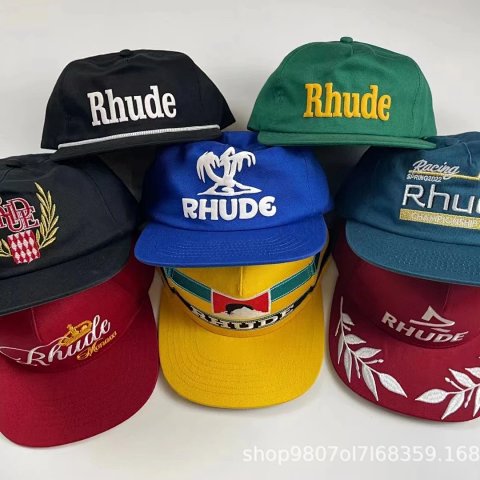
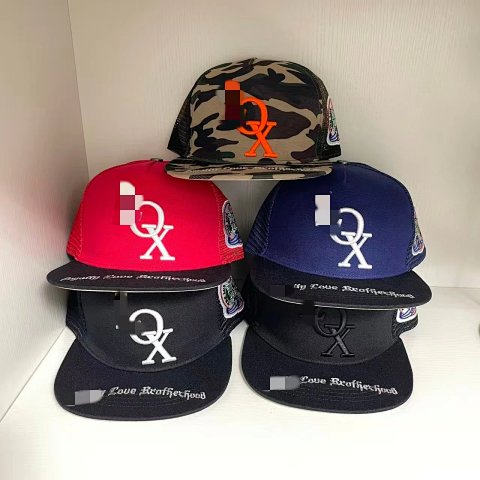
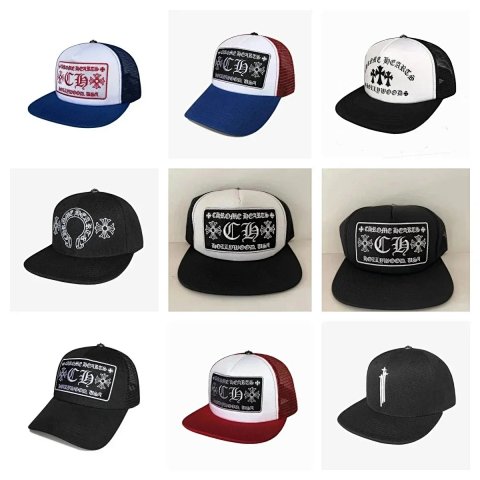
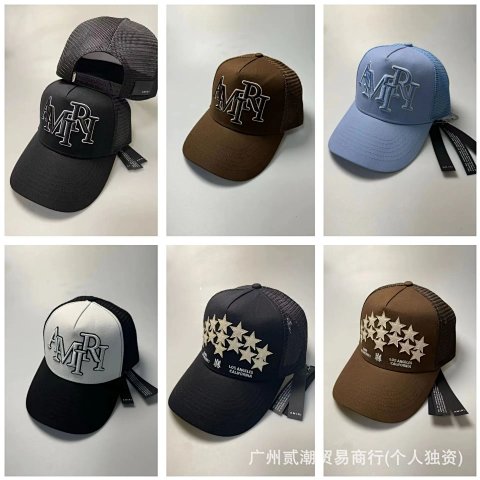
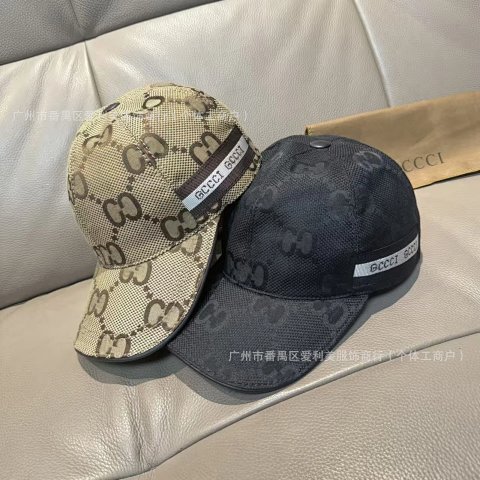
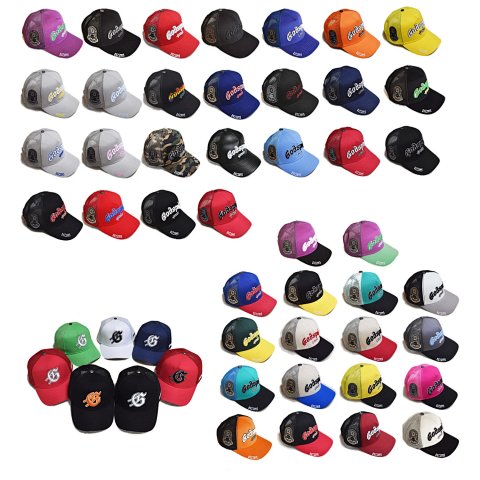
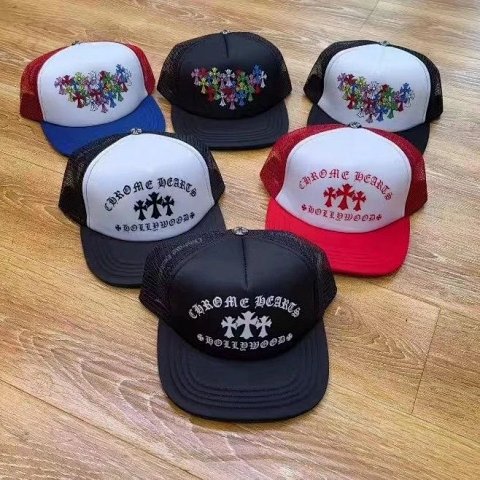
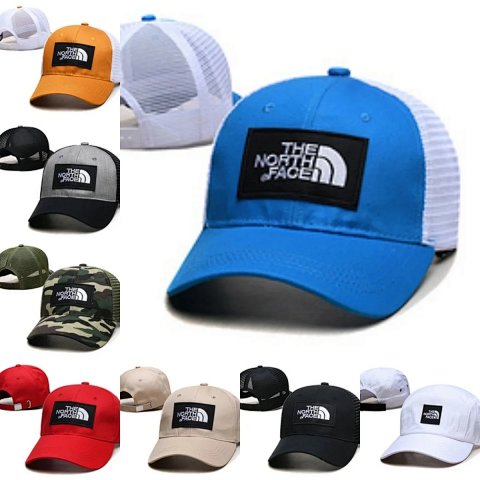
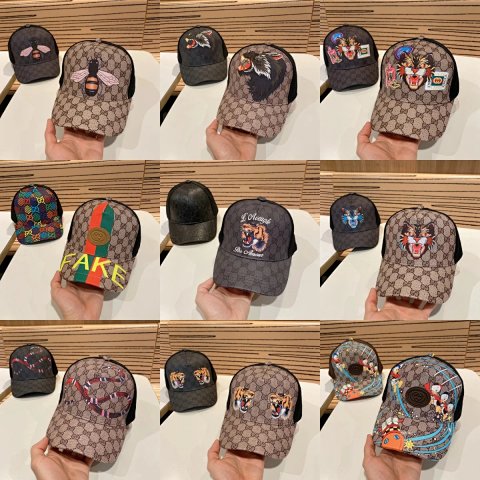
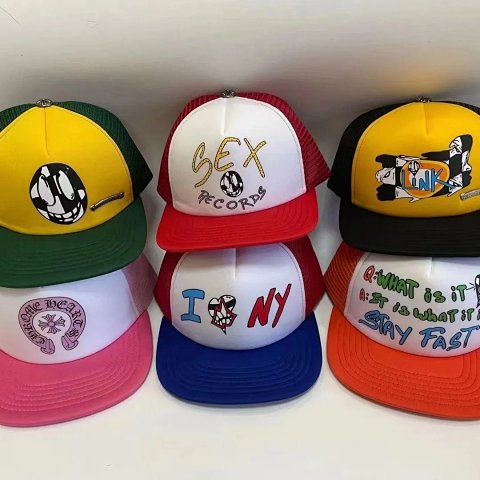
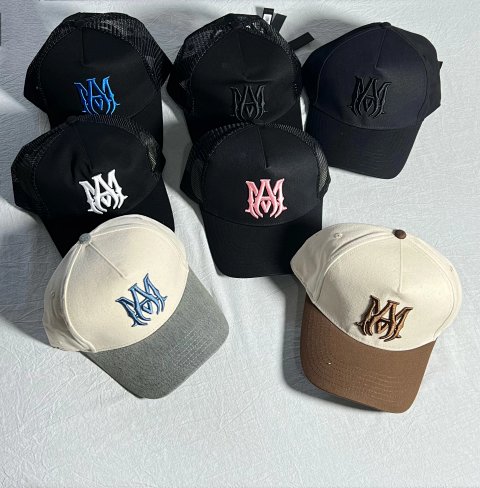
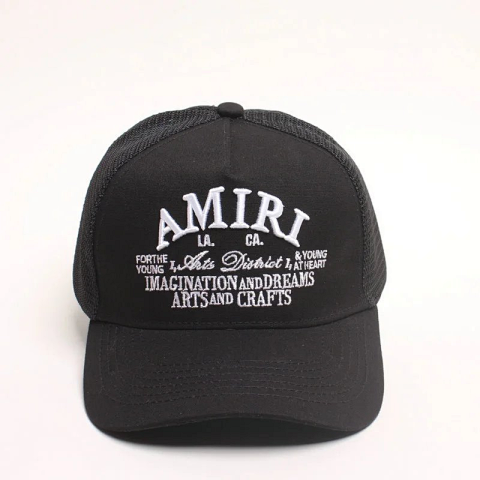
Trucker Caps groups references with trucker-style construction in the central catalog. Compare the front panel, side profile and rear sections to distinguish shapes. Open the product page to check the selected colour, decoration and source reference. A mesh-looking section in a photograph does not establish material composition or wearing comfort. Read the source's size or adjustment guidance rather than assuming all snap-style closures offer the same range. If the overview only shows the front, request the rear fastening and inside. Keeping those details with the option image helps prevent a familiar graphic from obscuring a different crown or closure.

Researching Trucker Caps
Compare front and rear together
Use a clear side view to connect the panels and brim with the selected option. For QC, inspect the visible fastening and decoration without inferring a fit range from the image.
Use this category in the Spreadsheet finder →
Related subcategories
Related guides
How to Compare Spreadsheet Listings
Compare two or three product references using the same options, price context, measurements and source details before choosing your next step.
Read guide →How to Check QC Photos
Check warehouse photos against your order, use focused clothing and footwear checklists, and decide whether to proceed or request clearer evidence.
Read guide →Related categories
Research notes updated