
Bags & Watches · Wallets & Small Bags
Wallets & Small Bags
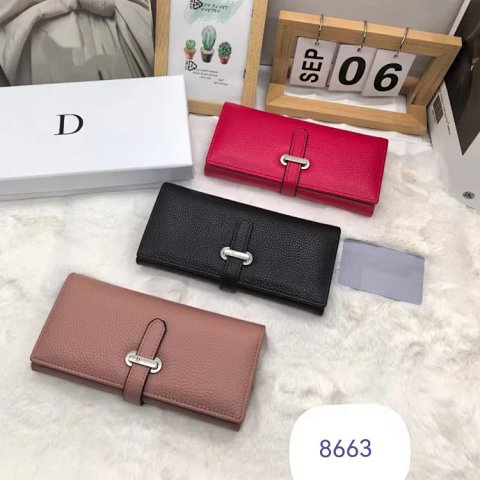
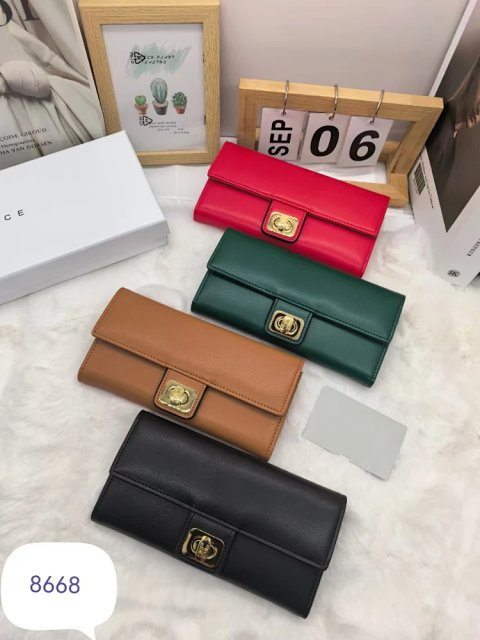
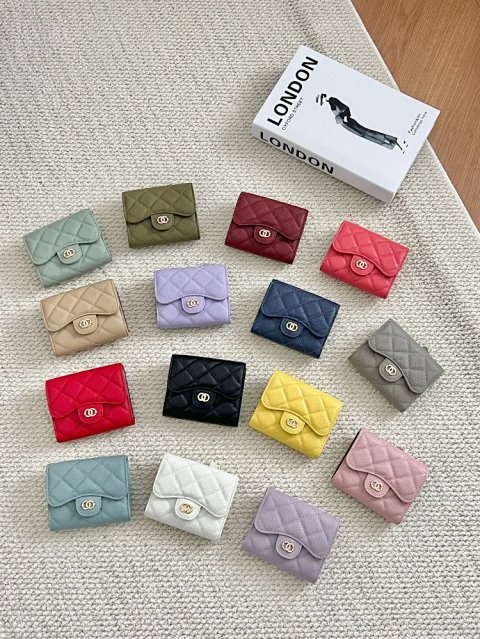
Wallets & Small Bags covers compact references whose card photos can hide important scale differences. Start with dimensions and the opening, then compare visible slots, divisions and fastening details. Open the product record to identify the selected colour or size and keep its reference ID with the matching image. Ask whether any strap, chain or companion piece is included; a group photograph does not establish the option's contents. An exterior measurement may not answer whether a particular object fits inside, so request a relevant usable measurement. The appearance of a surface cannot independently identify the material or demonstrate how a closure will behave over time.
158 matching product referencesPage 4 · 24 on this page
Bags & Watches · Wallets & Small Bags
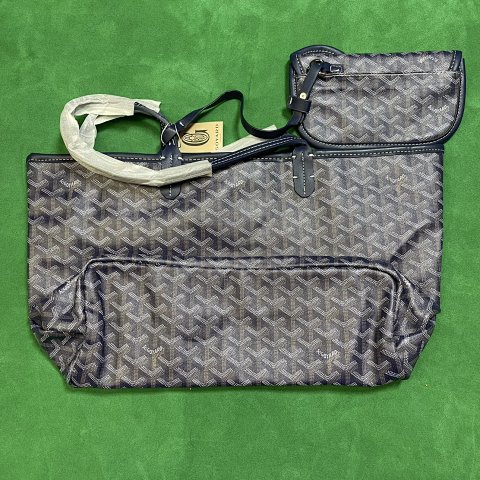
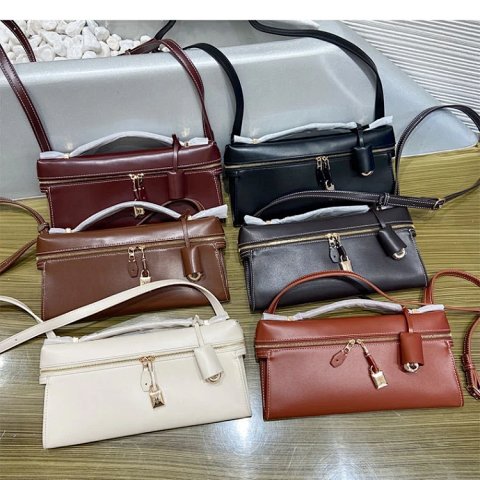
Goyard Saint-Louis PM Tote Bag with Pouch Set
View Product →$11.67USD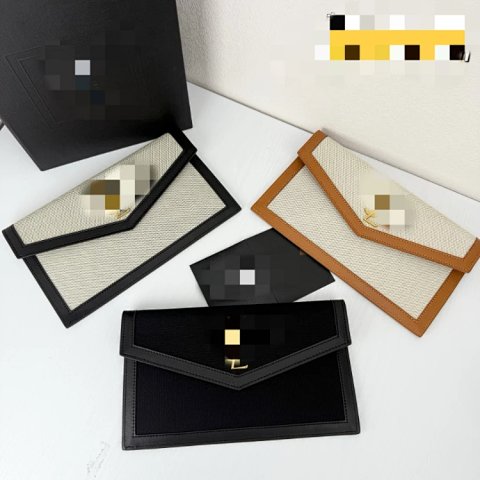
Bags & Watches · Wallets & Small Bags
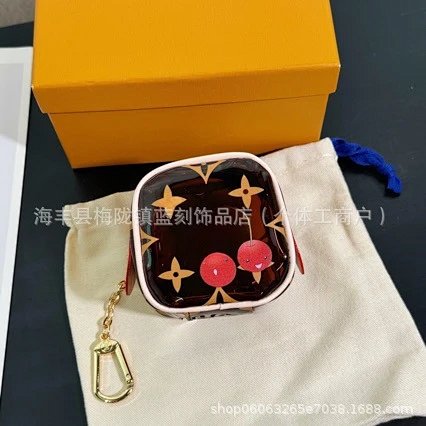
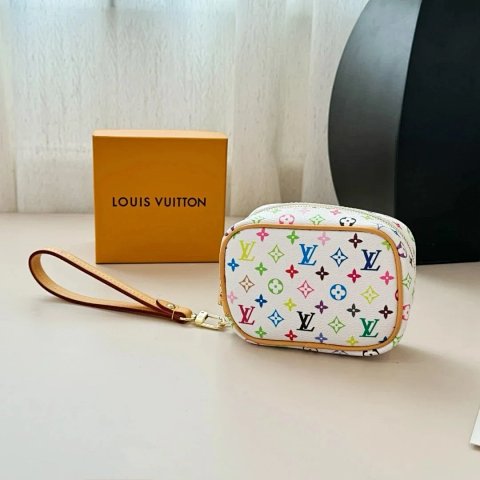
Louis Vuitton Multicolor Monogram Mini Pouch
View Product →$39.72USD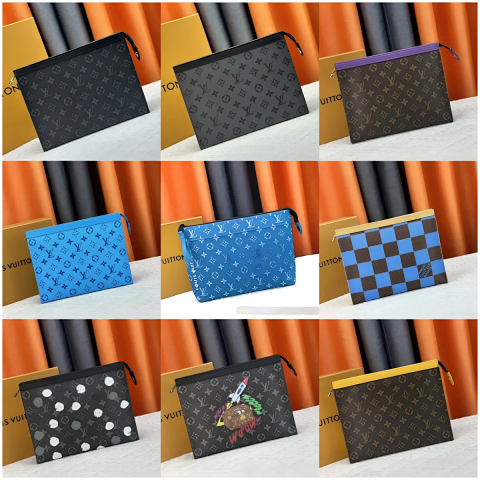
Bags & Watches · Wallets & Small Bags
Louis Vuitton Monogram Canvas Handbag Clutch
View Product →$50.14USD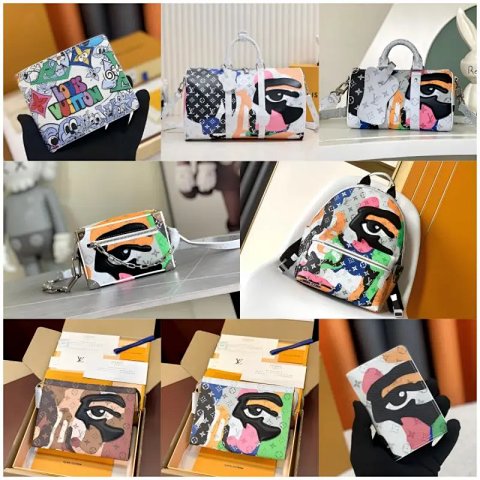
Bags & Watches · Wallets & Small Bags
Louis Vuitton Millefeuilles Handbags and Wallets
View Product →$30.97USD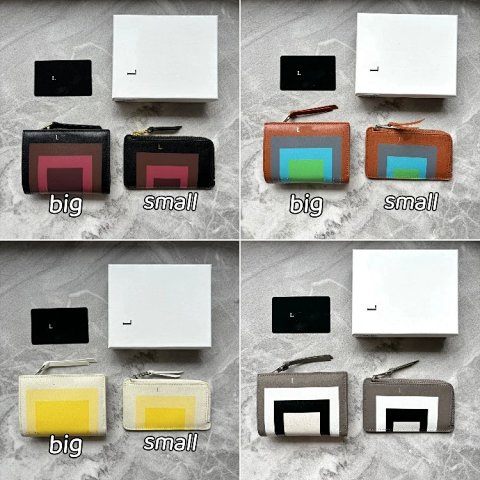

Bags & Watches · Wallets & Small Bags
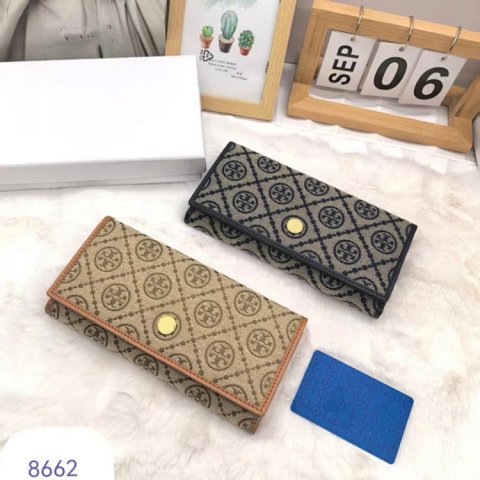
Tory Burch T Monogram jacquard wallet crossbody
View Product →$33.61USD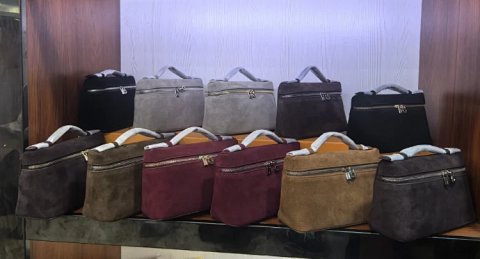
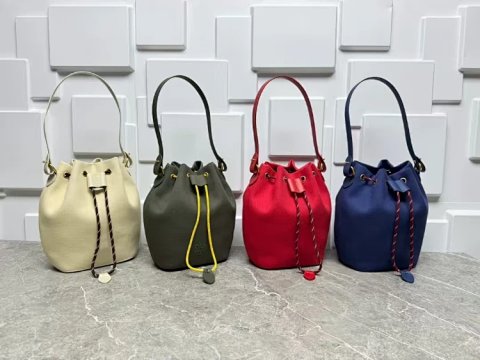
Researching Wallets & Small Bags
Request an open view
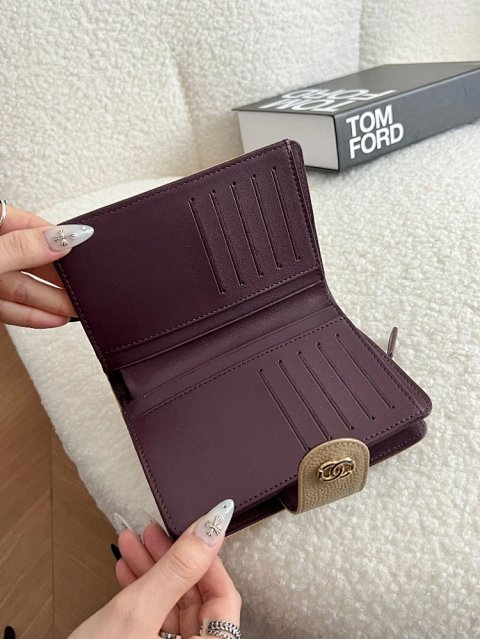
For QC, compare the interior layout and accessible joins with the chosen version. Keep slot or pocket dimensions explicit instead of estimating capacity from a familiar-looking wallet shape.
Use this category in the Spreadsheet finder →
Related subcategories
Related guides
How to Compare Spreadsheet Listings
Compare two or three product references using the same options, price context, measurements and source details before choosing your next step.
Read guide →Catalog Photos vs QC Photos
Tell catalog, warehouse QC and user photos apart so you use each image for the decision it can actually support.
Read guide →Related categories
Research notes updated