
Handbags
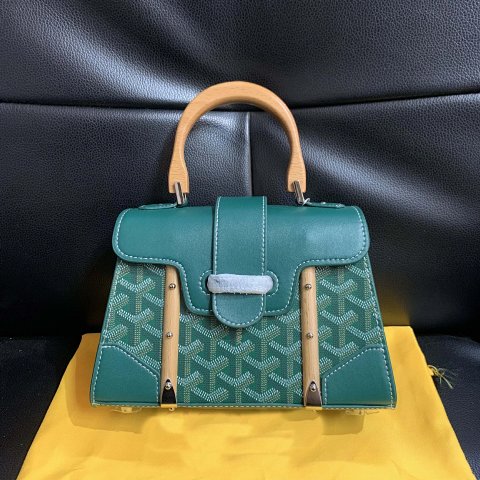
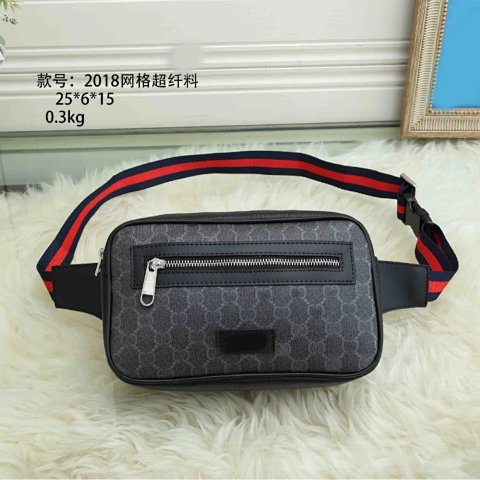
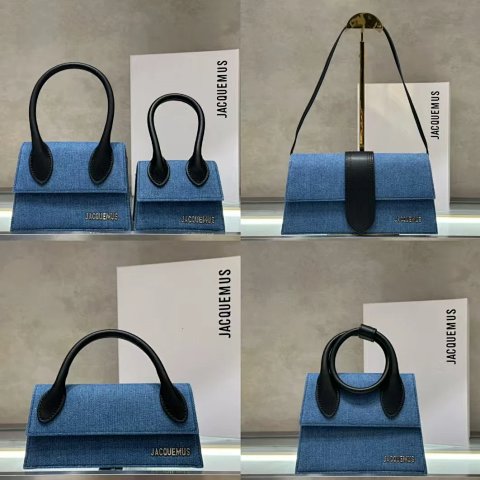
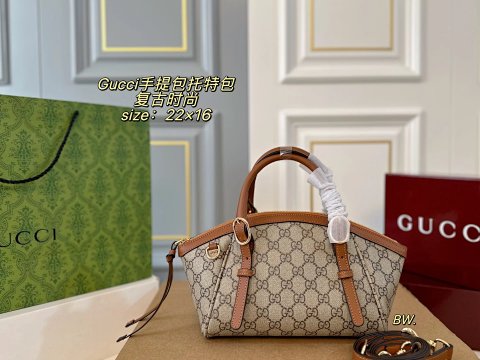
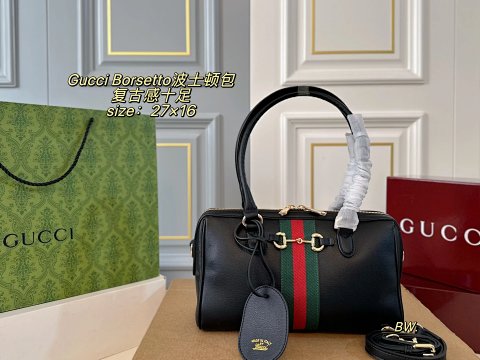
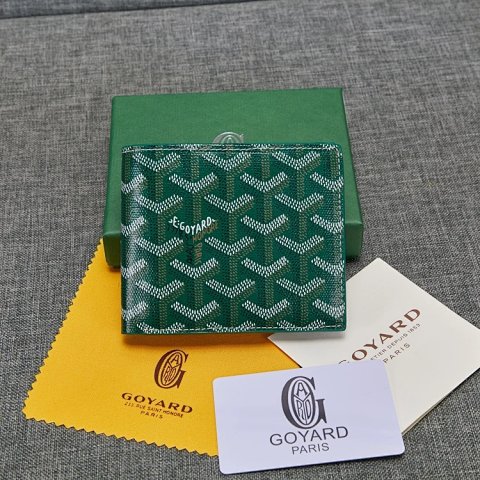
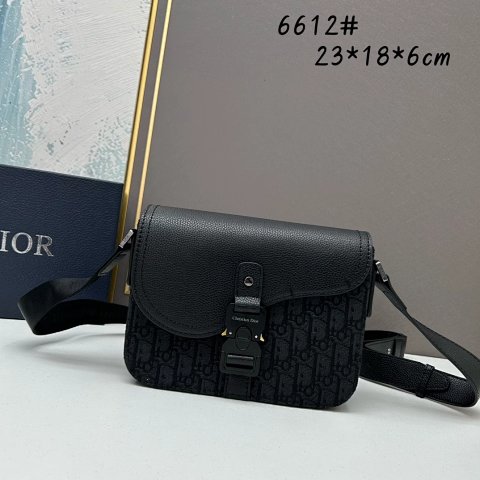
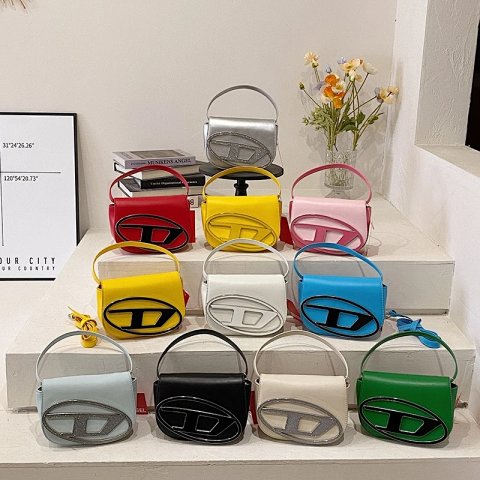
Handbag references are easier to compare when dimensions and openings are considered together. Start with width, height and depth, then look at handle drop, the closure and any visible interior divisions. Open the product record to match the chosen size and colour to its individual image and source ID. A styled photograph can conceal scale, and external dimensions do not necessarily describe usable interior space. Ask for a lining or open-bag view where it matters. A textured surface does not establish material composition. If a strap, charm or box is pictured, confirm whether it belongs to the selected option before recording it as included.
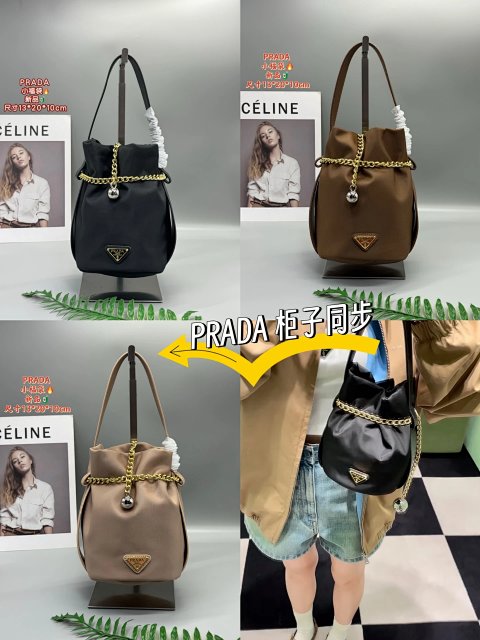
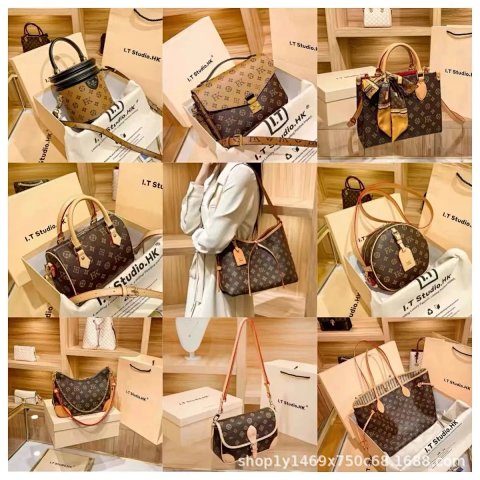
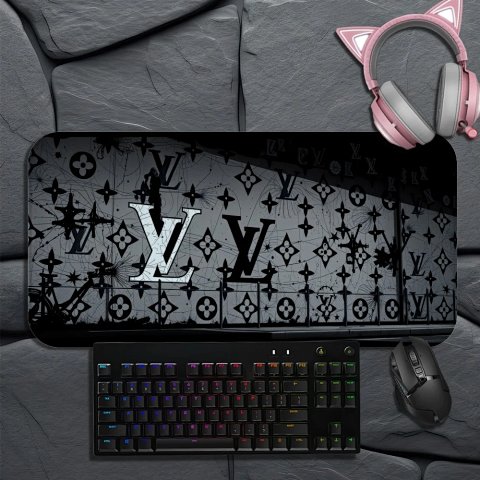
Louis Vuitton Monogram Graffiti Mouse Pad T-Shirt
Louis VuittonView Product →$18.33USD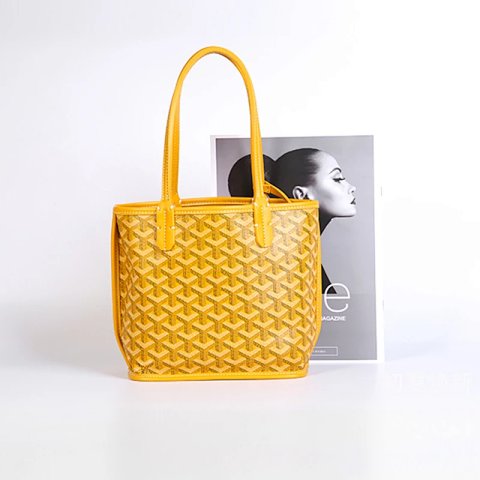
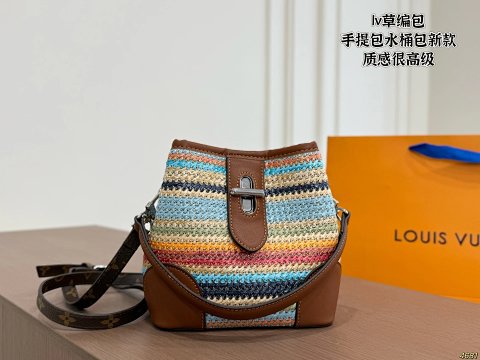
Louis Vuitton Crochet Bucket Bag T-Shirt
Louis VuittonView Product →$41.67USD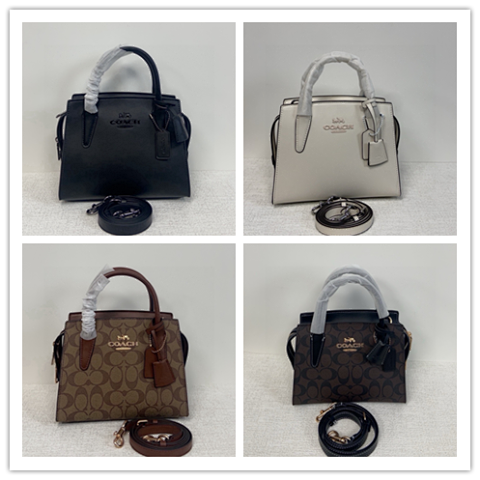
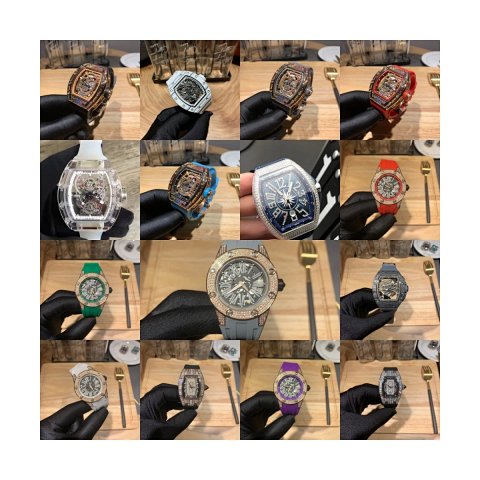
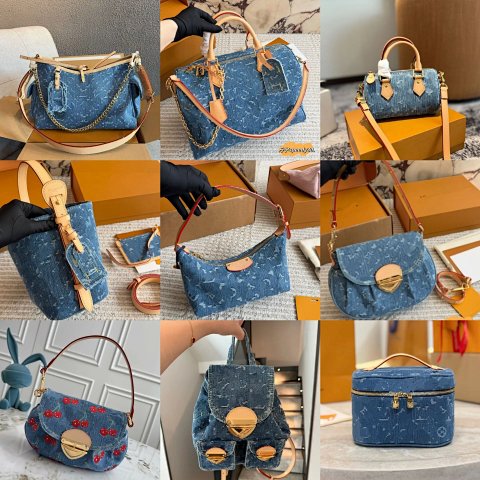
Louis Vuitton Denim Monogram Canvas Handbags T-Shirt
Louis VuittonView Product →$41.67USD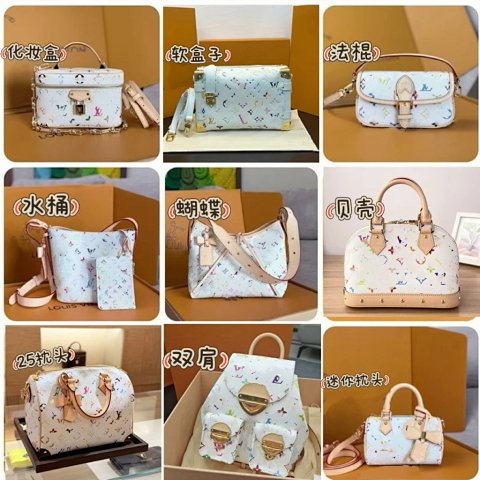
Louis Vuitton Monogram Multicolore Canvas Handbags T-Shirt
Louis VuittonView Product →$41.67USD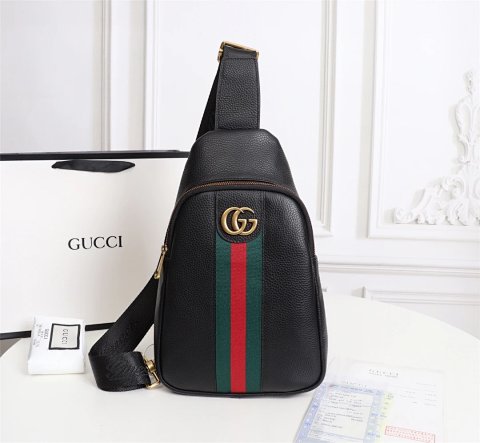
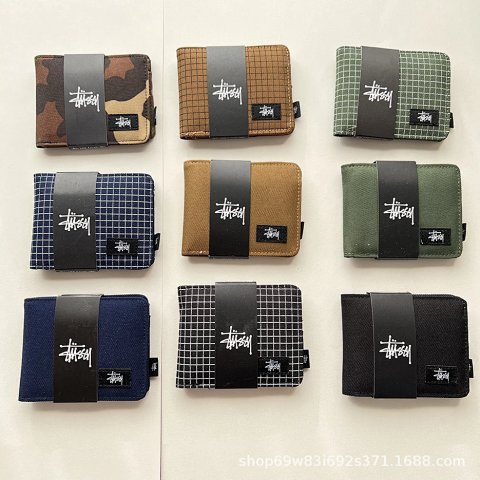
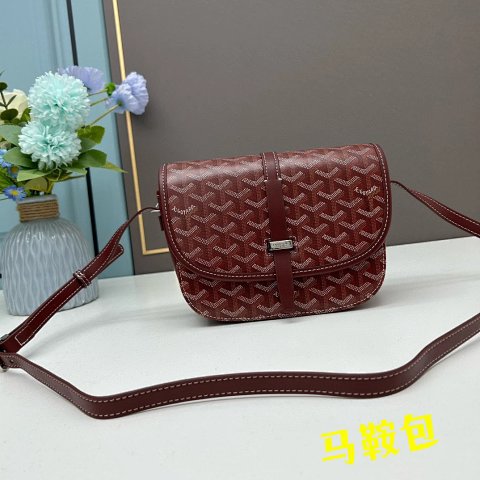
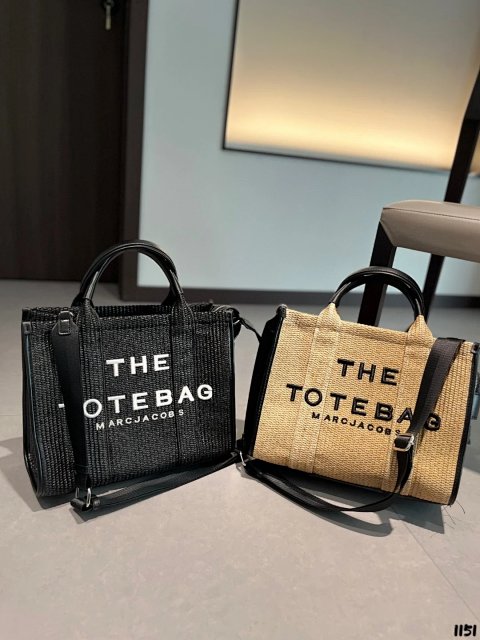
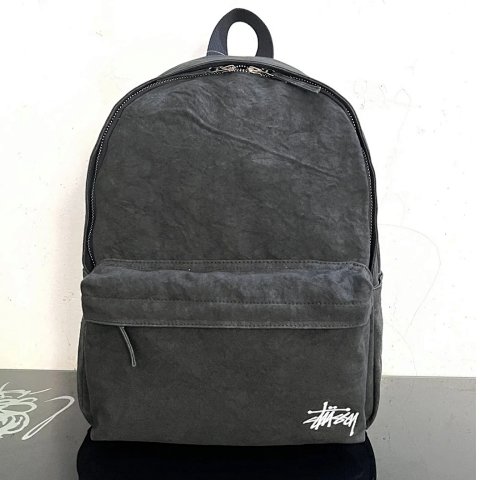
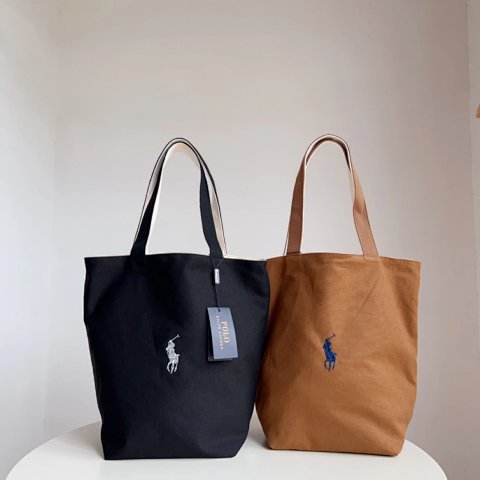
Polo Ralph Lauren Ralph Lauren Canvas Tote Bag
Ralph LaurenView Product →$34.72USD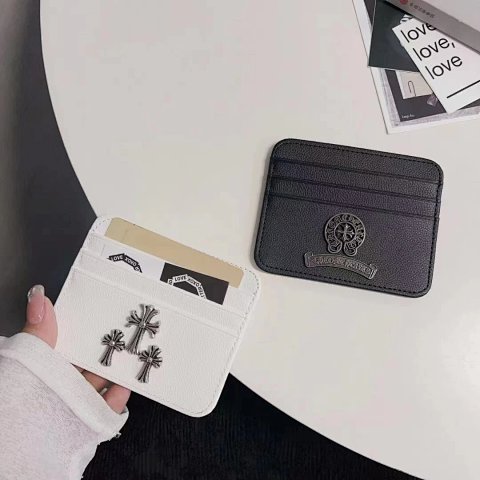
Researching Handbags
Check the opening and inside
QC views should show the fastener, handle joins and interior where accessible. Ask for a specific usable measurement if you need to compare capacity for a particular object.
Use this category in the Spreadsheet finder →
Related subcategories
Related guides
How to Compare Spreadsheet Listings
Compare two or three product references using the same options, price context, measurements and source details before choosing your next step.
Read guide →Catalog Photos vs QC Photos
Tell catalog, warehouse QC and user photos apart so you use each image for the decision it can actually support.
Read guide →Related categories
Research notes updated