
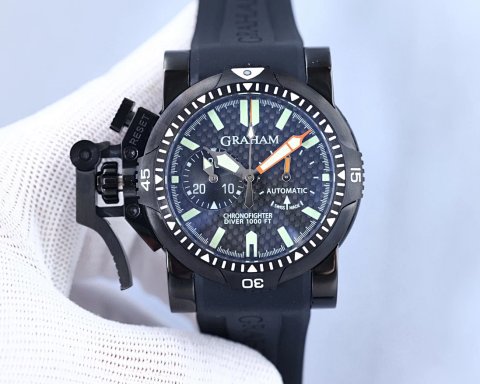
Bags & Watches · Sport Watches
Bags & Watches
Bags and watches share a category in the central catalog, but they need different comparisons. Use the subcategories to separate handbags, shoulder bags, backpacks and small bags from automatic, quartz, sport or smart-watch references. A browsing label helps you find a starting point; it does not confirm the mechanism or specifications of an individual item.
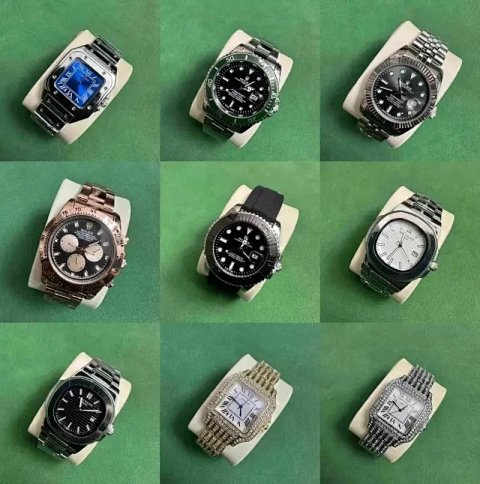
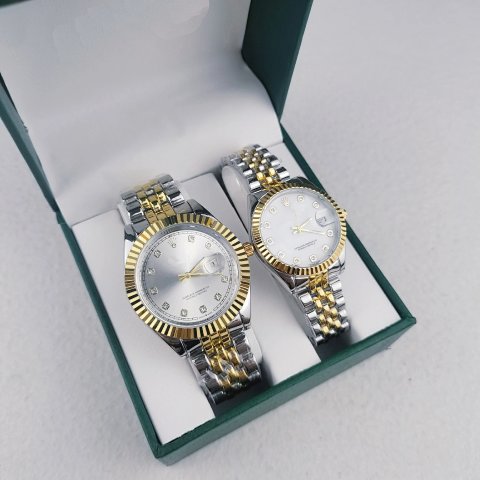
Open the product page to keep its source reference, selectable options and photographs together. A collage may mix sizes, strap choices or dial variants. Record the combination you are actually researching so later questions refer to the same item rather than a similar image.
1,716 matching product referencesPage 14 · 24 on this page
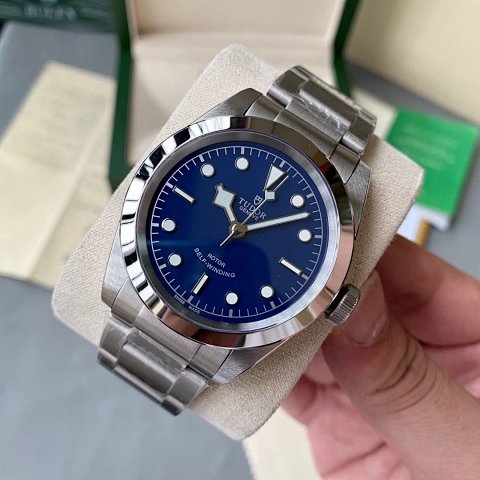
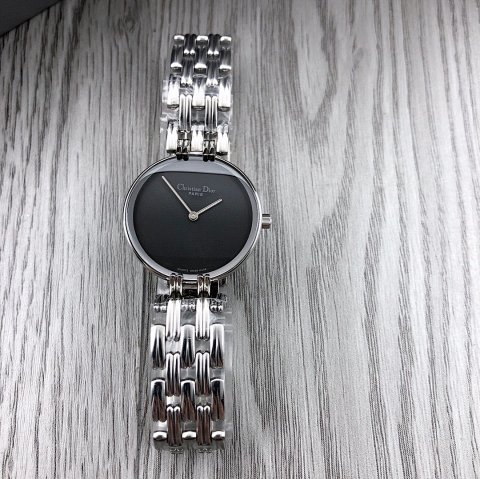

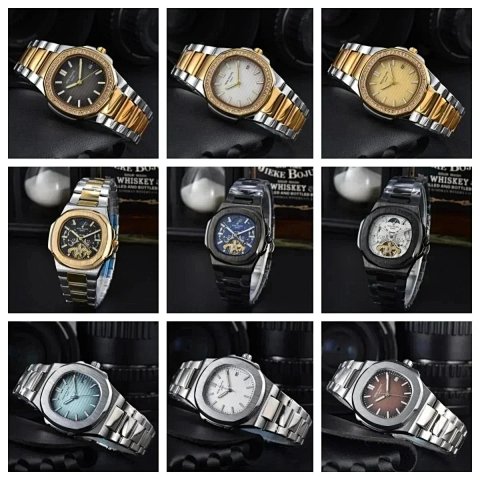
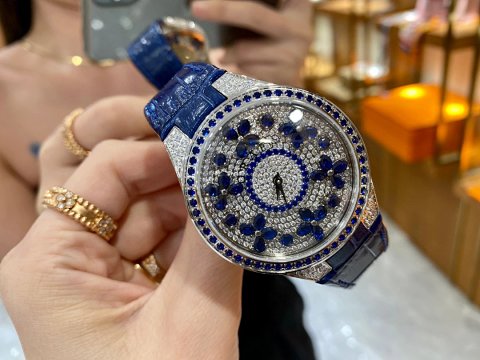
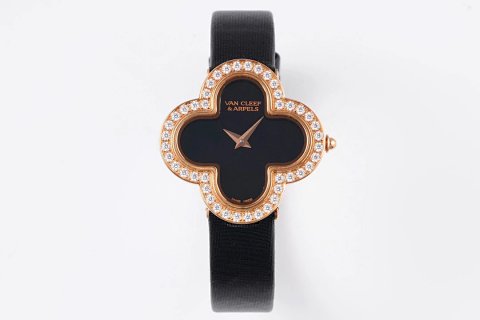
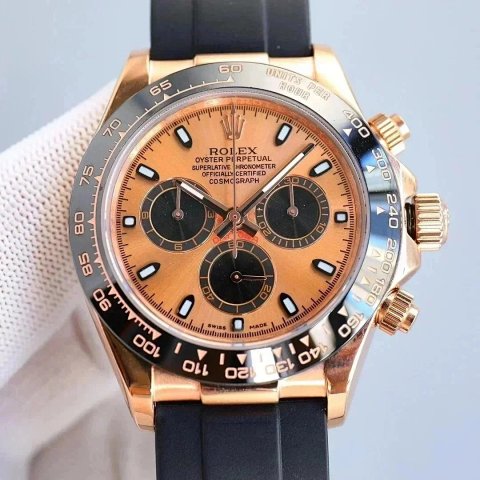
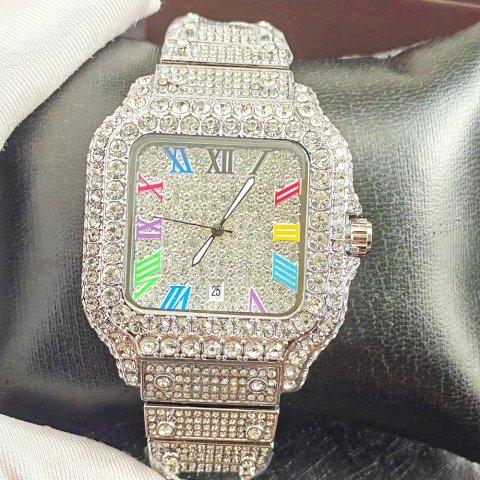
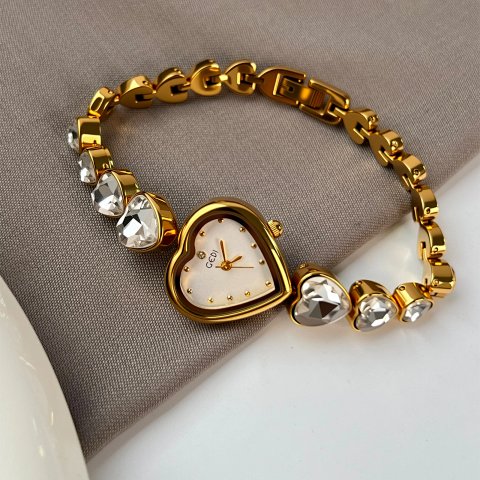
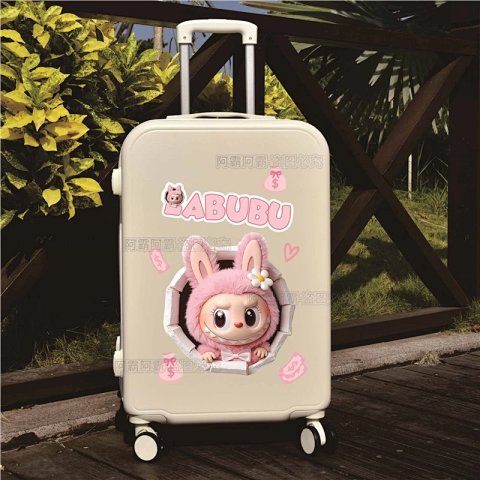
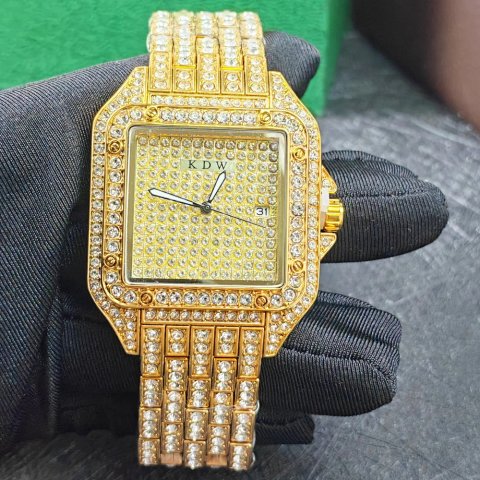
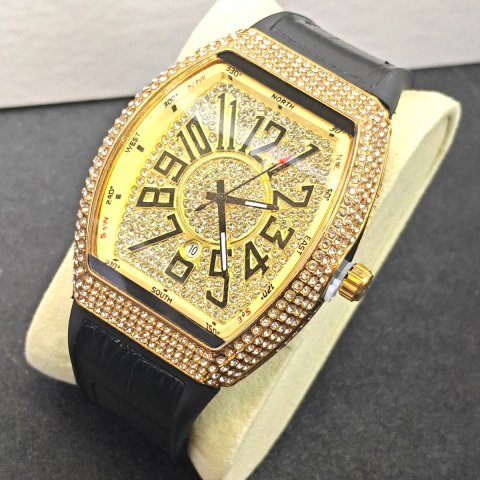
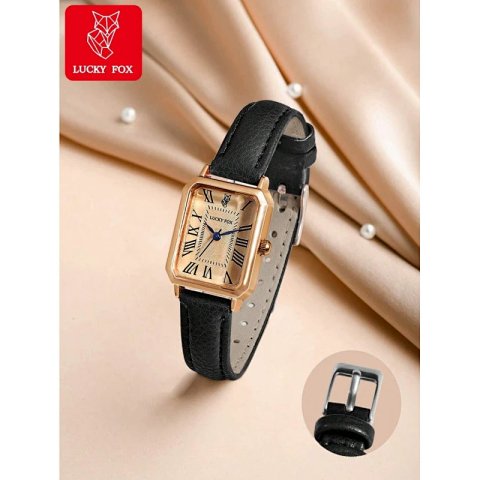
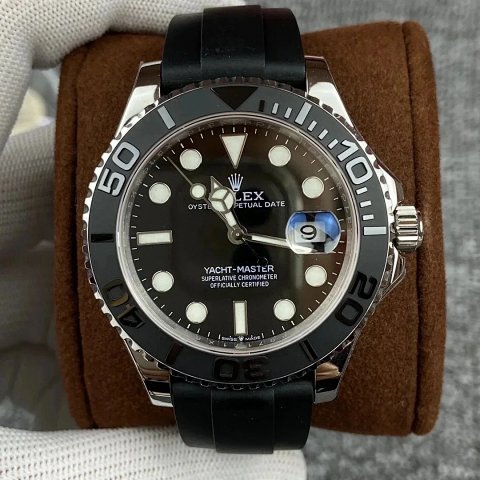
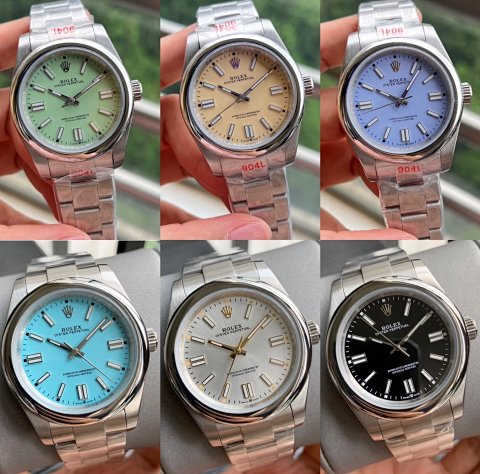
Bags & Watches · Automatic Watches
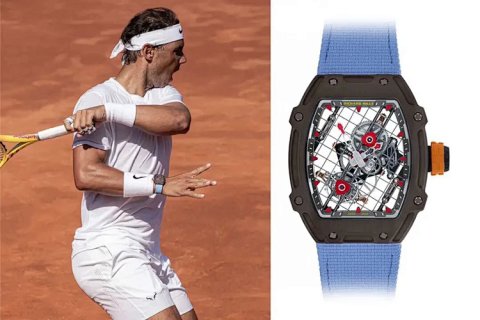
Richard Mille RM 27-04 Tourbillon Rafael Nadal Wristwatch
View Product →$355.56USD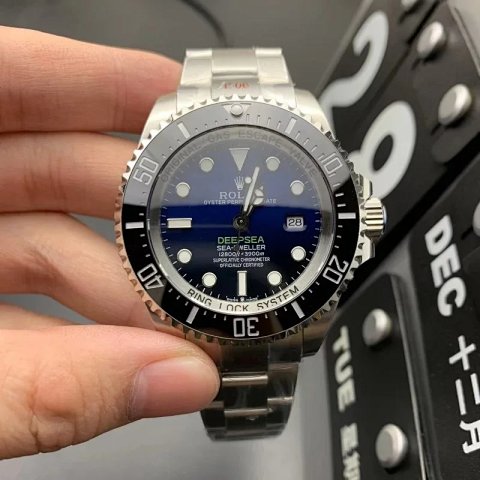
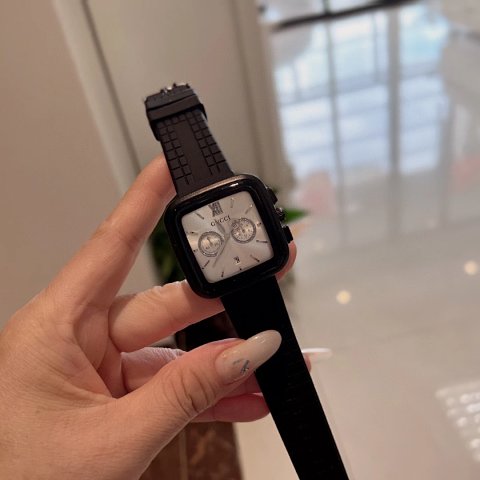
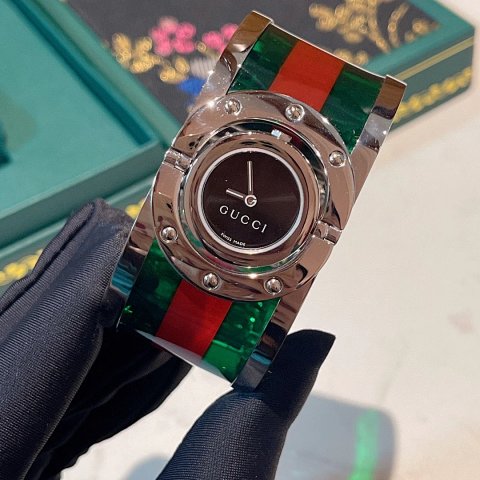
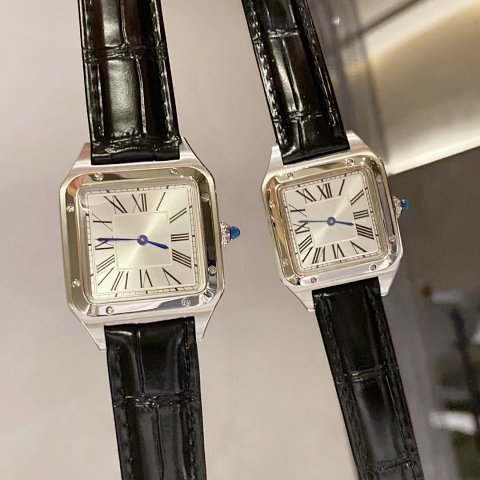
Bags & Watches · Handbags
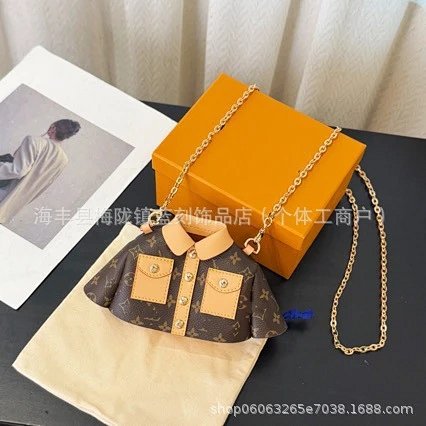
Louis Vuitton Monogram Canvas Jacket Bag Chain Strap Mini Bag
View Product →$31.53USDResearching Bags & Watches
Compare a bag's usable shape
Check width, height and depth, then look at the opening and any internal divisions. External dimensions do not necessarily describe the space available for a particular object. Strap length and the method used to measure the drop also matter. Request an interior view or a specific measurement when the source photograph leaves a practical question unanswered.
Treat watch specifications as separate evidence
Case diameter, thickness, lug width and the available strap range are more useful than the apparent size of a wrist photo. A dial can resemble a familiar mechanism without proving what is inside. Look for an explicit source specification for movement, features or compatibility, and do not infer water resistance from a case shape or category name.
Inspect the components you selected
For a bag, compare handles, fasteners, seams and the lining where visible. For a watch, compare the requested dial, case finish, strap and readable markings. Check whether extra straps, boxes or accessories are actually included in the selected option. QC photos can show a mismatch or a visible mark; they cannot prove long-term reliability or authenticate a product.
Use this category in the Spreadsheet finder →
Related guides
How to Compare Spreadsheet Listings
Compare two or three product references using the same options, price context, measurements and source details before choosing your next step.
Read guide →Catalog Photos vs QC Photos
Tell catalog, warehouse QC and user photos apart so you use each image for the decision it can actually support.
Read guide →Related categories
Research notes updated