
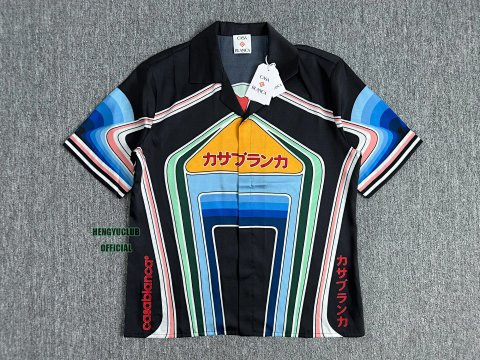
T-Shirts · Polo Shirts
T-Shirts
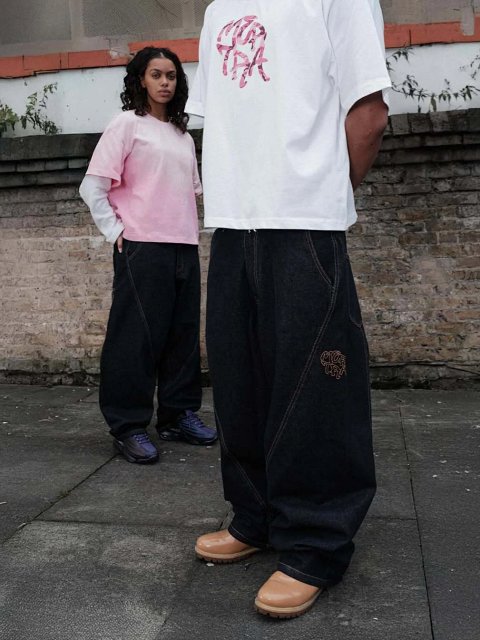
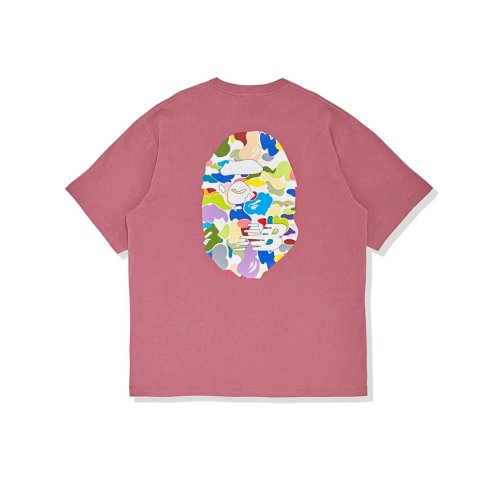
T-shirt research becomes easier when you separate cut from decoration. An oversized tee describes a silhouette; a graphic tee describes a surface design; a polo adds a collar and opening. These groups can overlap in everyday language, so use the actual product photos and source fields to understand a specific reference. A category label does not promise a particular fabric, printing method or fit.
Start with the sleeve length and body shape you want, then compare a small set of records. Keep the reference ID and selected colour beside your measurements. Similar artwork across two cards may still represent different garments, suppliers or option sets.
2,534 matching product referencesPage 20 · 24 on this page
T-Shirts · Sports Tees
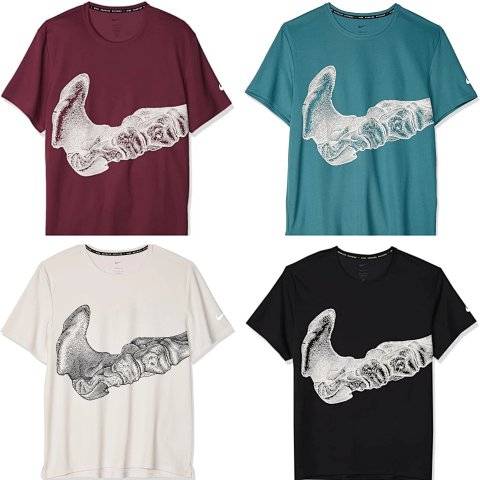
Nike Skeleton Foot Print Dri‑Fit Multi‑Color Short‑Sleeve T‑Shirt
View Product →$33.06USD
T-Shirts · Polo Shirts
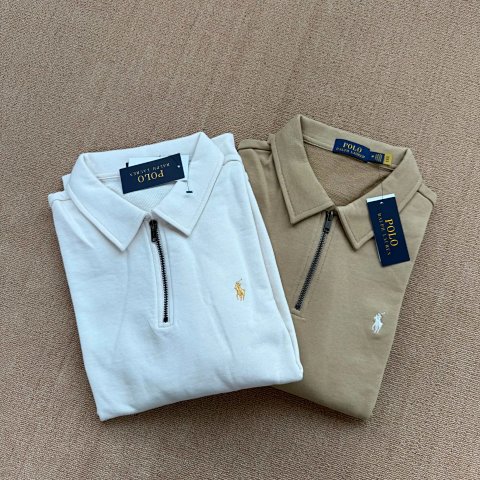
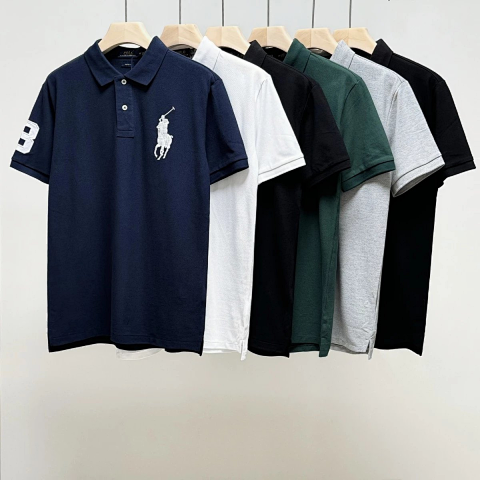
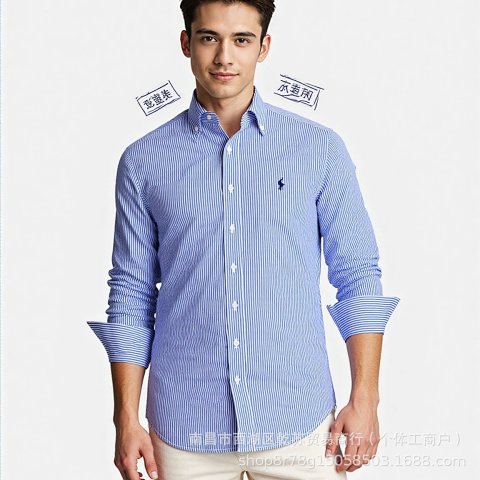
Polo Ralph Lauren Big Pony No.8 Patch Short‑Sleeve Polo Shirt Multi‑Color
View Product →$21.94USD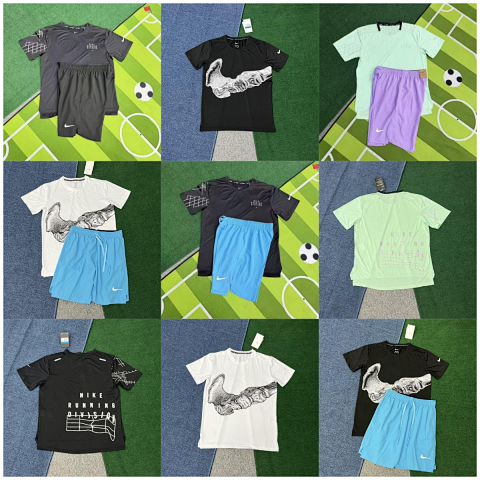
T-Shirts · Sports Tees
Nike Dri‑Fit Running Short‑Sleeve T‑Shirt & Shorts Multi‑Color Set
View Product →$23.89USD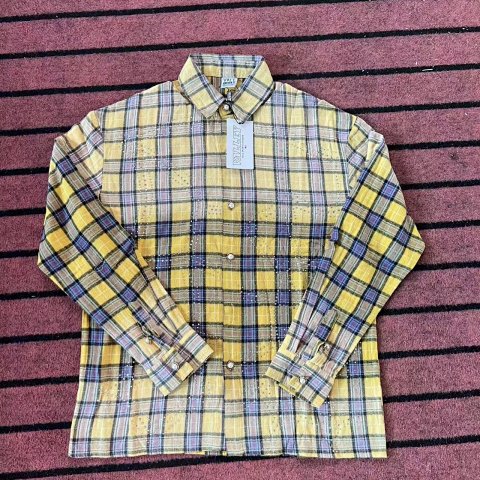
T-Shirts · Long Sleeve Tees
Vale Valley Rhinestone Plaid Long‑Sleeve Button‑Up Shirt
View Product →$39.44USD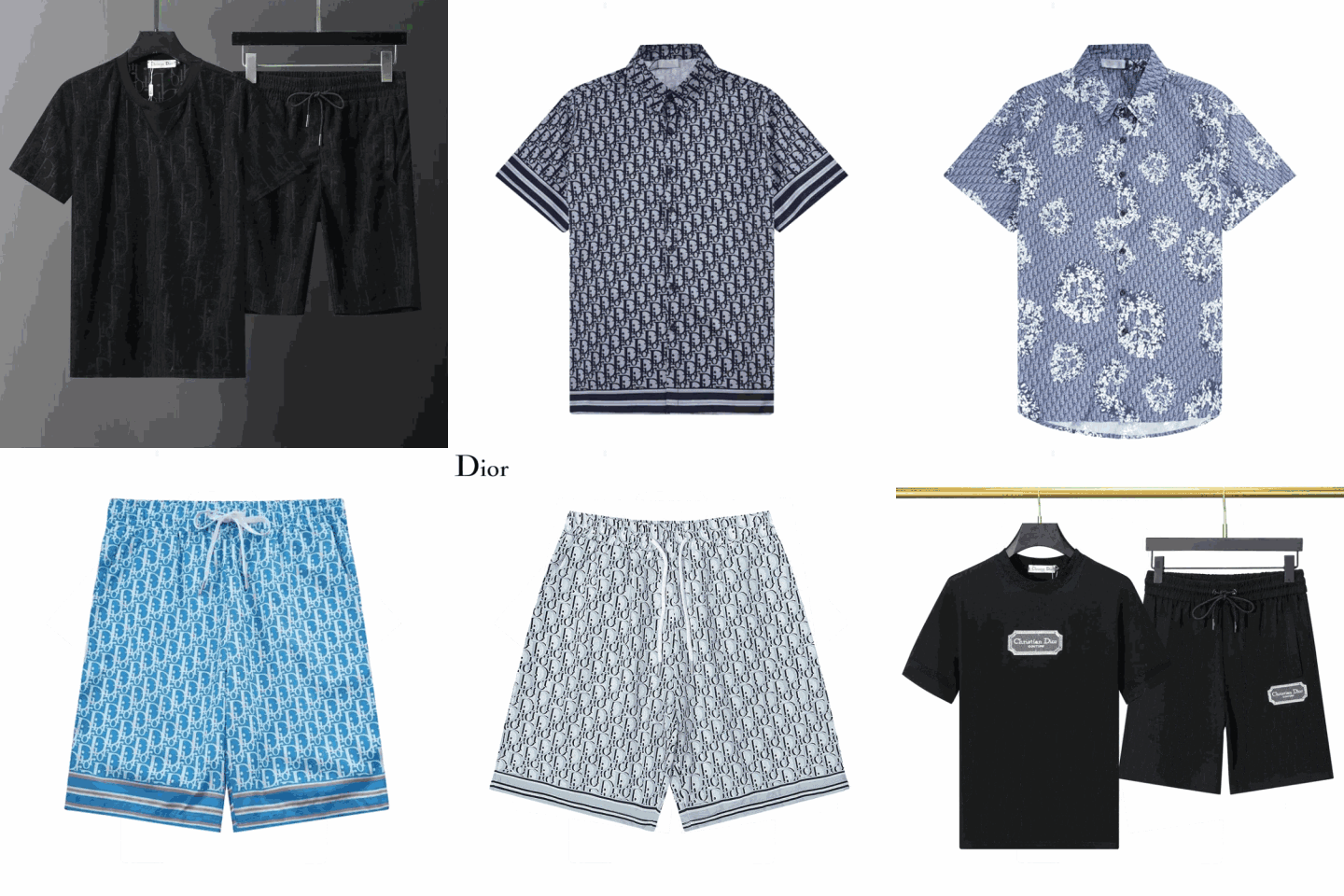
T-Shirts · Sports Tees
Dior All‑Over Jacquard Monogram Short‑Sleeve T‑Shirt & Shorts Set
View Product →$19.72USD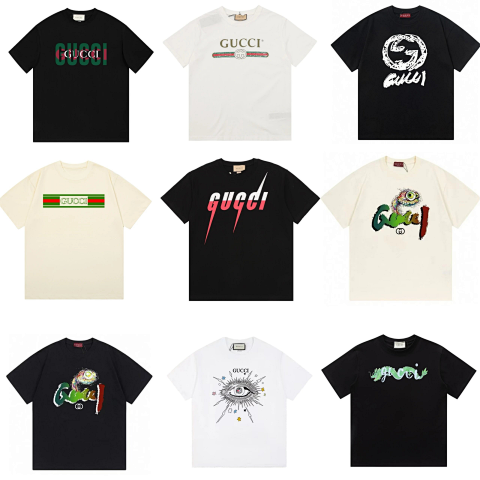
T-Shirts · Graphic Tees
Gucci Logo Print Short‑Sleeve T‑Shirts Mixed‑Styles Multi‑Color Set
View Product →$19.44USD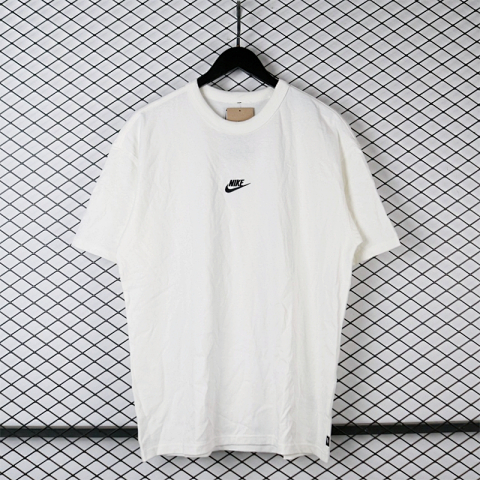
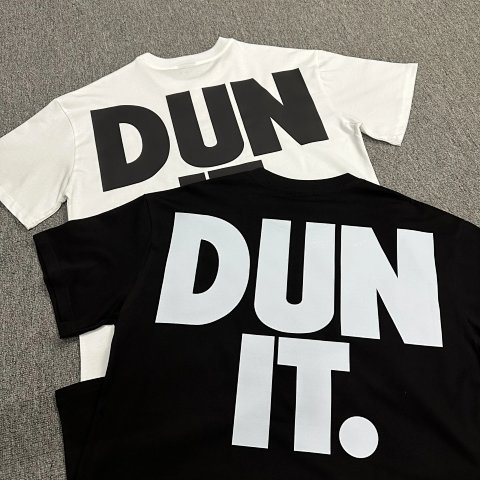
T-Shirts · Logo Tees
Nike DUN IT Big Back Letter Print Short‑Sleeve T‑Shirt Two‑Color Set
View Product →$23.33USD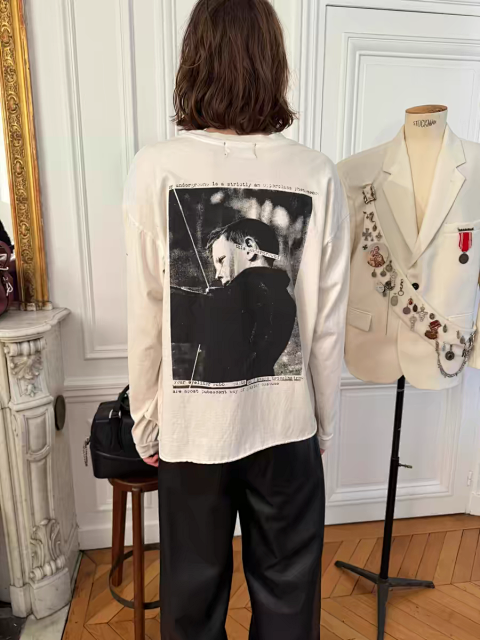
T-Shirts · Long Sleeve Tees
R13 Back Photo Print Distressed Long‑Sleeve T‑Shirt
View Product →$45.28USD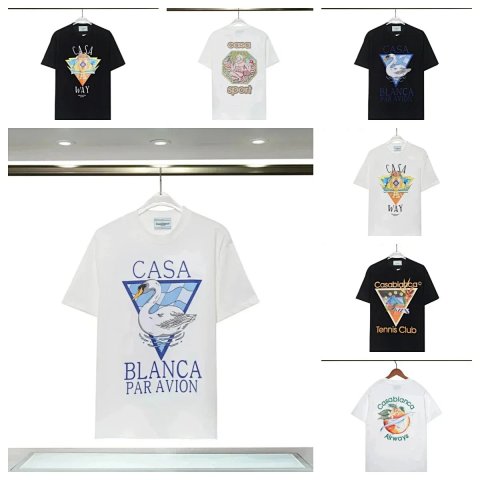
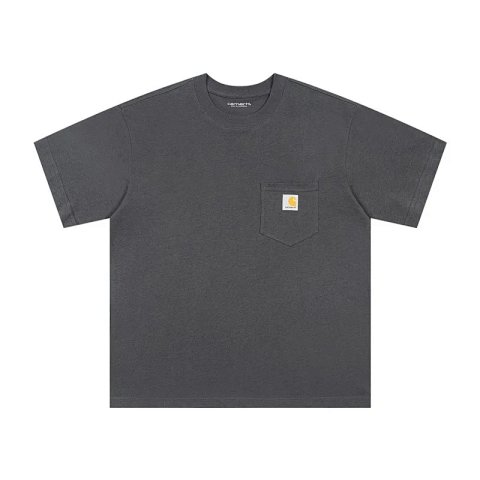
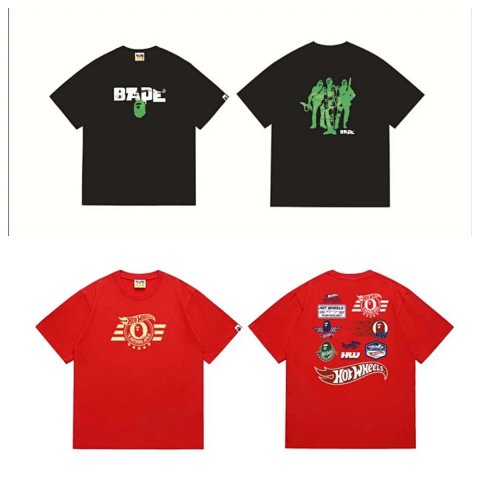
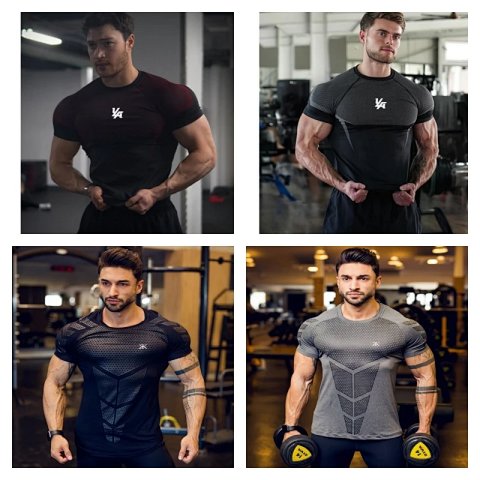
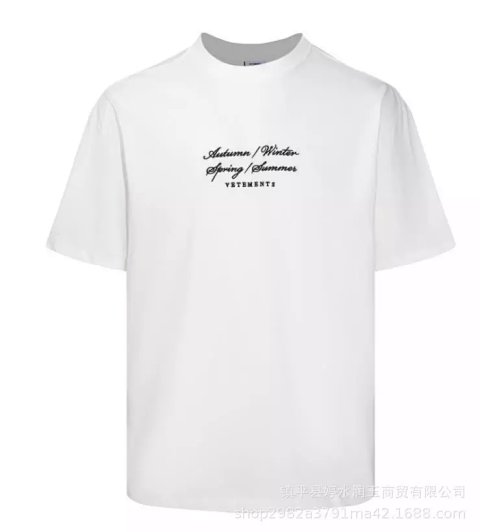
Researching T-Shirts
Look beyond the size label
Body width and length are often more useful than the letter printed on a tag. Compare a flat garment with a source chart that uses the same measurement points. Dropped shoulders and longer sleeves can be intentional features of an oversized shape. If those dimensions are missing, ask for them rather than inferring the cut from a model photograph.
Identify the exact graphic version
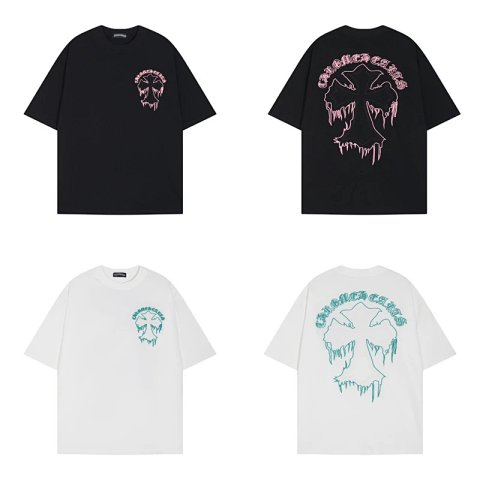
Compare the front and back artwork, placement relative to seams, visible colours and any sleeve print. A multi-design collage is an overview, not a confirmation of which version a selected option represents. Save the matching individual image and the option label together. Small lettering may require a closer source or QC photo to be readable.
Use QC for visible garment checks
Inspect the neckline, shoulder joins, sleeve hems and lower hem in order. Check for visible marks and confirm that the colour and print match your saved reference. Photo lighting can shift colour, so ask about a major discrepancy before drawing conclusions. A clean photograph does not prove shrink resistance, colourfastness or the long-term behaviour of a print.
Use this category in the Spreadsheet finder →
Related guides
How to Compare Spreadsheet Listings
Compare two or three product references using the same options, price context, measurements and source details before choosing your next step.
Read guide →How to Check QC Photos
Check warehouse photos against your order, use focused clothing and footwear checklists, and decide whether to proceed or request clearer evidence.
Read guide →Related categories
Research notes updated