
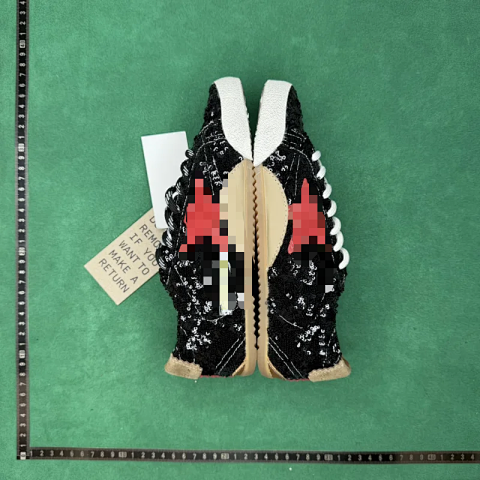
Shoes & Sneakers · Casual Sneakers
Shoes & Sneakers
Start with the kind of shoe you are researching, rather than a familiar logo. Running shoes, basketball shoes, casual sneakers, boots and loafers organise quite different shapes and listing conventions. The links below separate those groups; the product cards then show the references recorded within each one. A category name is a browsing aid, not evidence of sporting performance or suitability for your feet.
When a card catches your eye, open its product page and check the exact source reference. A collage can contain several colours or versions. Match the selected option to its individual photo, then read the size label as written. Keep that reference with your notes so a later comparison concerns the same item.
4,951 matching product referencesPage 118 · 24 on this page
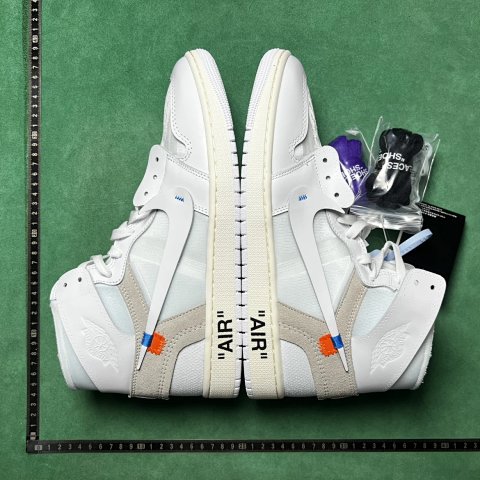
Shoes & Sneakers · Basketball Shoes
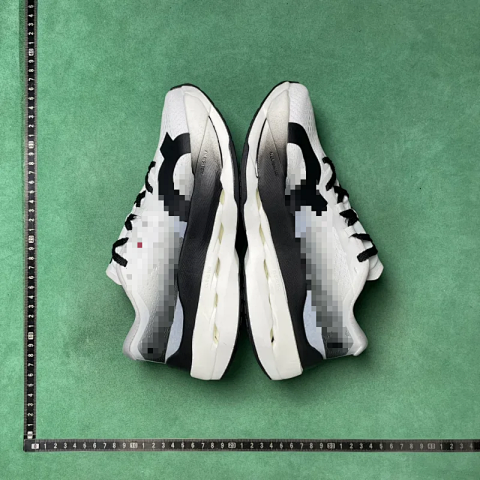
Air Jordan Off-White x Air Jordan 1 Basketball Shoes
View Product →$97.22USD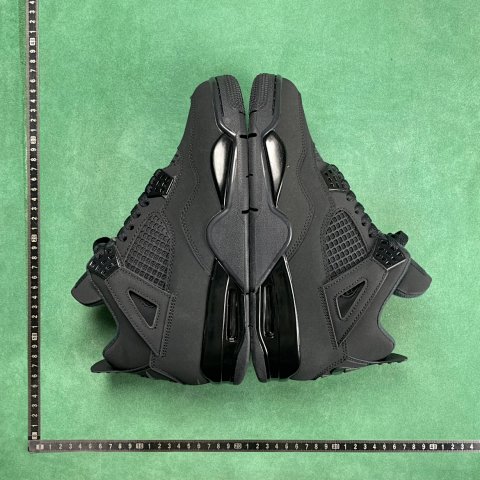
Shoes & Sneakers · Skate Shoes
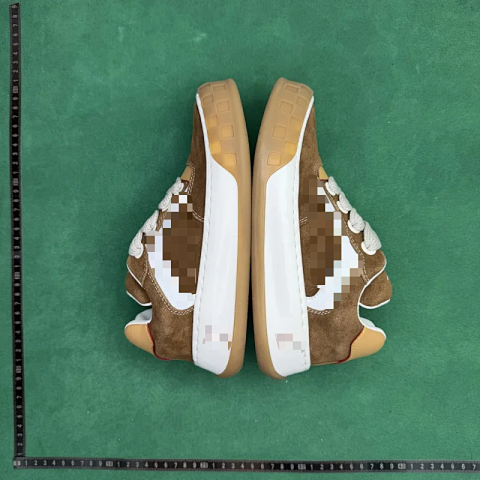
Louis Vuitton LV Skate Brown Suede White Leather Low Top Sneaker
View Product →$71.94USD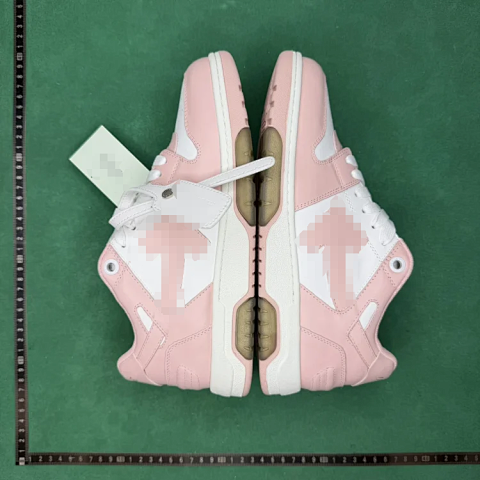

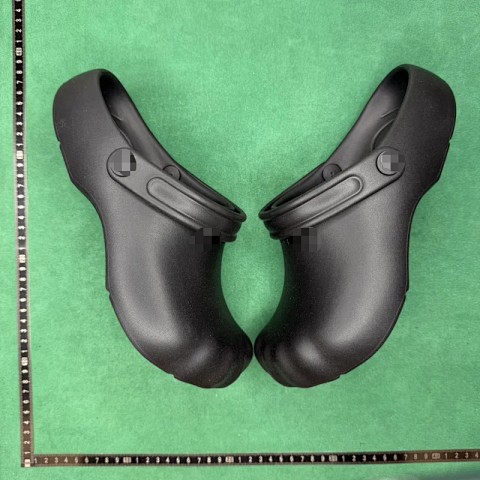
Shoes & Sneakers · Sandals & Slides
Adidas Yeezy Slide Gradient Blue Slip-On Sandals
View Product →$33.06USD
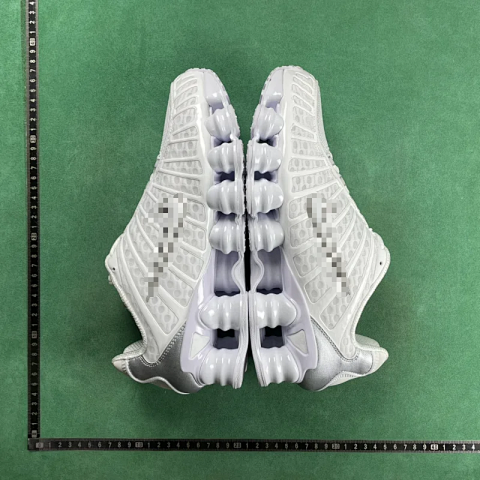
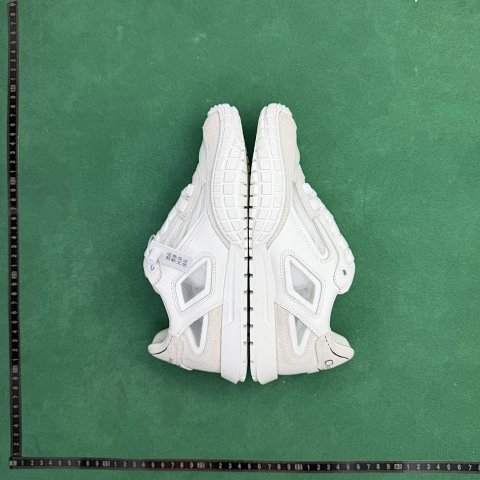
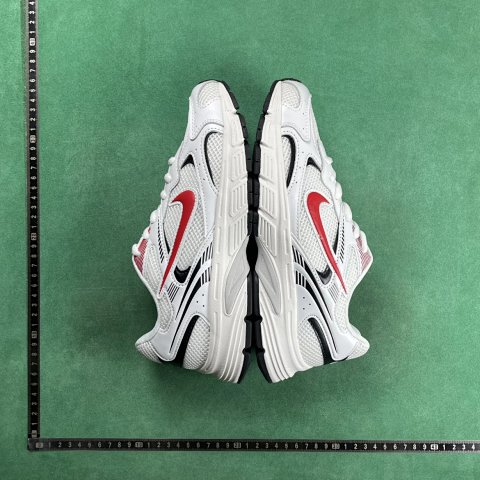
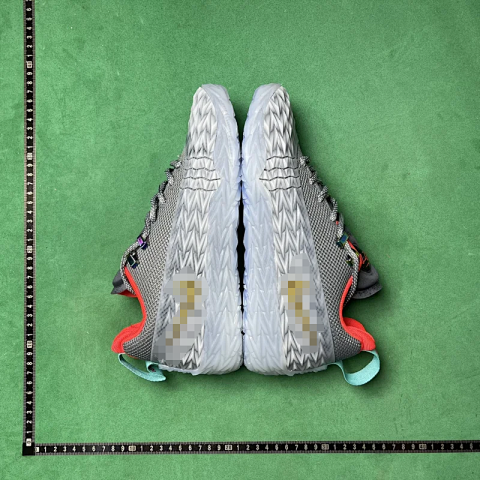
Shoes & Sneakers · Basketball Shoes
Nike S.T. Charge Iron Grey Low Basketball Sneaker
View Product →$36.94USD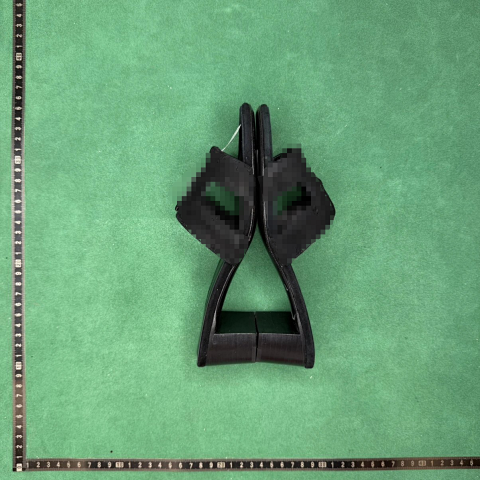
Shoes & Sneakers · Sandals & Slides
Versace Medusa Black Leather Block Heel Slide Sandals
View Product →$68.06USD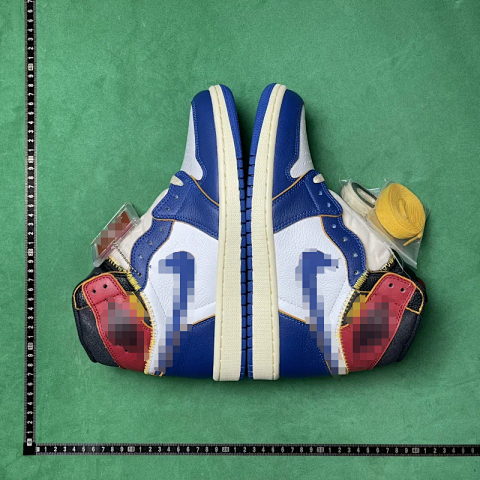
Shoes & Sneakers · Basketball Shoes
Air Jordan 1 Retro High OG Basketball Shoes
View Product →$60.28USD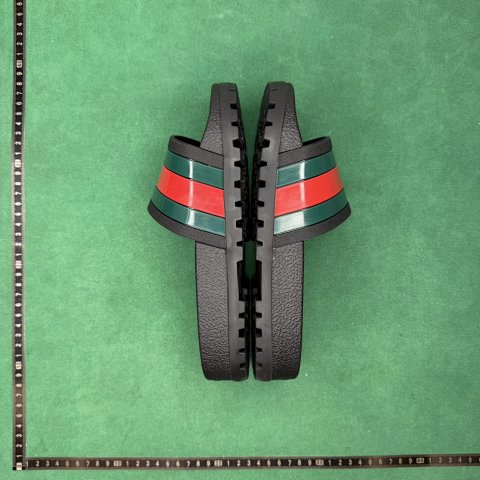
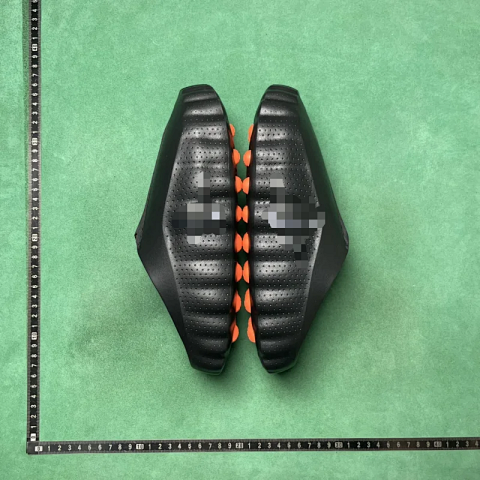
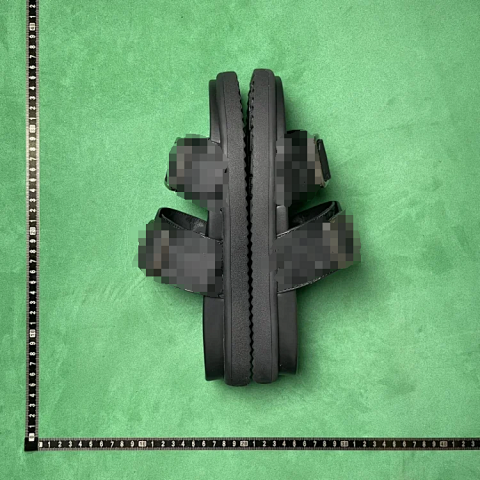
Shoes & Sneakers · Sandals & Slides
Birkenstock Arizona Black Leather Two-Strap Slide Sandals
View Product →$44.72USD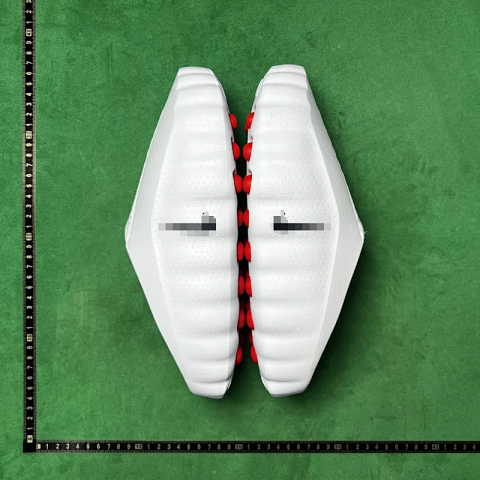
Shoes & Sneakers · Sandals & Slides
Adidas Yeezy Slide White Red Slip-On Sandal
View Product →$23.33USD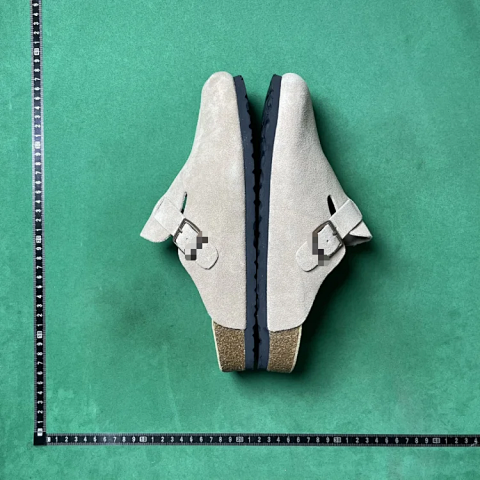
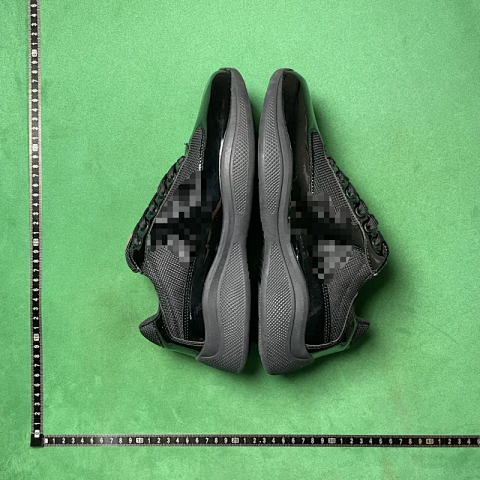
Shoes & Sneakers · Casual Sneakers
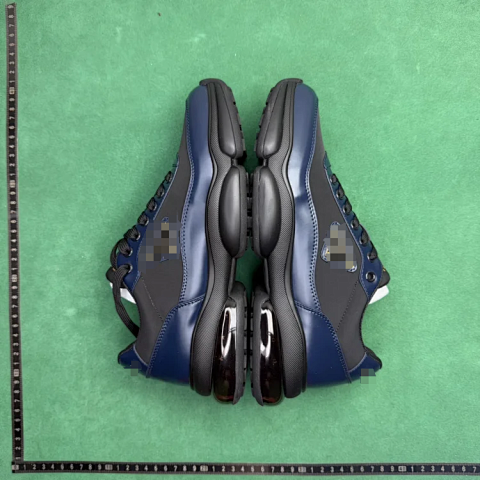
Prada America's Cup Black Patent Mesh Sneakers
View Product →$27.22USD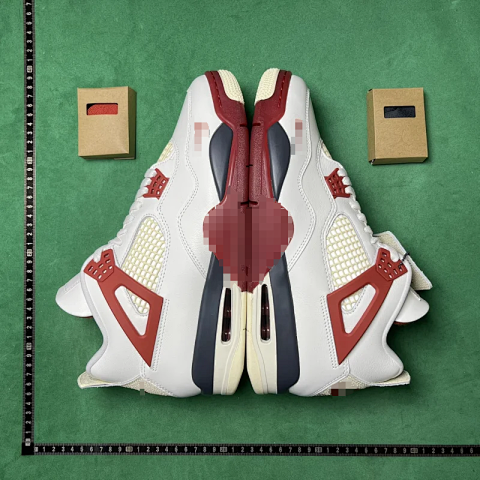
Shoes & Sneakers · Casual Sneakers
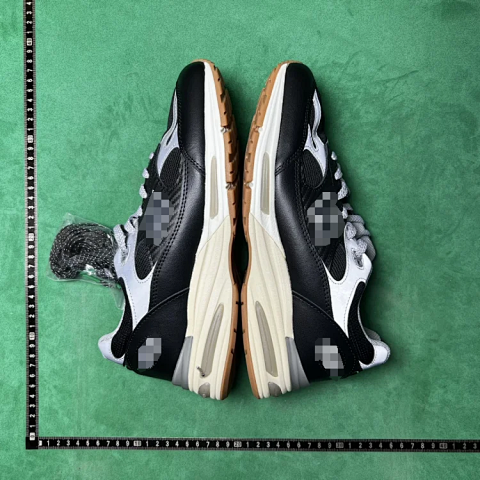
New Balance 991v2 Black White Gum Low Top Sneaker
View Product →$50.56USDResearching Shoes & Sneakers
Compare the size system, not just the number
A number such as 40 does not explain which regional scale or measurement the listing uses. Look for the source size chart, any foot-length guidance and the label attached to your selected option. If a listing offers several systems together, save the complete size string. Ask about ambiguous measurements before choosing; a photograph cannot establish fit, cushioning or comfort.
Use the subcategories to narrow the comparison
Running and basketball labels help locate relevant silhouettes, while casual sneakers emphasise everyday styling. Boots differ in shaft and fastening; loafers use a slip-on opening; sandals expose more of the foot. Compare like with like. If you need a wider shortlist or a recorded brand filter, the Spreadsheet finder can retain a category while you search.
Read shoe photos in a consistent order
For QC, compare the side profile, toe shape, heel, outsole and visible labels against the selected reference image. Check that both shoes and the requested colour are shown. Ask for another angle if an important area is hidden. These are visible checks: photos do not establish authenticity, long-term durability or whether a shoe is suitable for sport.
Use this category in the Spreadsheet finder →
Related guides
How to Compare Spreadsheet Listings
Compare two or three product references using the same options, price context, measurements and source details before choosing your next step.
Read guide →How to Check QC Photos
Check warehouse photos against your order, use focused clothing and footwear checklists, and decide whether to proceed or request clearer evidence.
Read guide →Related categories
Research notes updated