
Jeans
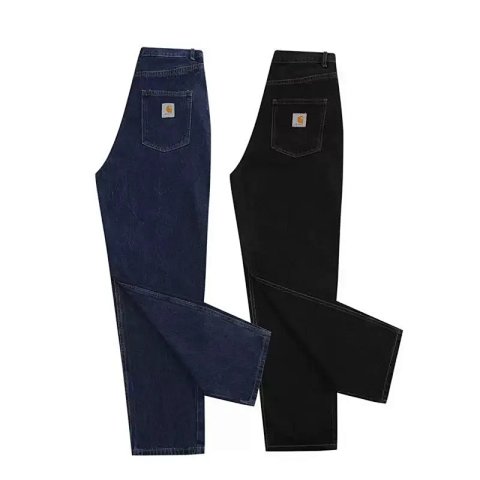
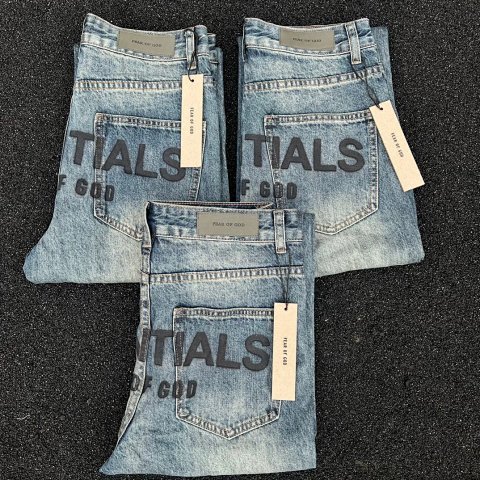
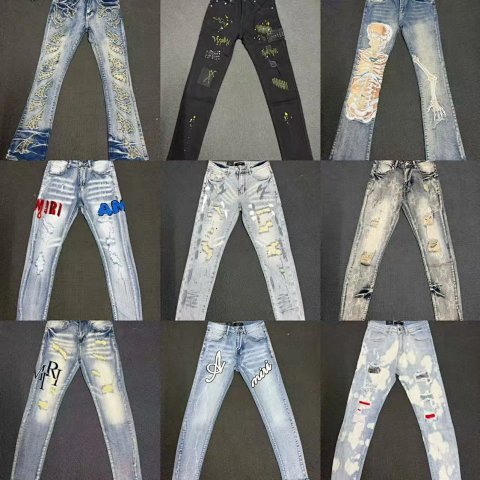
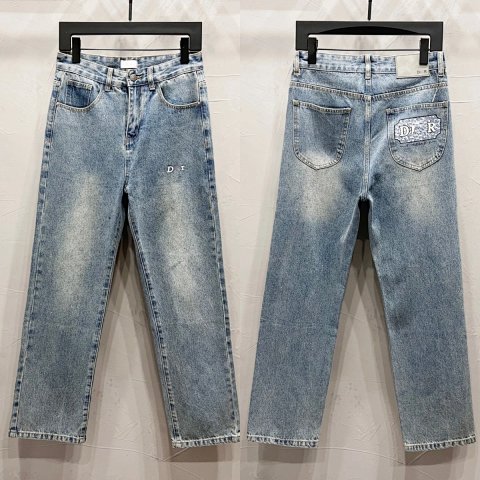
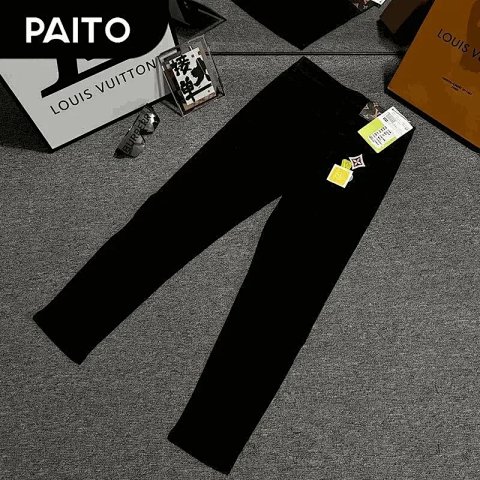
Jean references can vary in rise, thigh width, length and leg opening despite similar overview photos. Start by finding the silhouette and selected wash, then compare the actual garment dimensions. Read the source units and check whether waist is a flat width or a full circumference. Open the product page to associate the option image with its reference ID; a collage may contain several cuts as well as colours. A faded surface does not establish how a fabric was treated or how it will change in use. Ask for a back view and readable chart when those details are absent.
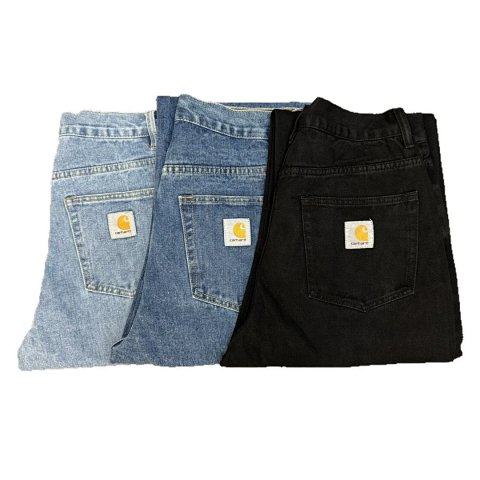
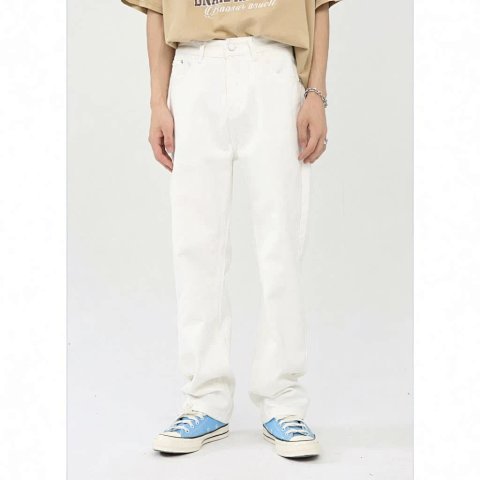
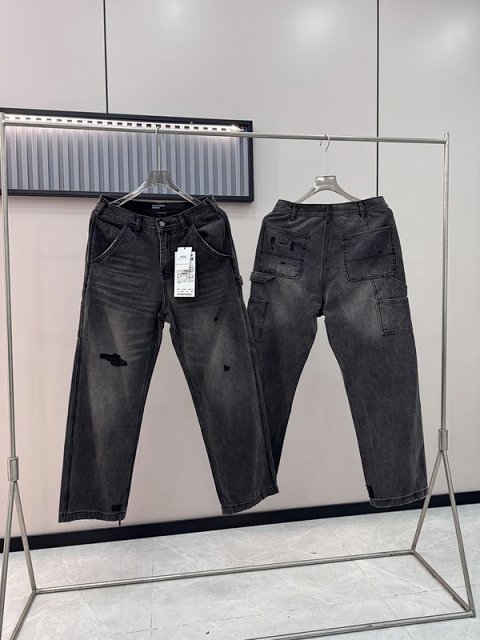
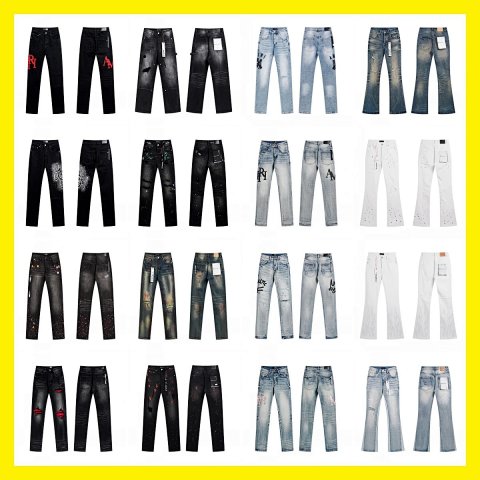
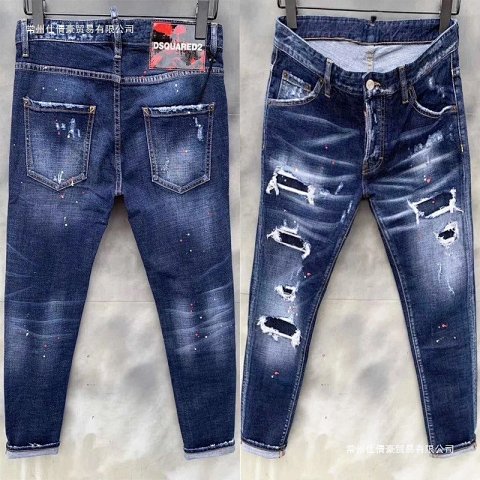
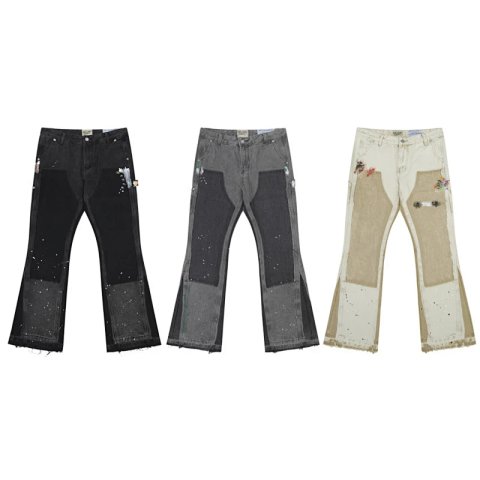
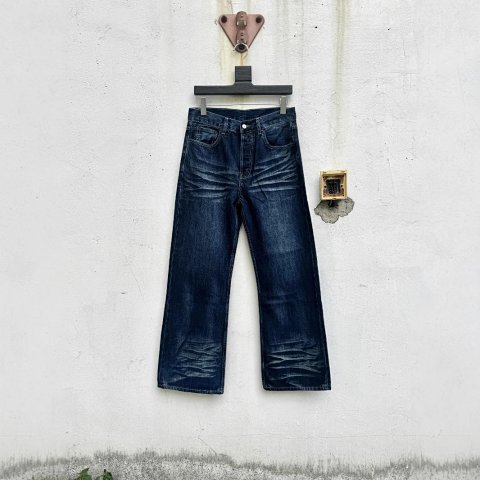
Dsquared2 Paint-Splatter Distressed Skinny Jeans Denim Jeans
View Product →$45.56USD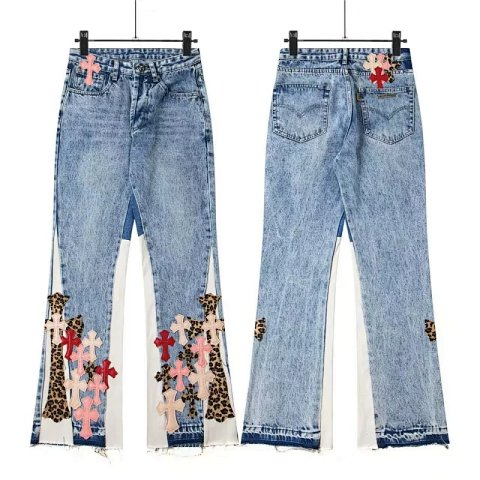
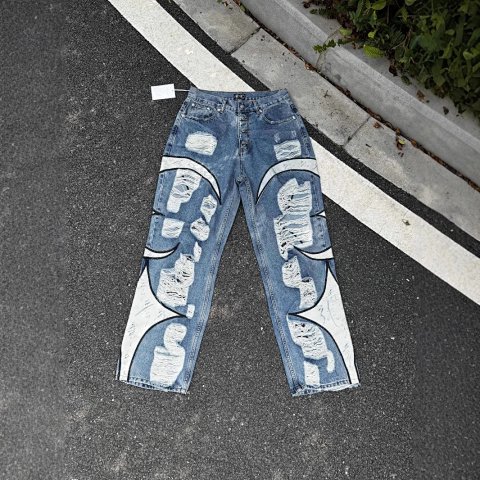
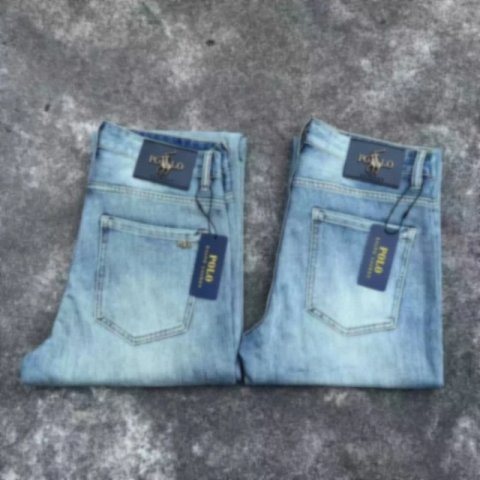
Dolce & Gabbana Unknown Brand Distressed Graphic Jeans Denim Jeans
Dolce & GabbanaView Product →$22.36USD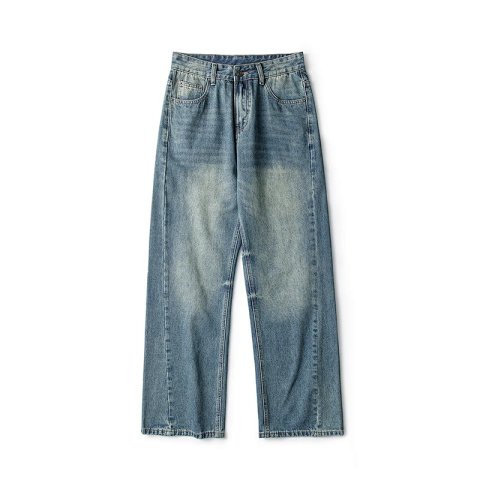
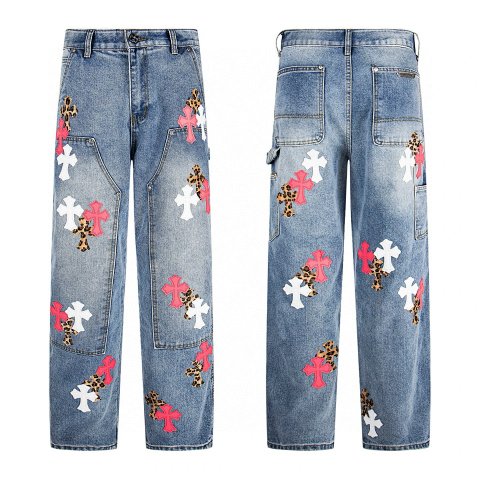
Chrome Hearts Cross-Embroidered Cargo Jeans Denim Jeans
Chrome HeartsView Product →$21.81USD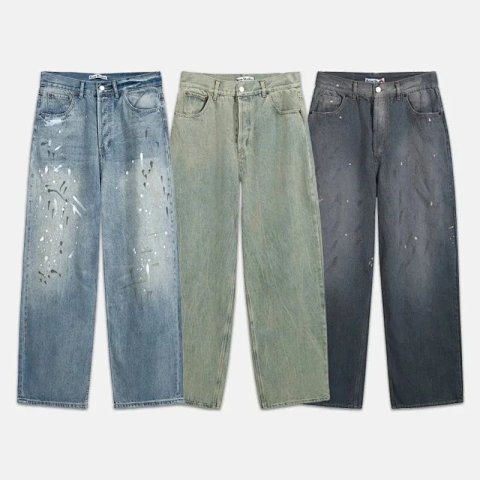
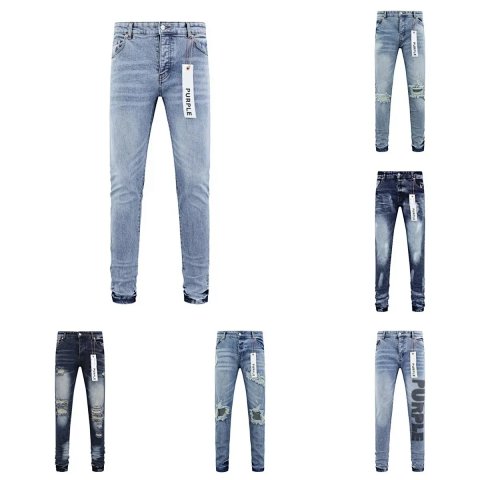
Purple Brand Distressed Skinny Jeans Multi-Wash Collection
View Product →$38.33USD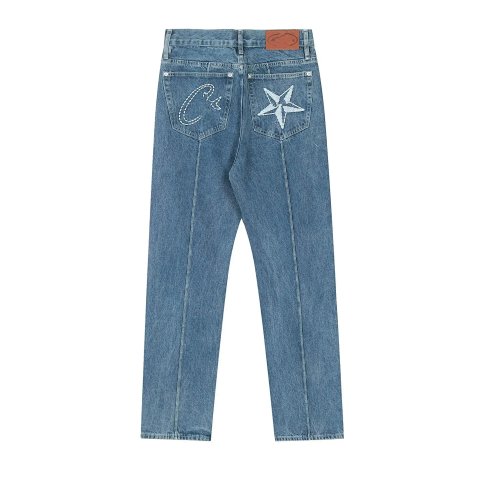
Chrome Hearts Star & Script Embroidered Jeans Denim Jeans
Chrome HeartsView Product →$31.39USD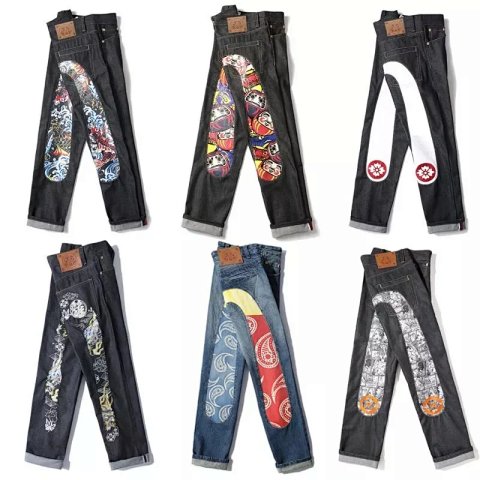
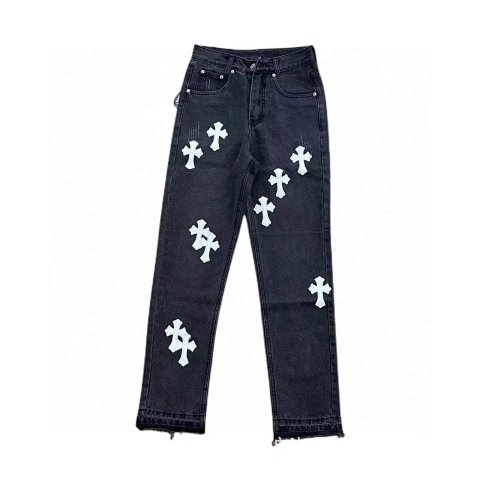
Chrome Hearts Cross-Embellished Straight-Leg Jeans Denim Jeans
Chrome HeartsView Product →$43.33USD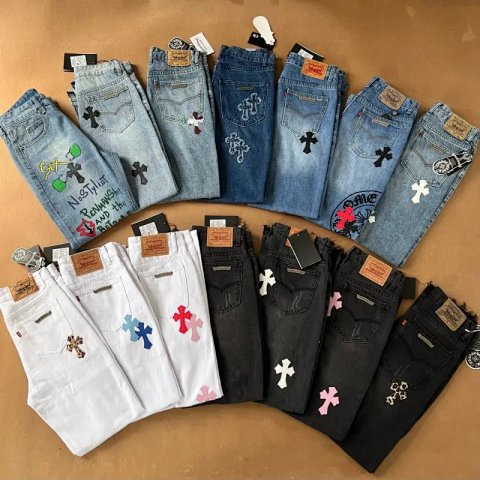
Chrome Hearts X Levi's Cross-Embellished Denim Jeans
Chrome HeartsView Product →$19.72USD
Researching Jeans
Compare more than the waist
Record rise and inseam alongside the leg opening. For QC, inspect the fly, pocket arrangement, seams and hems against the selected cut and wash rather than a neighbouring version.
Use this category in the Spreadsheet finder →
Related subcategories
Related guides
How to Compare Spreadsheet Listings
Compare two or three product references using the same options, price context, measurements and source details before choosing your next step.
Read guide →How to Find Product Links
Identify a specific product URL, follow the SheetsIndex source and prepare a clear colour, size and quantity record for your ordering service.
Read guide →Related categories
Research notes updated