
Cargo Pants
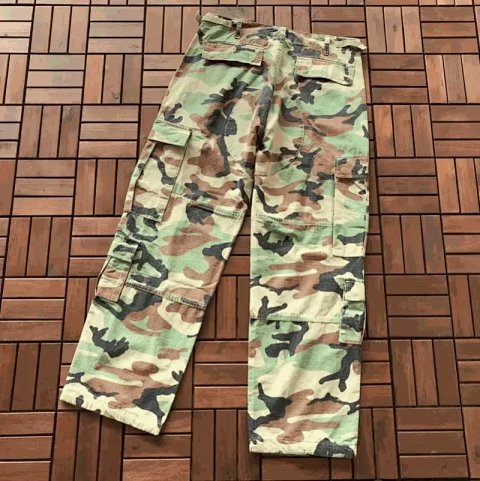
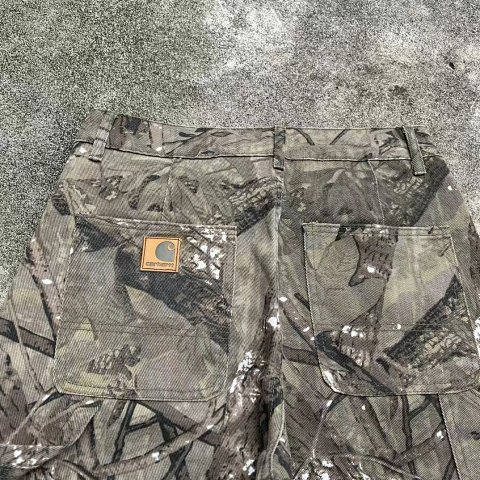
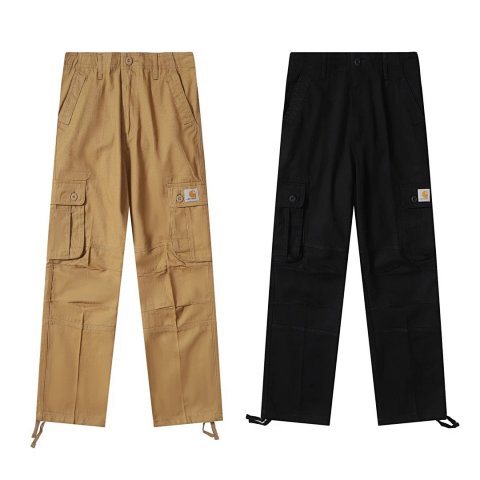
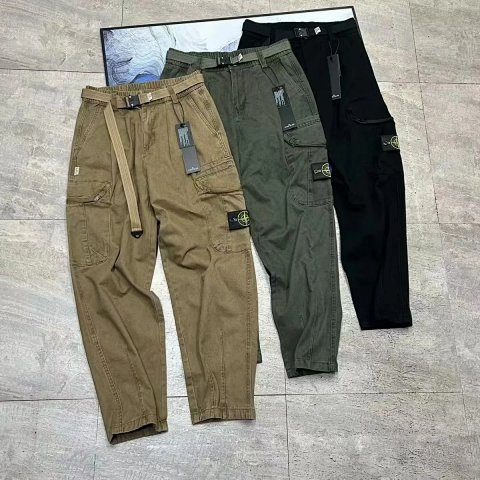
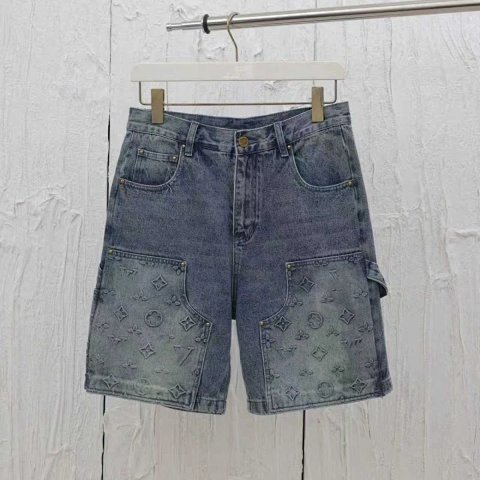
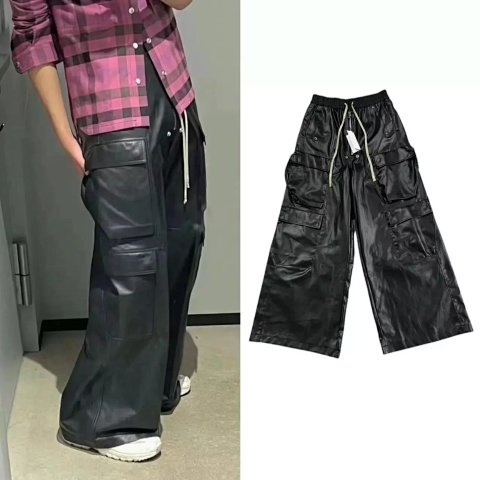
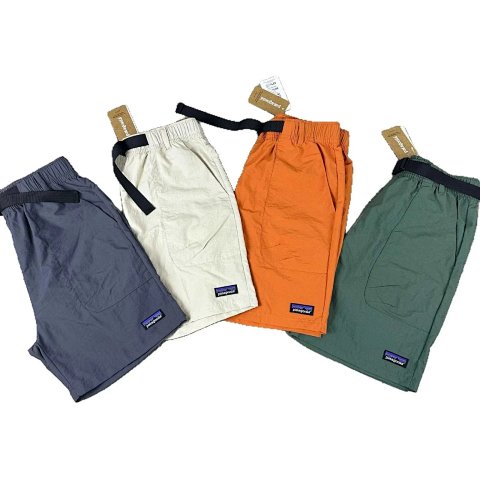
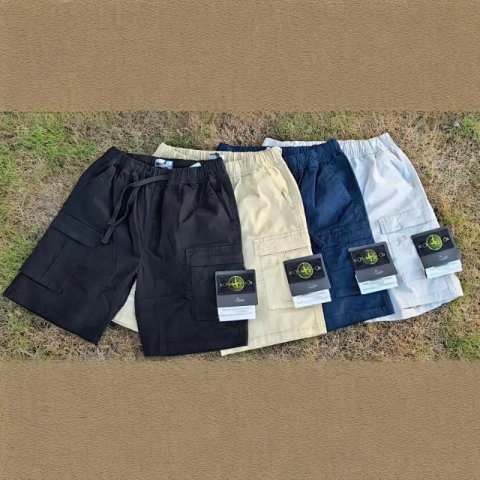
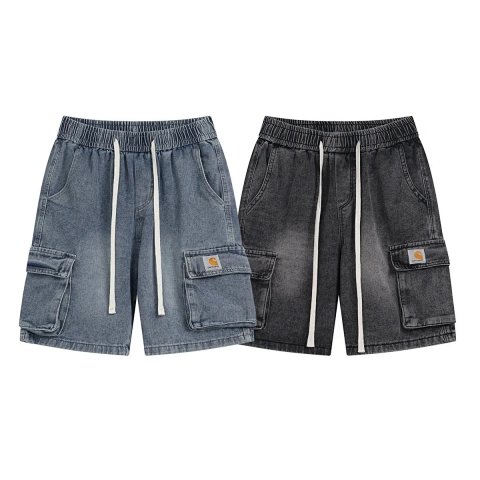
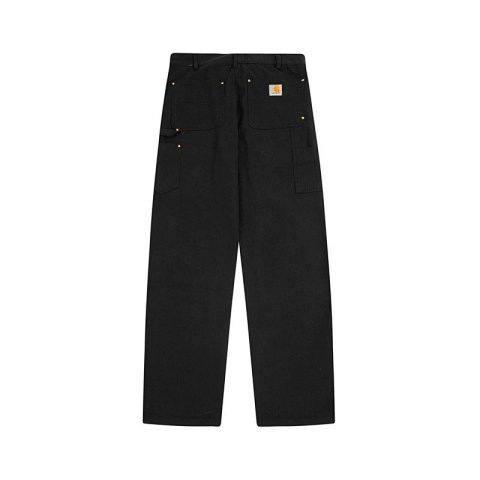
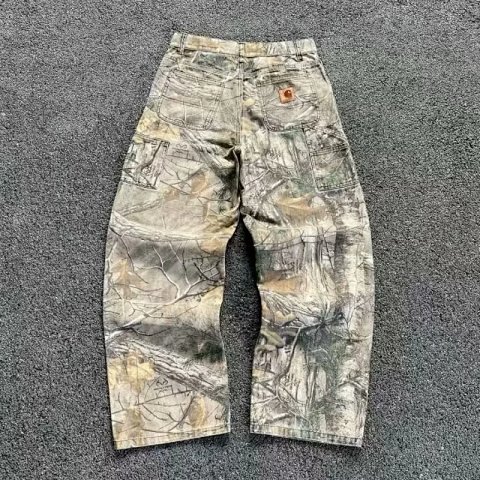
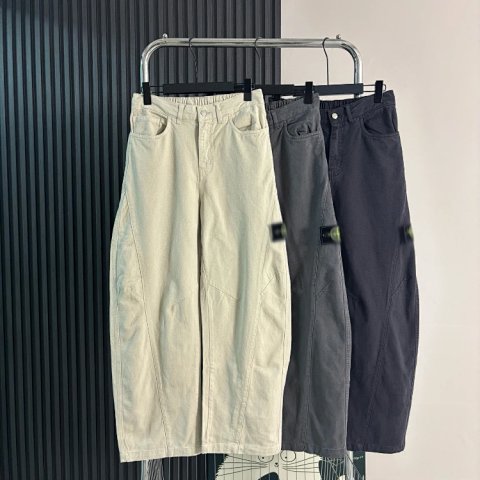
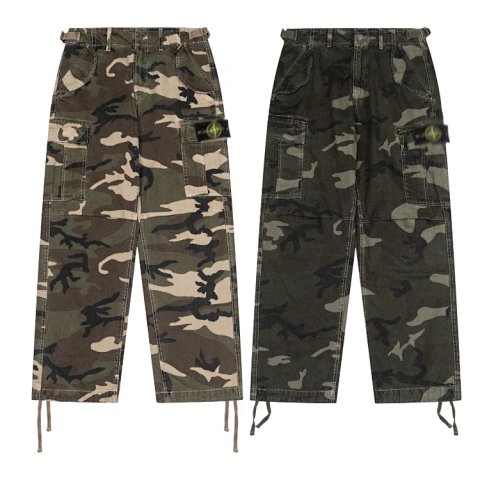
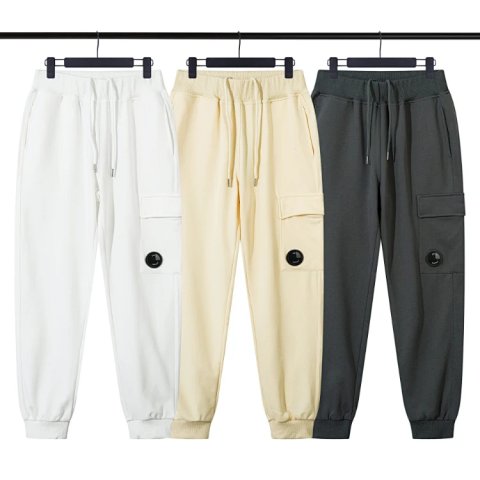
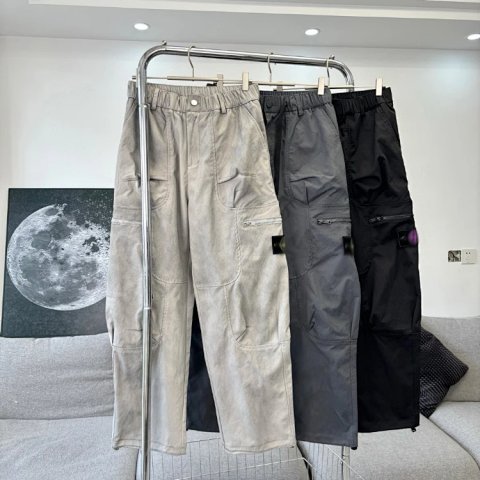
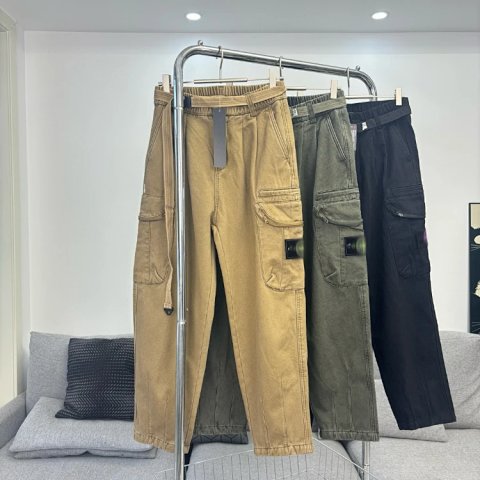
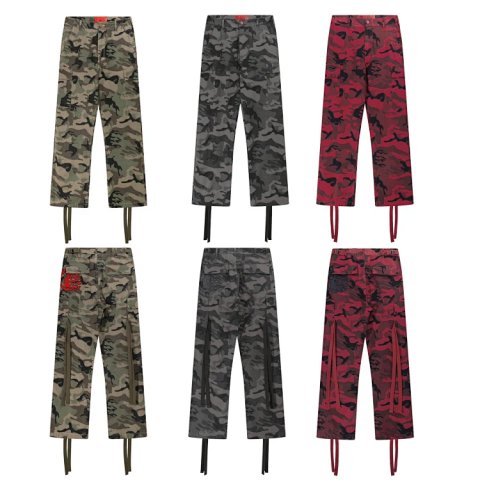
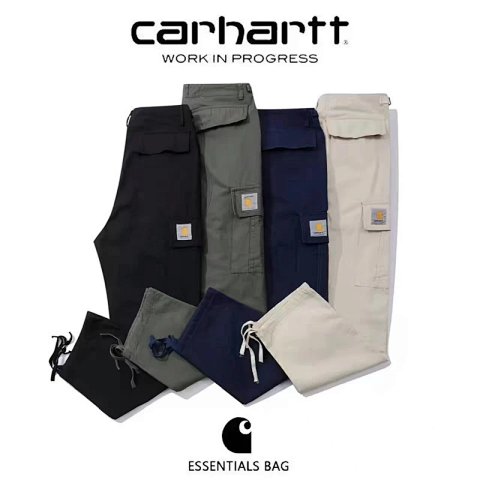
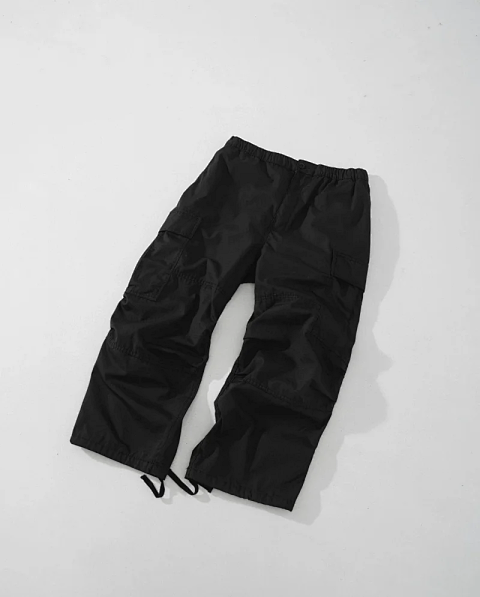
Cargo pants are easiest to distinguish by pocket arrangement and leg shape. Compare the position, opening and visible fastening of each pocket, then look at the rise and hem. Read the source chart for waist, thigh, inseam and leg opening where available. Open the product page to link the selected colour and version to its reference ID. A utility-style appearance does not establish pocket capacity or fabric strength. If two options use different fastenings or trouser cuts, record that difference rather than treating colour as the only variable. Request a rear view when the overview leaves the back pockets or seat construction hidden.

Researching Cargo Pants
Follow the pockets around the pair
Use side and back photos to compare the full layout. Ask for a measurement if carrying a particular object matters; an exterior pocket photo does not confirm usable space.
Use this category in the Spreadsheet finder →
Related subcategories
Related guides
How to Compare Spreadsheet Listings
Compare two or three product references using the same options, price context, measurements and source details before choosing your next step.
Read guide →How to Find Product Links
Identify a specific product URL, follow the SheetsIndex source and prepare a clear colour, size and quantity record for your ordering service.
Read guide →Related categories
Research notes updated