
Lifestyle Finds · Toys
Toys
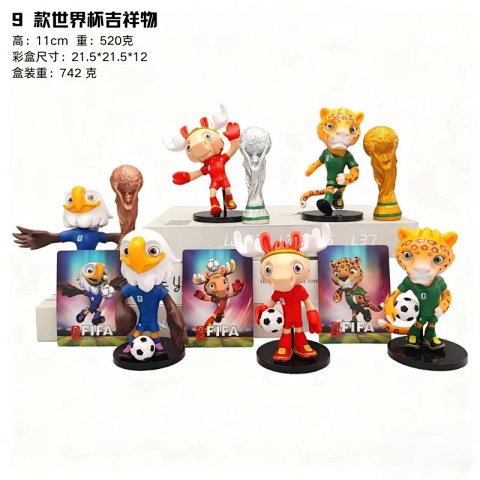
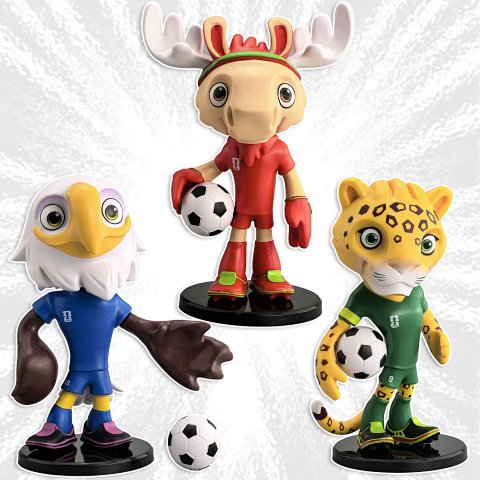
Toys can include very different kinds of items, so begin by identifying the model or version and the pieces described in the selected option. Open the product record to save its source ID with the matching image. Ask for dimensions and a component list if the overview combines several objects or sizes. A styled display is not a reliable count of what is included. Photographs can show colours, visible markings and some assembly details, but they do not demonstrate safety certification, durability or functional behaviour. Keep those specification questions separate from the visual comparison and do not infer an age suitability from the category label.
115 matching product referencesPage 5 · 19 on this page
Lifestyle Finds · Toys
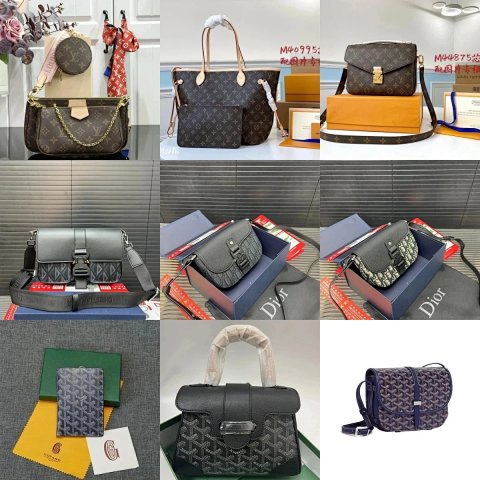
Unidentified Brand Model Unidentified - highestquality----12026factoryhighqualitybagcollection
View Product →$9.17USD
Lifestyle Finds · Toys
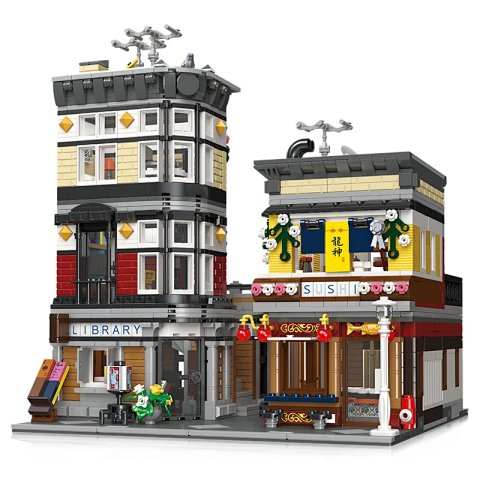
Lego Architecture Street View: Library & Sushi Restaurant
View Product →$6.94USD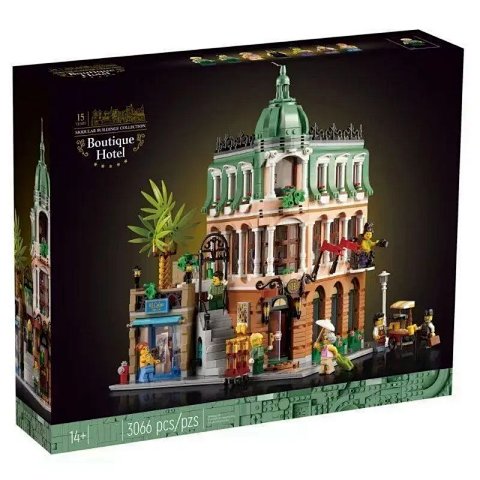
Lifestyle Finds · Toys
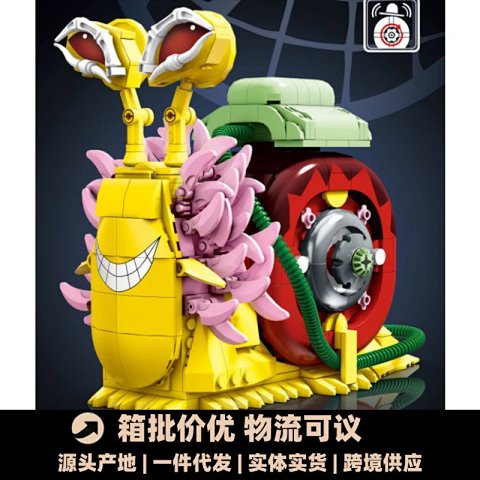
Lego-Style Building Block Set 'Snail Bot' Mechanical Creature Model T-Shirt
View Product →$15.00USD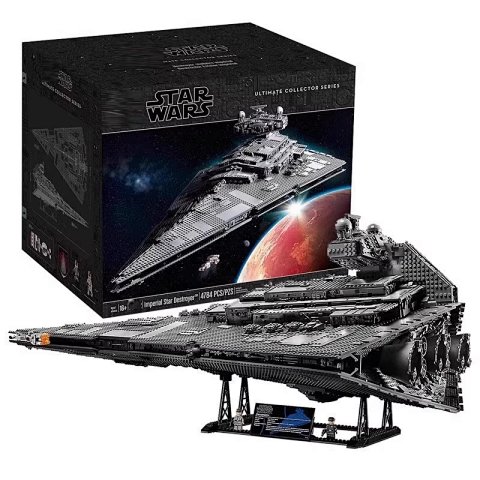
Lifestyle Finds · Toys
Lego Star Wars Ultimate Collector Series Imperial Star Destroyer (75252) T-Shirt
View Product →$94.44USD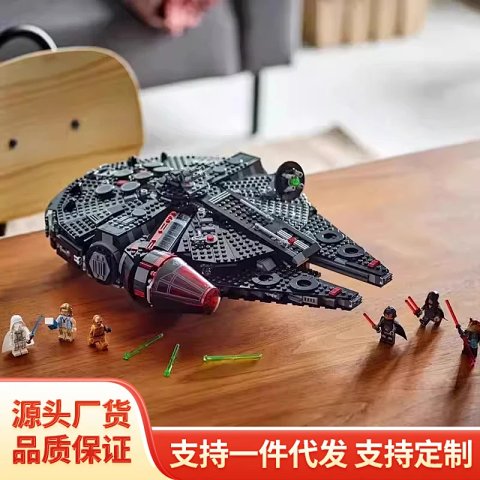
Lifestyle Finds · Toys
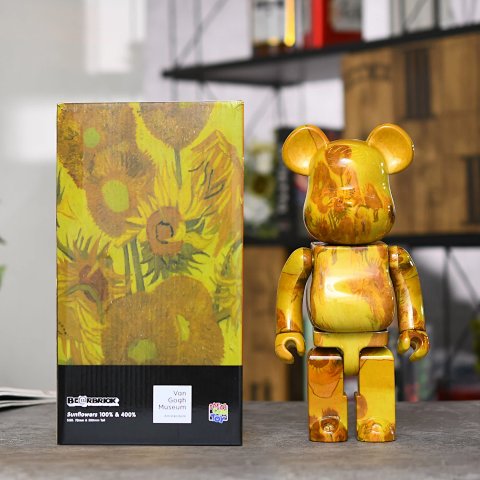
Be@Rbrick Van Gogh Museum Sunflowers 100% & 400% Bearbrick Figure T-Shirt
View Product →$69.17USD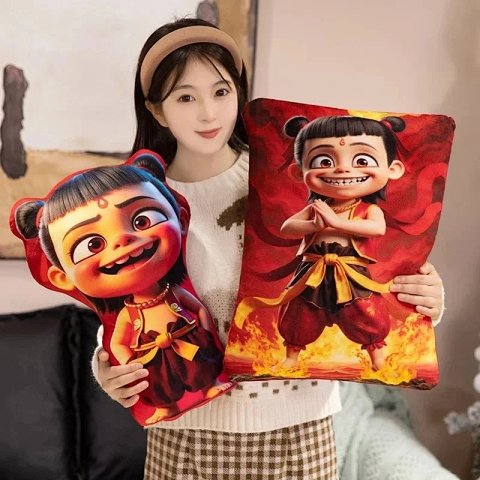
Lifestyle Finds · Toys
Nezha Animated Character Plush Pillow & Decorative Cushion T-Shirt
View Product →$10.13USD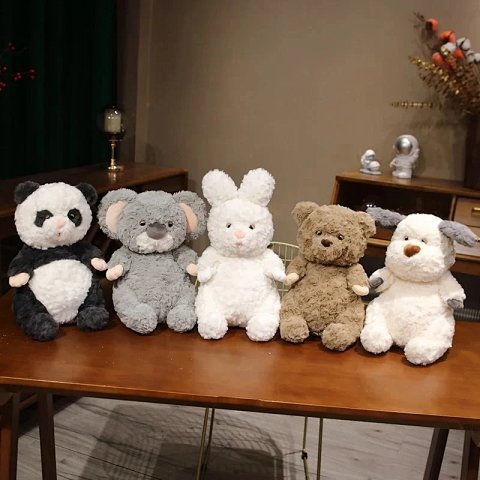
Researching Toys
Count the selected components
Compare a clear laid-out photo with the source option. Request readable model markings or a missing angle when two versions look similar in the overview.
Use this category in the Spreadsheet finder →
Related subcategories
Related guides
How to Find Product Links
Identify a specific product URL, follow the SheetsIndex source and prepare a clear colour, size and quantity record for your ordering service.
Read guide →How to Compare Spreadsheet Listings
Compare two or three product references using the same options, price context, measurements and source details before choosing your next step.
Read guide →Related categories
Research notes updated