
Electronics
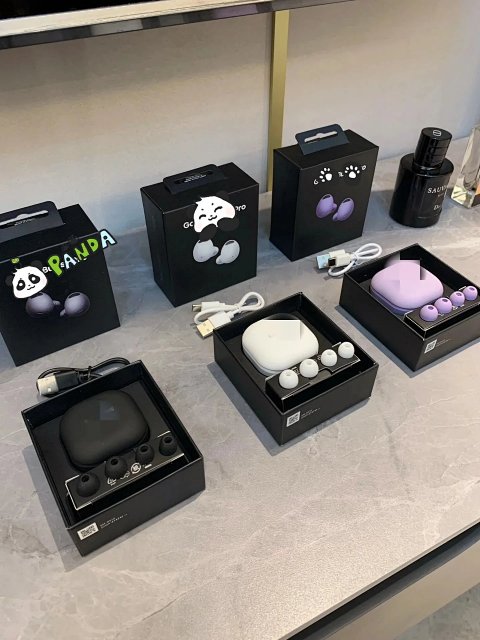
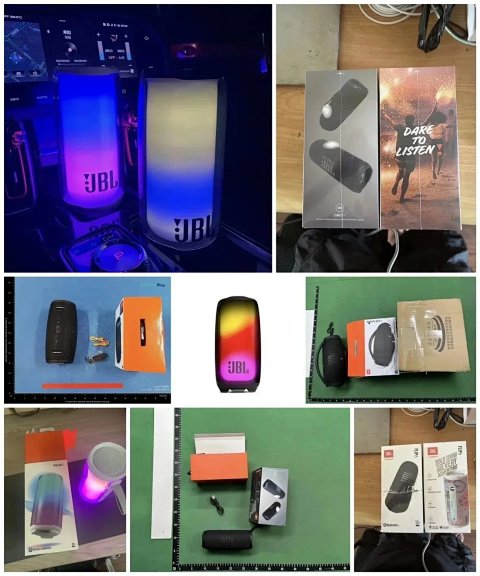
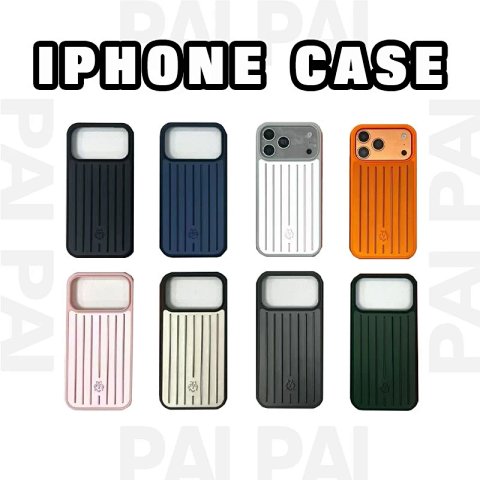
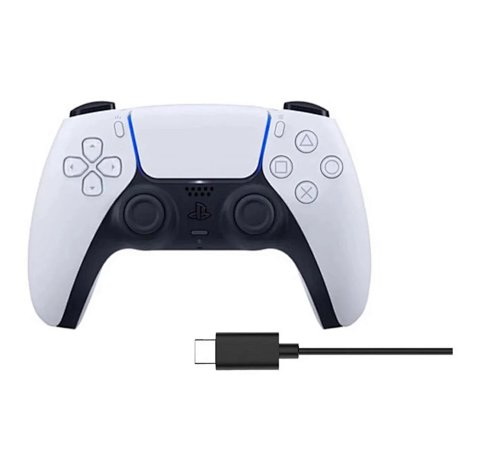
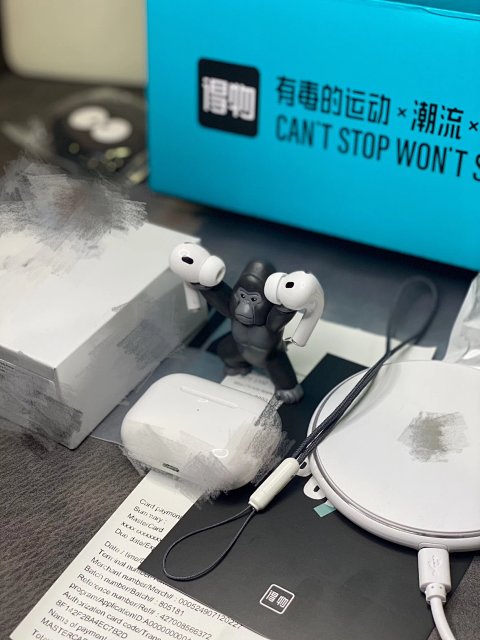
Electronics research starts with an exact model or version rather than the shape of a product image. Open the record to identify the selected option and retain its source reference. Check connector types, any stated compatibility and what cables or accessories are included. A collage can combine different models, while an option may represent only one component. Ask for readable labels where a specification matters. A photograph of a familiar port cannot establish electrical compatibility or functional performance. Keep required specifications in your notes and confirm them with the source instead of borrowing details from another item with a similar appearance.




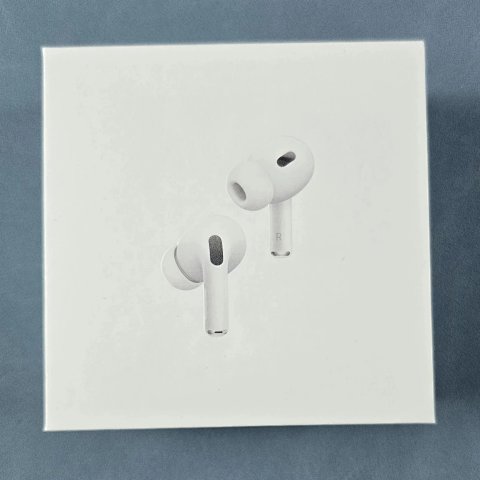
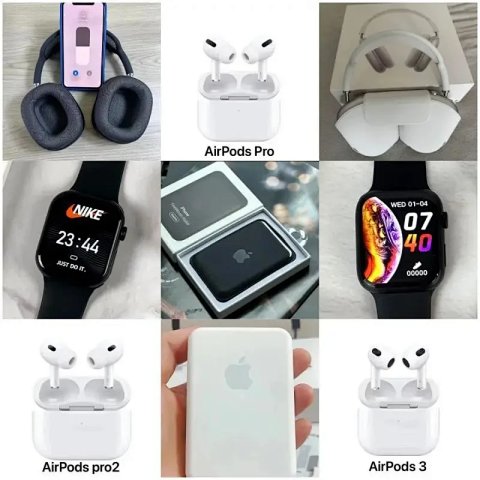

Apple AirPods Pro (2nd generation) Wireless Earbuds
View Product →$11.11USD

Sony WH-1000XM5 Wireless Noise-Canceling Headphones
View Product →$22.08USD
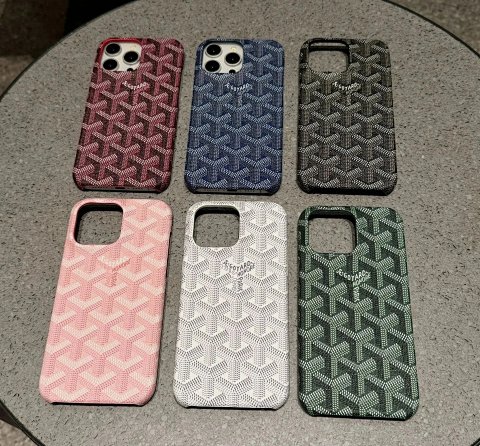
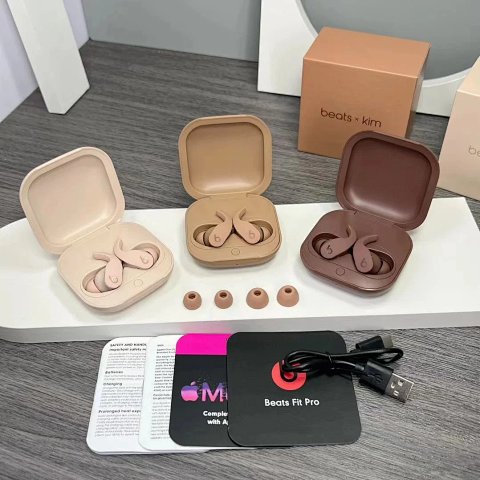
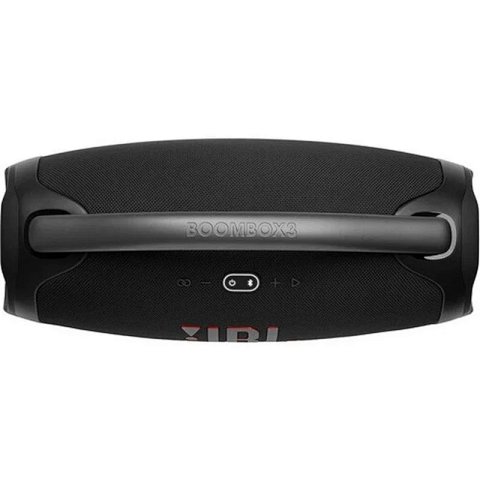
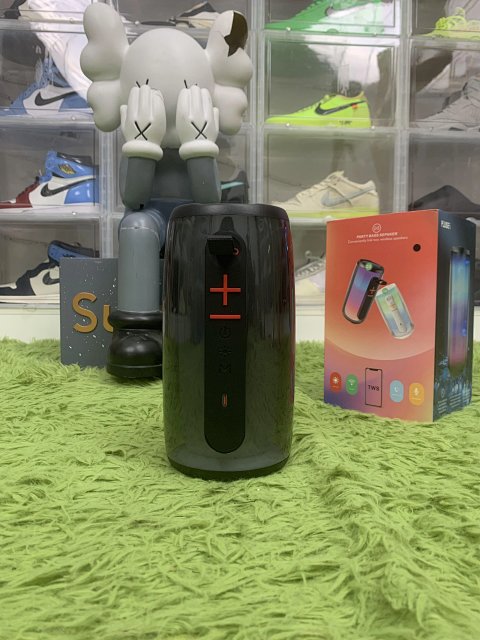
PLUSE Party Bass Speaker Portable Bluetooth Speaker
View Product →$19.31USD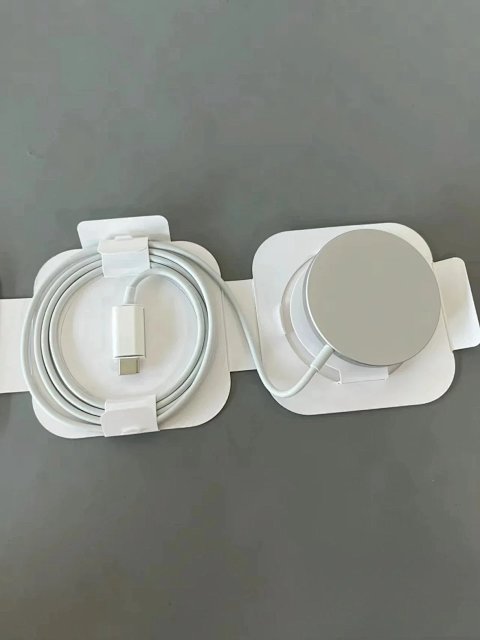



Researching Electronics
Distinguish appearance from function
QC photos can help identify the model and visible components. Functional questions need explicit testing or source specifications; a closed package or powered-on display alone may not answer them.
Use this category in the Spreadsheet finder →
Related subcategories
Related guides
How to Find Product Links
Identify a specific product URL, follow the SheetsIndex source and prepare a clear colour, size and quantity record for your ordering service.
Read guide →How to Compare Spreadsheet Listings
Compare two or three product references using the same options, price context, measurements and source details before choosing your next step.
Read guide →Related categories
Research notes updated