
Home Goods
Home Goods brings a variety of household references together. Begin with the function and dimensions of the individual item, then identify the selected finish or version. Open its record to keep the option image and source ID together. A styled room photograph can hide scale or include objects that are not part of the product. Ask for measurements and confirm whether the option represents one piece, a pair or a larger set. Surface appearance alone does not identify a material or establish suitability for food, heat or a particular load. Leave those questions attached to the source record until the required information is available.
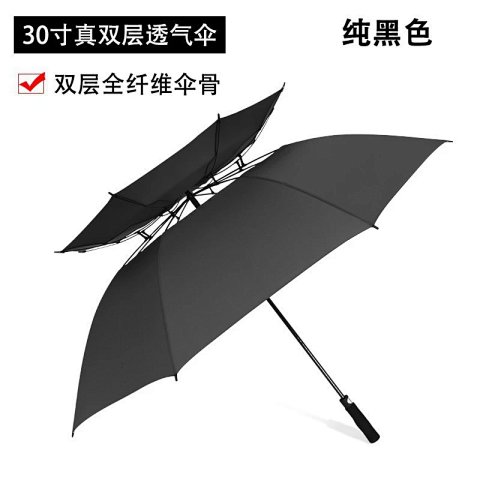
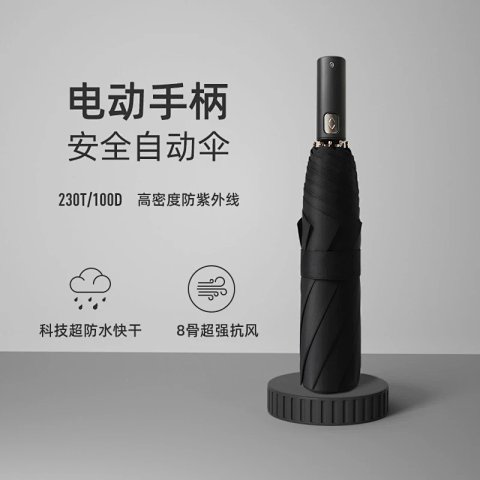
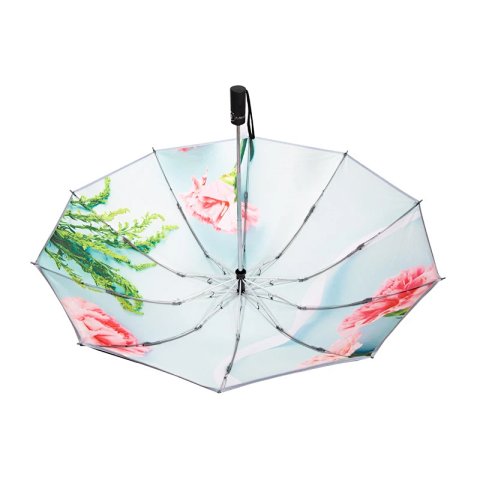
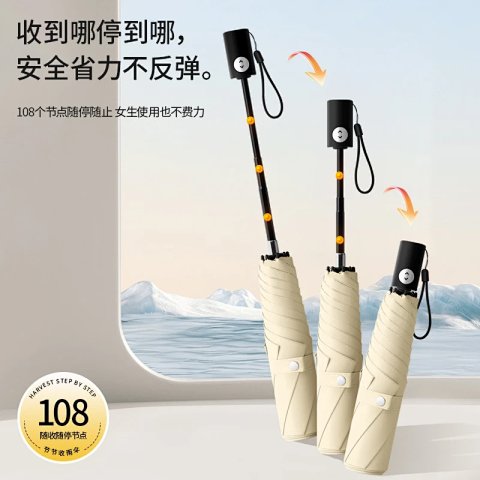
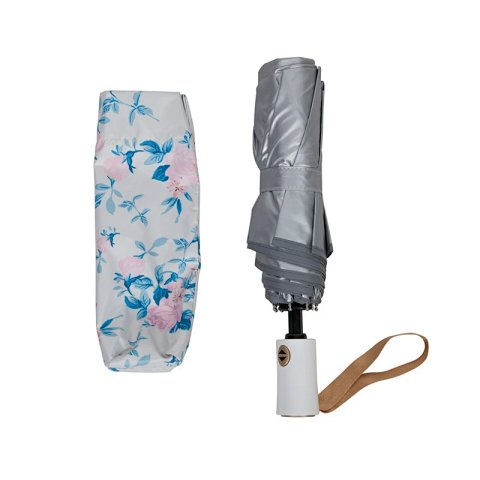
Ultra-Light Japanese Automatic UV Folding Umbrella
View Product →$13.54USD
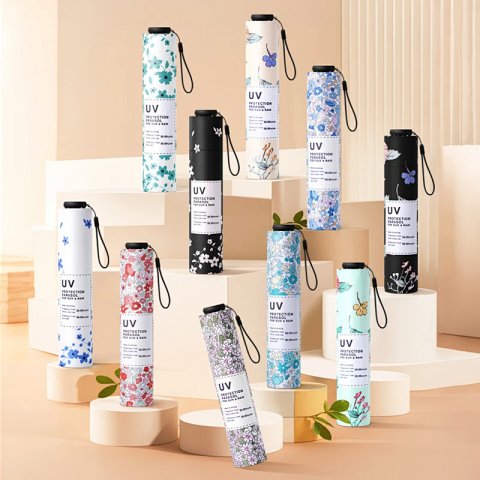
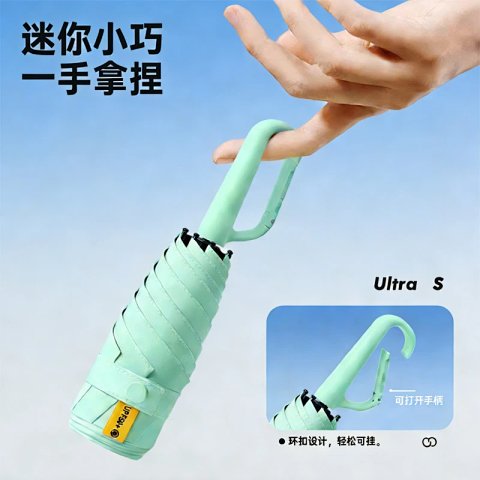
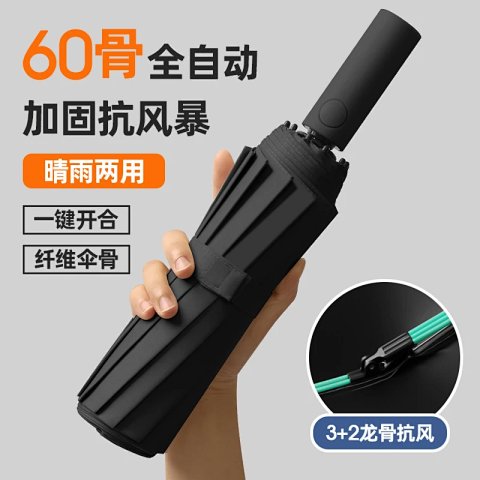
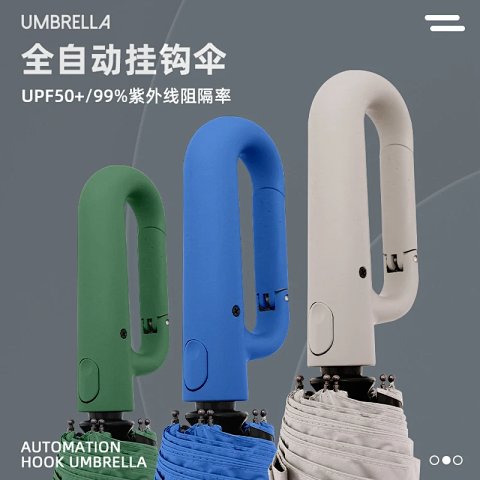
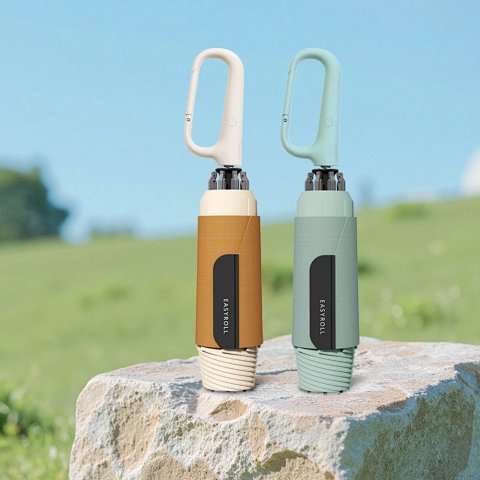
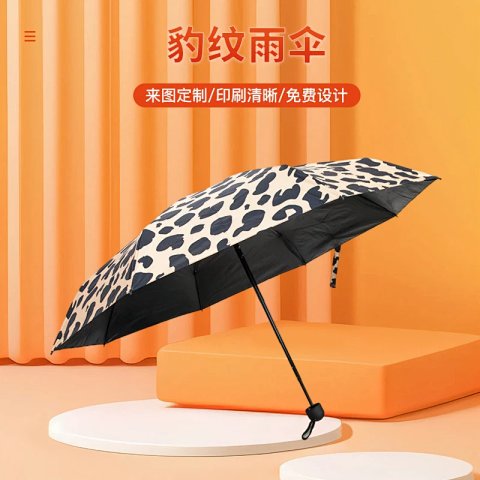
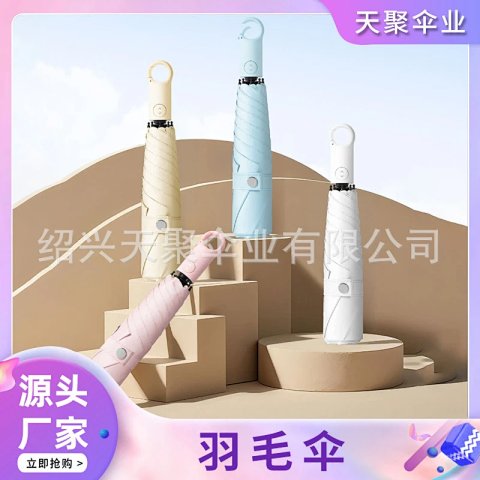
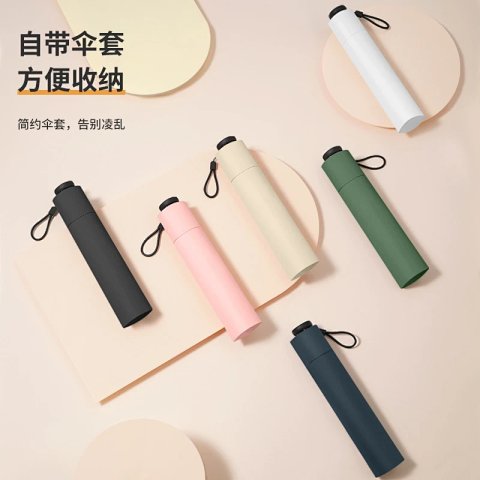
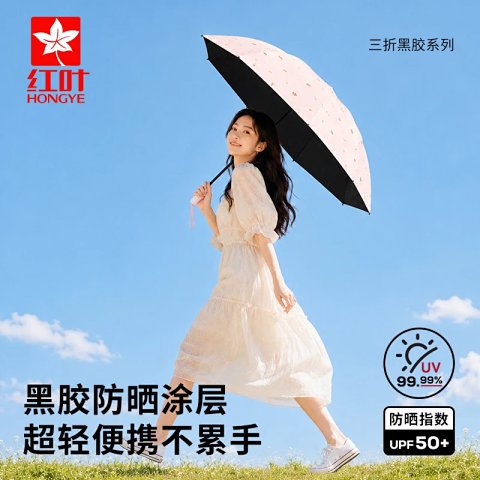
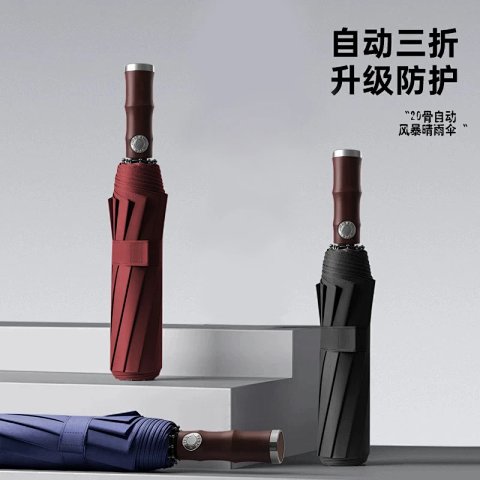
Ultra-Light Carbon Fiber Blackout Folding Umbrella
View Product →$10.76USD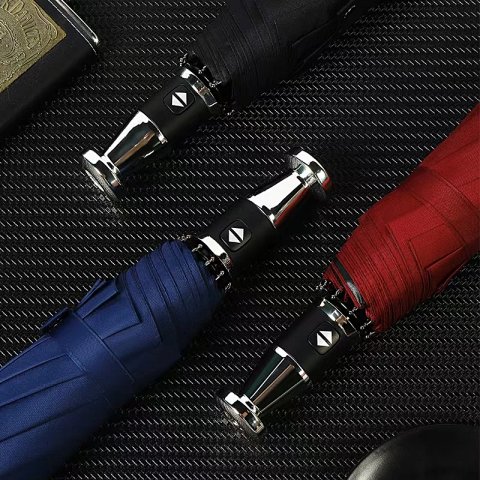
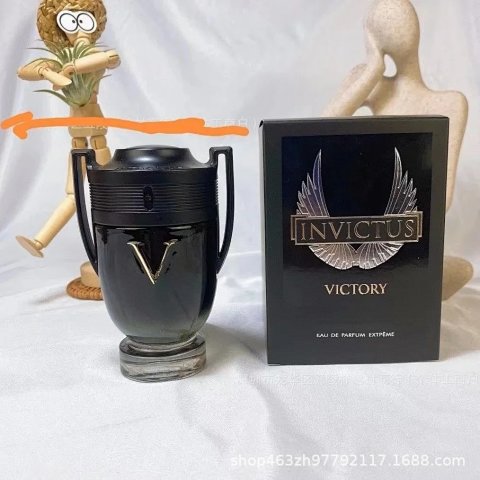
Paco Rabanne Invictus Victory Eau De Parfum Extrême T-Shirt
View Product →$23.06USD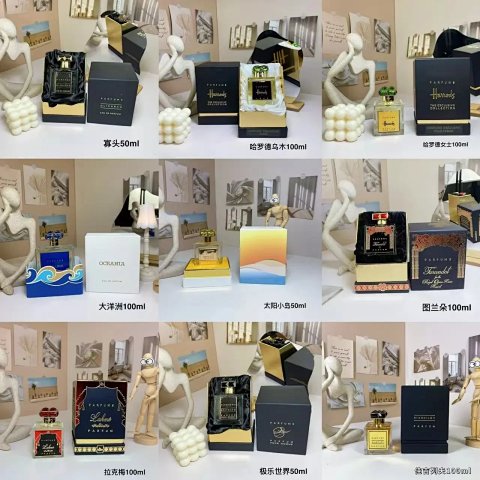
Harrods Oceania Turandot Lakmé Diabolev Parfums Collection T-Shirt
View Product →$26.39USD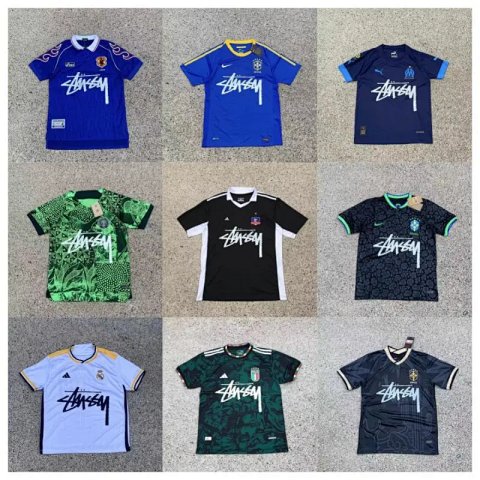
Stussy Stüssy X Football Club Collaborative Jerseys T-Shirt
StussyView Product →$13.75USDResearching Home Goods
Check scale and inclusions
Request a measured view and a clear count of the selected pieces. Compare joints, edges and visible components in QC rather than treating styling props as included items.
Use this category in the Spreadsheet finder →
Related subcategories
Related guides
How to Find Product Links
Identify a specific product URL, follow the SheetsIndex source and prepare a clear colour, size and quantity record for your ordering service.
Read guide →How to Compare Spreadsheet Listings
Compare two or three product references using the same options, price context, measurements and source details before choosing your next step.
Read guide →Related categories
Research notes updated