
Hoodies & Sweaters · Graphic Hoodies
Graphic Hoodies
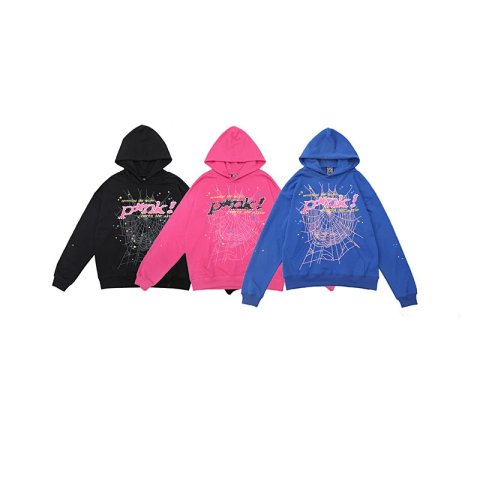
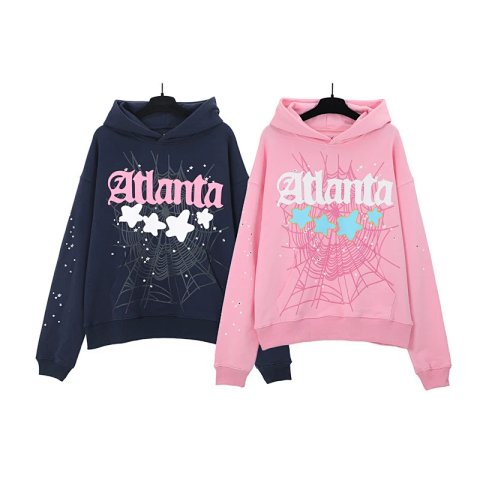
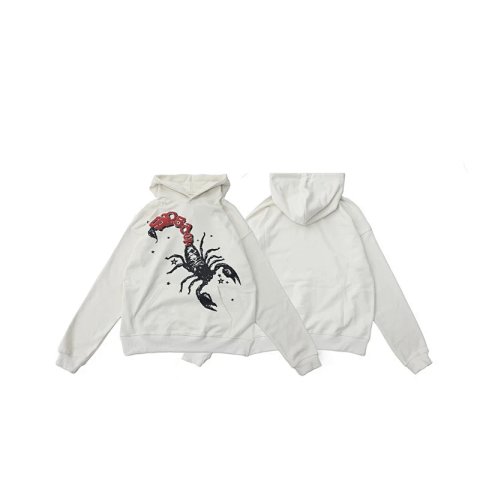
Graphic hoodie references are easiest to compare when you identify both the garment and the artwork version. Start with front, back and sleeve placement, then check the hood and pocket layout. Similar designs can appear on different cuts, so record chest width, length and sleeve measurements from the actual source chart. Open the product page to connect a colour or print option with its individual image. Save the source reference beside that selection. A collage cannot confirm that every graphic shown is included in a single option, and a sharp image cannot establish the durability of a print or the fabric composition.
142 matching product referencesPage 3 · 24 on this page
Hoodies & Sweaters · Graphic Hoodies
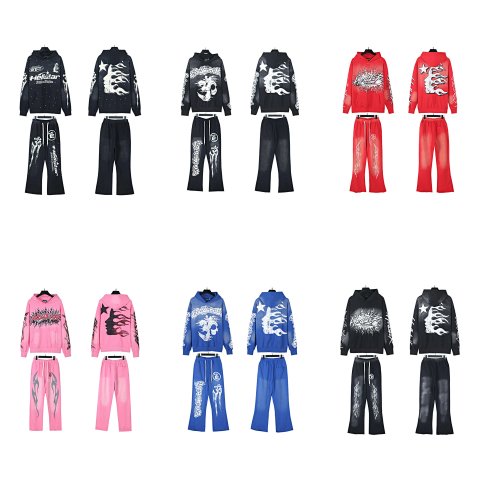
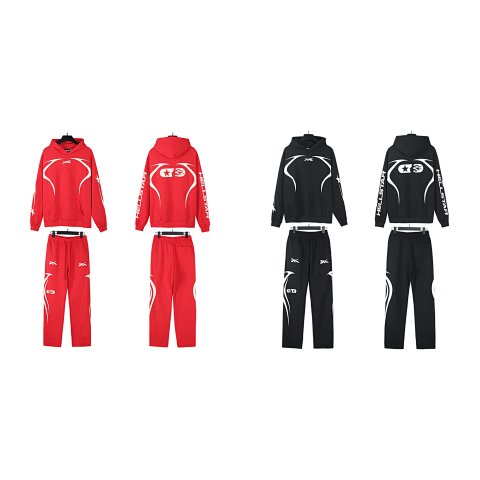
Hellstar Flame Graphic Hoodie and Pants Set
View Product →$59.72USD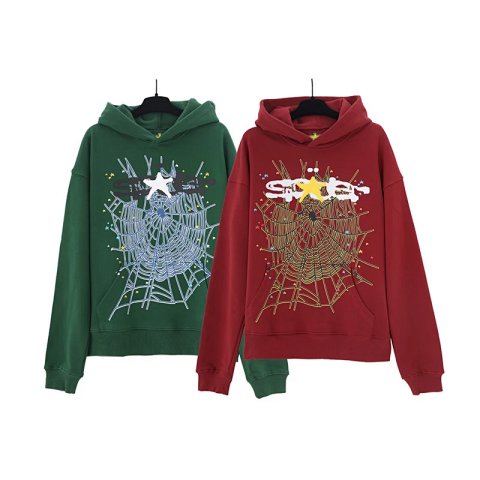
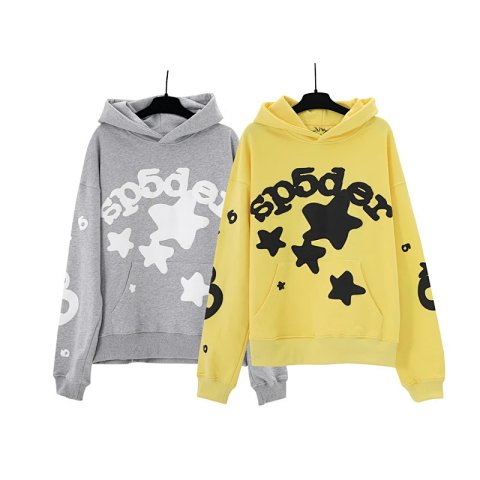
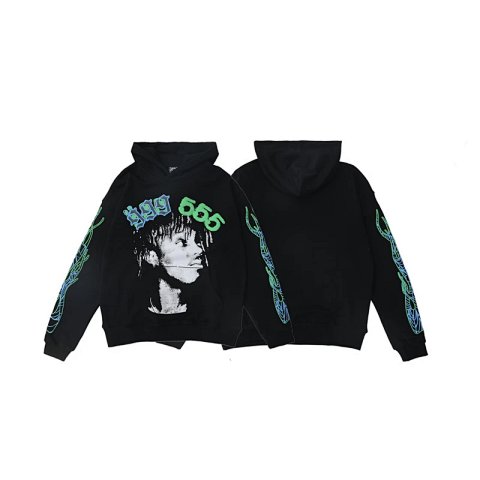
Hoodies & Sweaters · Graphic Hoodies
Vintage Portrait Number Graphic Sleeve Print Hoodie
View Product →$33.06USD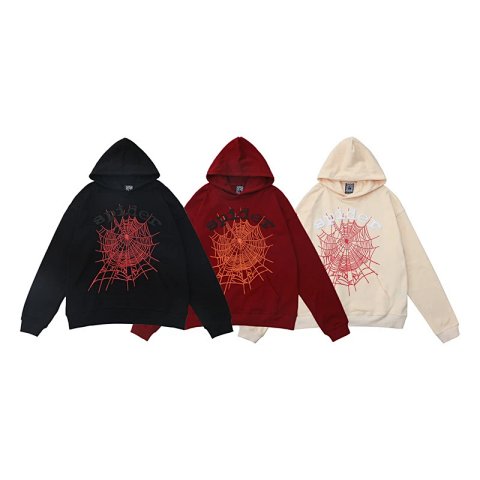
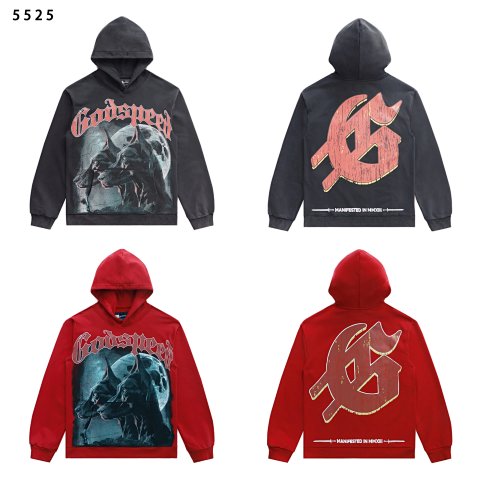
Hoodies & Sweaters · Graphic Hoodies
Godspeed Dog Head Print Washed Loose Hoodie
View Product →$33.06USD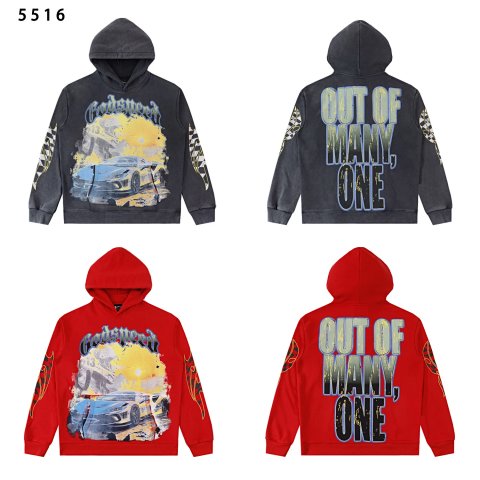
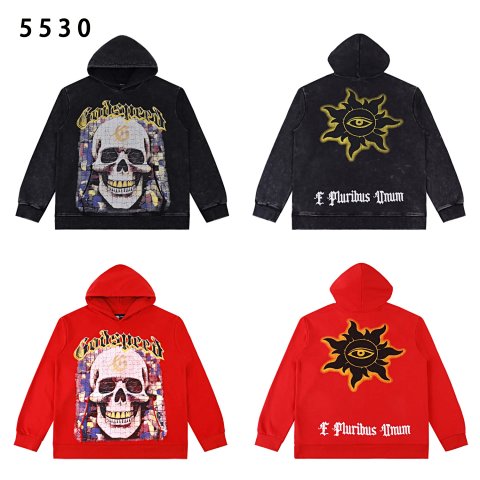
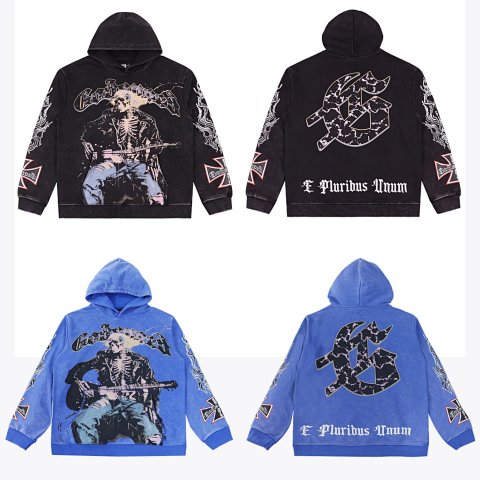
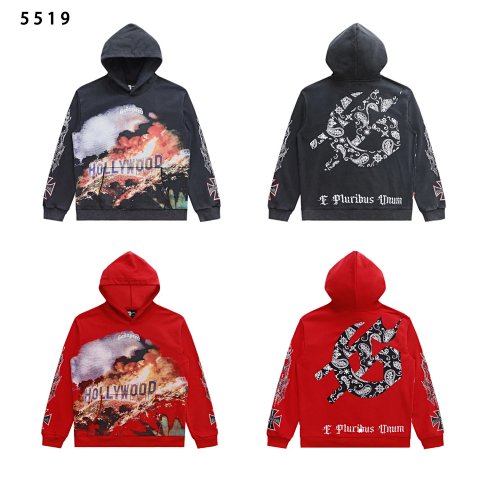
Hoodies & Sweaters · Graphic Hoodies
Godspeed Hollywood Mountain Fire Print Washed Vintage Hoodie
View Product →$33.06USD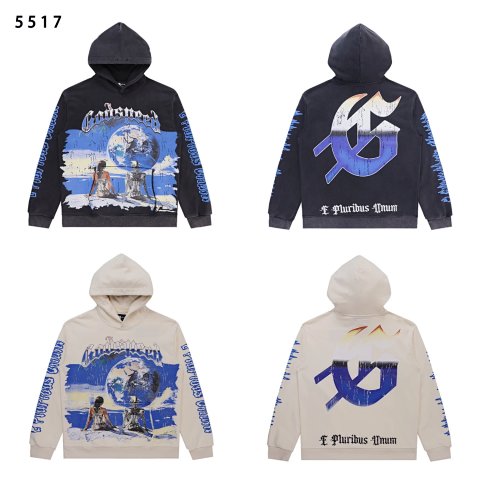
Hoodies & Sweaters · Graphic Hoodies
Godspeed Earth Print High-Weight Fleece Hoodie
View Product →$33.06USD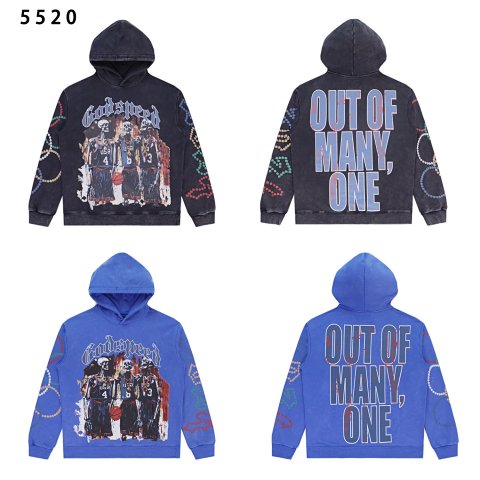
Hoodies & Sweaters · Graphic Hoodies
Godspeed Basketball Champion Poster Print Hoodie
View Product →$33.06USD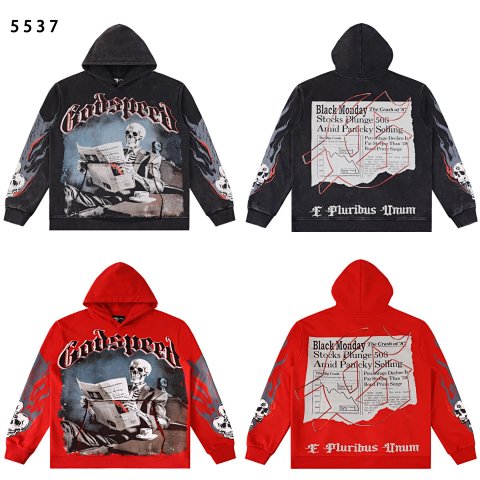
Hoodies & Sweaters · Graphic Hoodies
Godspeed Rocky Street Vintage Washed Graphic Hoodie
View Product →$33.06USD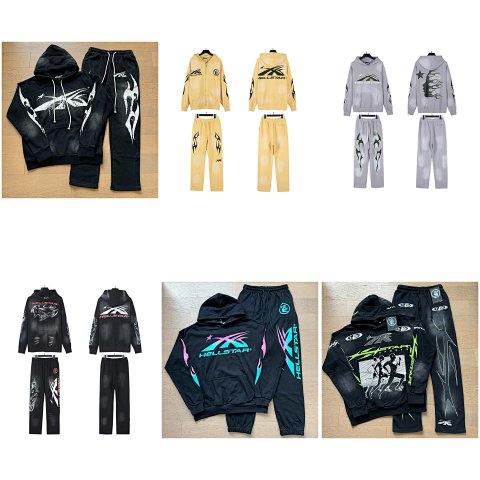
Researching Graphic Hoodies
Ask for the relevant surface
If your chosen graphic is on the back, a front-only QC photo is incomplete evidence. Request that view and compare placement relative to seams rather than image cropping.
Use this category in the Spreadsheet finder →
Related subcategories
Related guides
How to Compare Spreadsheet Listings
Compare two or three product references using the same options, price context, measurements and source details before choosing your next step.
Read guide →Catalog Photos vs QC Photos
Tell catalog, warehouse QC and user photos apart so you use each image for the decision it can actually support.
Read guide →Related categories
Research notes updated