
Socks
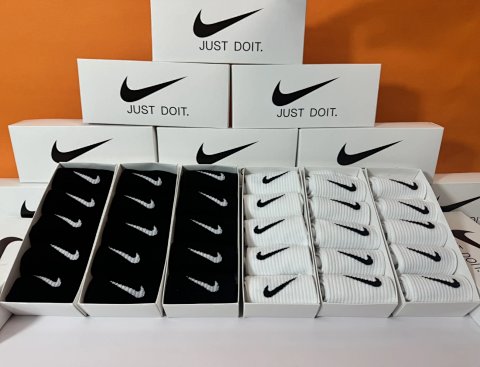
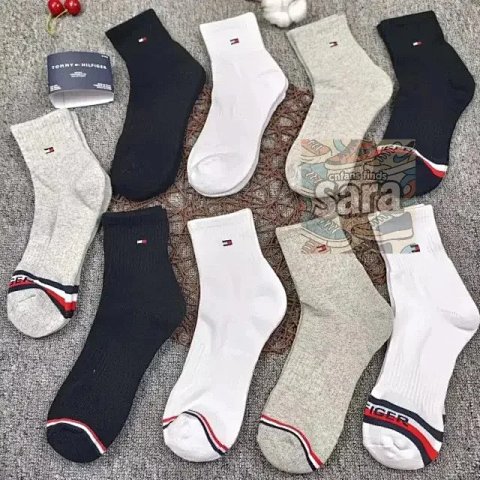
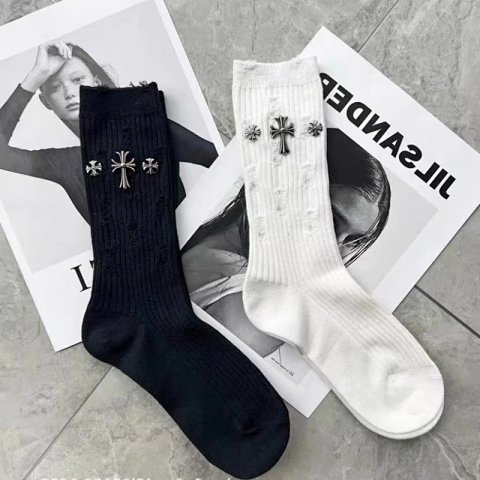
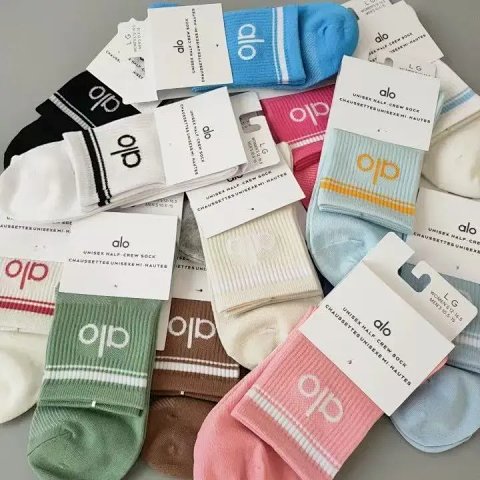
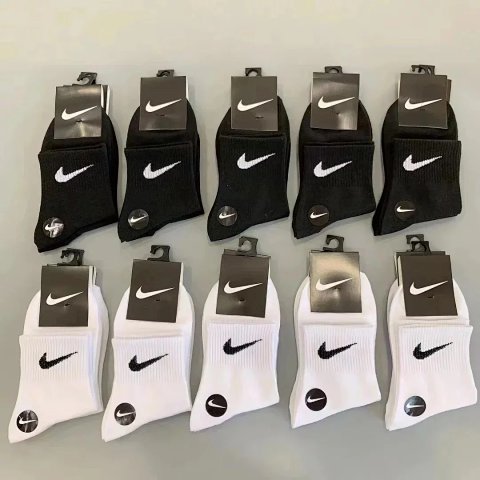
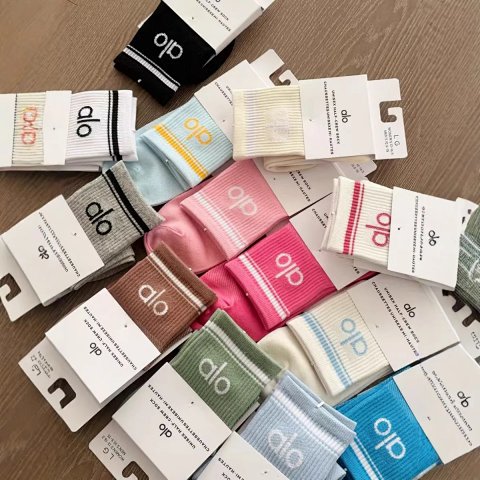
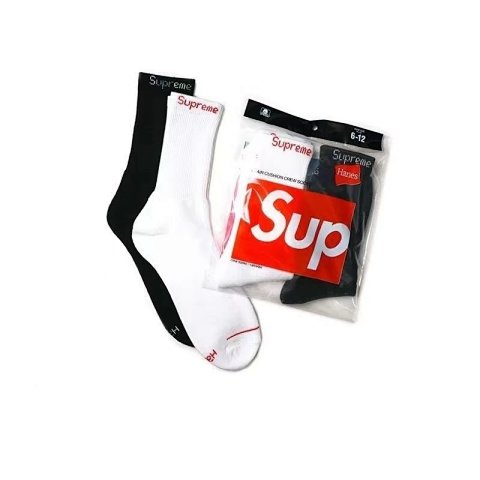
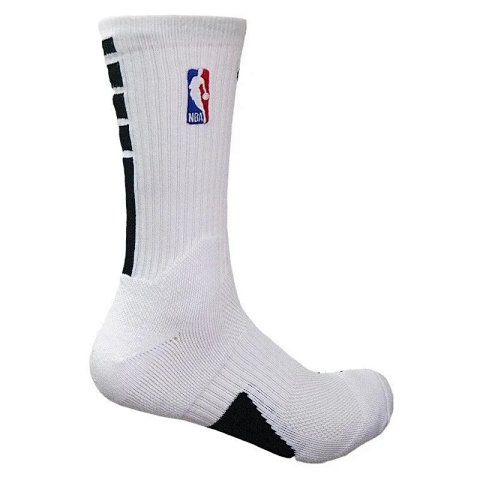
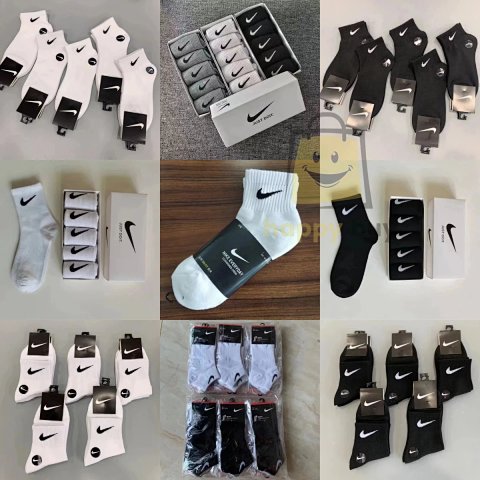
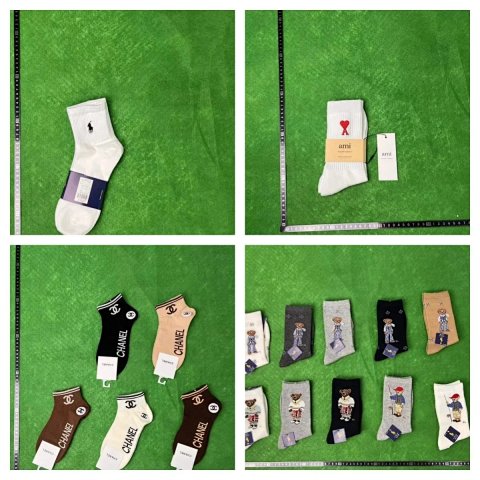
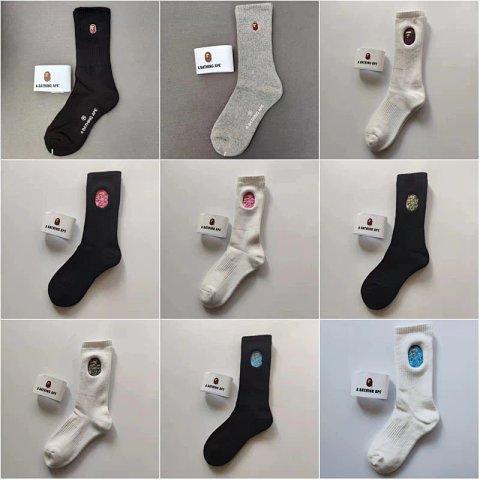
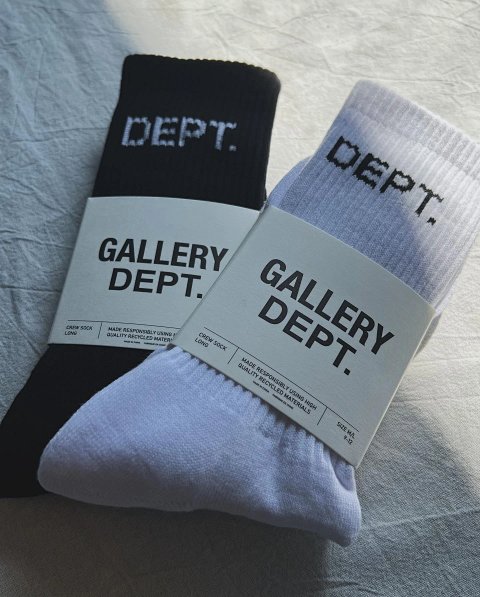
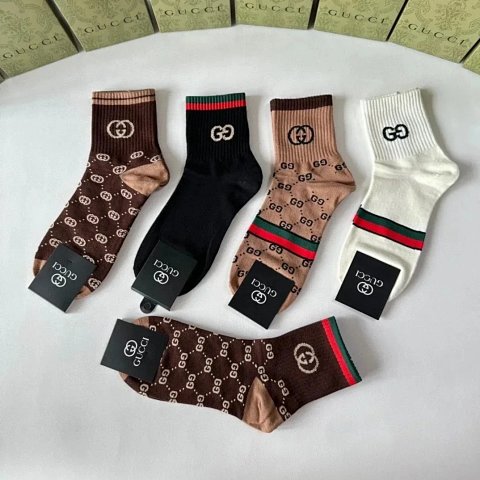
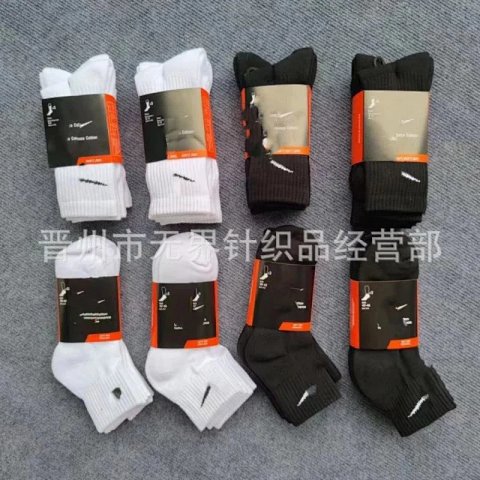
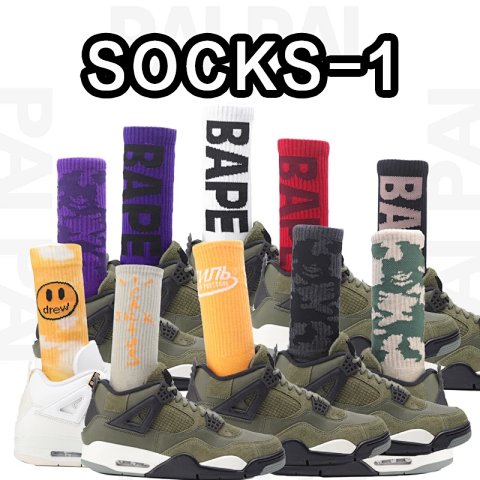
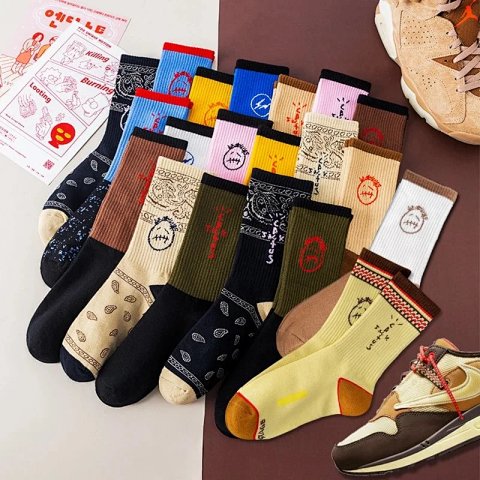
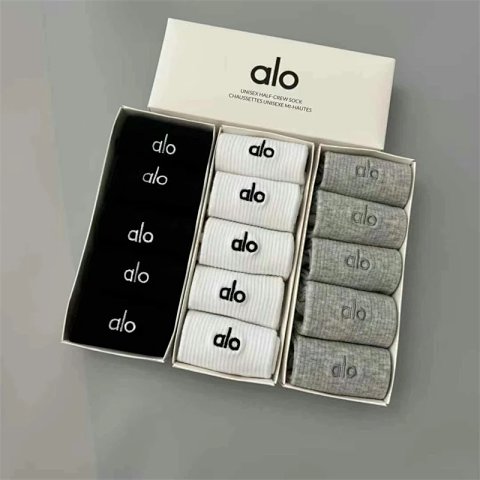
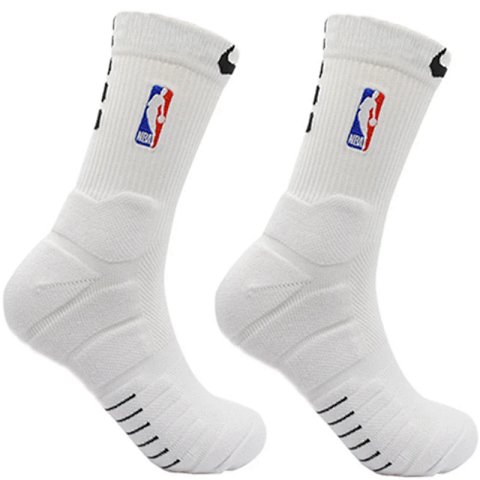
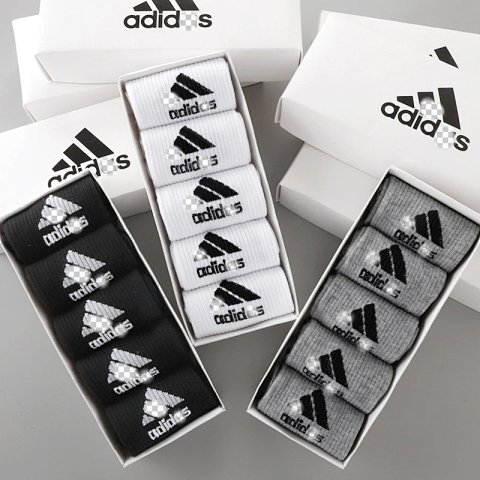
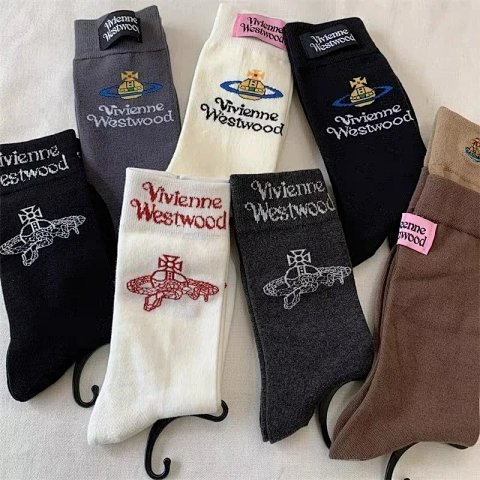
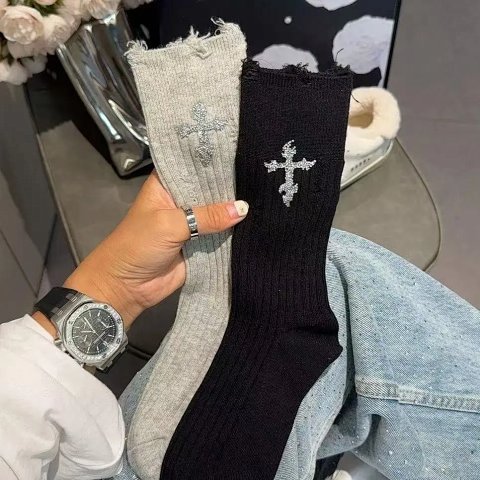
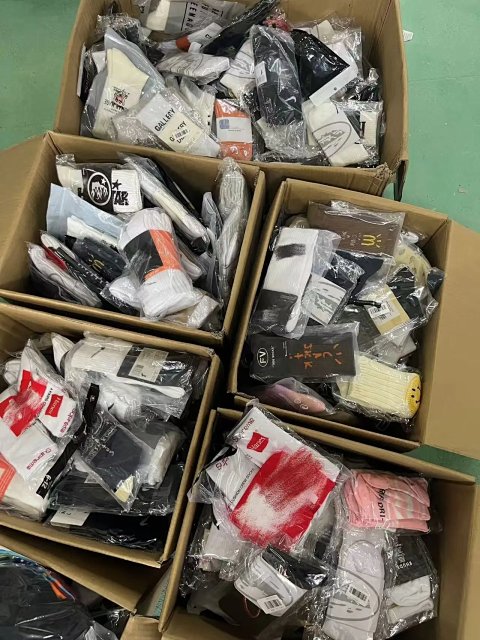
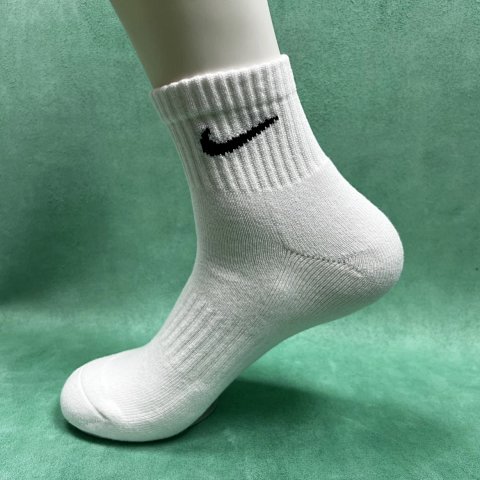
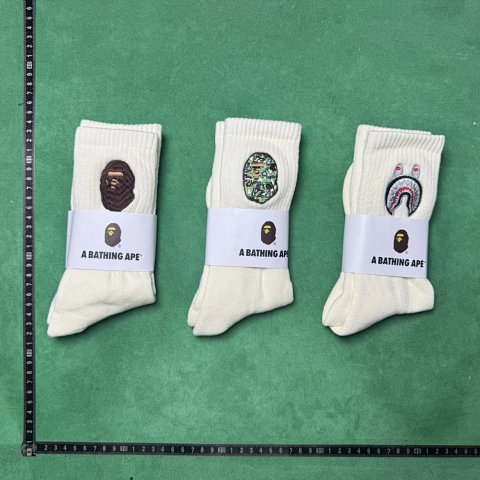
Socks can be listed as a pair, a multipack or a choice among several designs. Open the product record to establish the selected quantity and match its pattern with an option image and source ID. Check the stated size range and how the source describes length. A folded product image can obscure the heel or toe, and a model photo does not establish the fit range. Ask about unclear composition details if they matter to your choice. A sports-style shape does not prove cushioning or compression. Keeping quantity, size and design together helps prevent a mixed overview from becoming an inaccurate reference note.
Researching Socks
Count the selected pairs
QC photos should make the chosen designs and quantity visible. Request an unfolded view if the cuff, heel or toe construction is important to your comparison.
Use this category in the Spreadsheet finder →
Related subcategories
Related guides
How to Compare Spreadsheet Listings
Compare two or three product references using the same options, price context, measurements and source details before choosing your next step.
Read guide →How to Check QC Photos
Check warehouse photos against your order, use focused clothing and footwear checklists, and decide whether to proceed or request clearer evidence.
Read guide →Related categories
Research notes updated